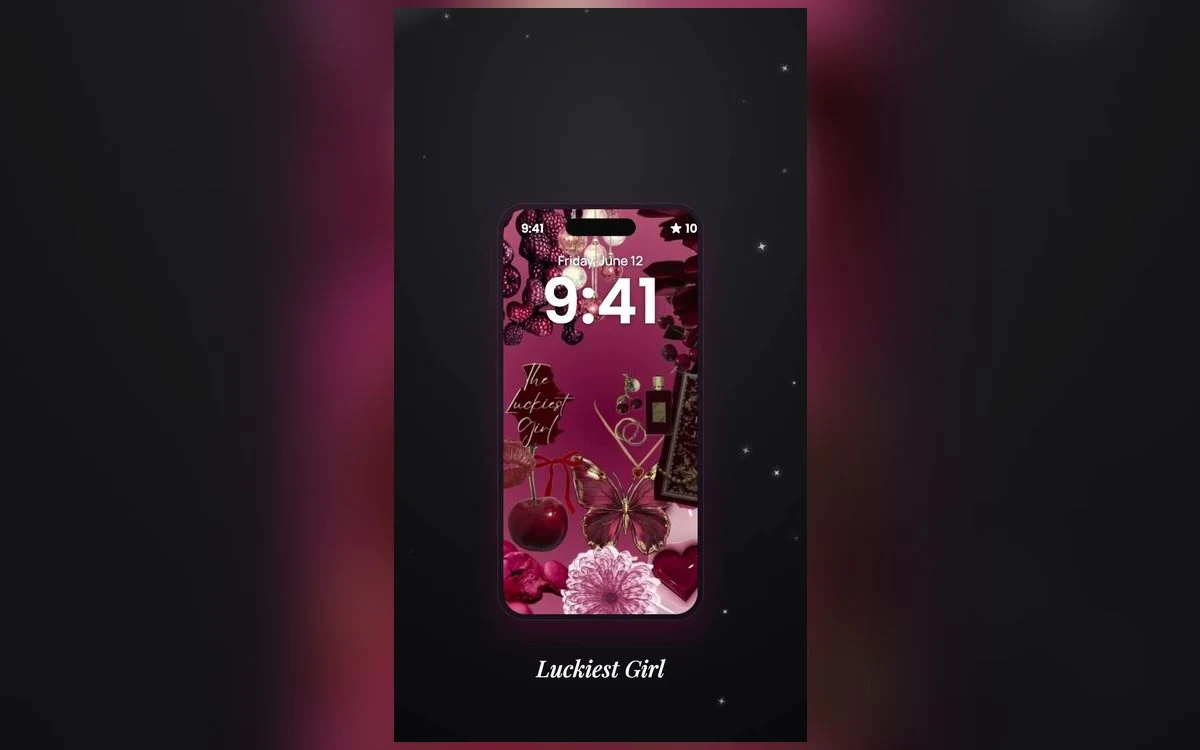
All-black wallpapers are the easiest thing to get right and the easiest thing to get boring. You set one, the screen goes quiet, your icons pop, and for about a week the phone looks like the most expensive object you own. Then it starts to feel like nothing at all.
The fix is not adding more stuff. A black background with a big graphic dropped in the middle has stopped being a black wallpaper.
What keeps a dark screen interesting is very small variation. A bit of texture, a slight gradient, one thing worth looking at that does not fight your icons for attention.
Pure black and almost black are two different choices
True black is a single value with nothing in it. On an iPhone with an OLED screen those pixels are effectively off, so the wallpaper melts into the bezel and the phone reads as one solid slab. That effect is real, and it is why so many people like the look.
The trade-off is that pure black has no shape. There is nothing for your eye to follow, so the screen ends up feeling empty rather than minimal.
Almost black is charcoal, near-black grey, very dark warm brown, deep ink blue. These still read as black at a glance, but they hold shading, so a soft gradient or a faint glow in one corner is actually visible. Most dark wallpapers that look expensive live in this range rather than at absolute zero.
Texture does more work than any graphic
The most reliable way to make a dark wallpaper interesting is texture instead of imagery. Fine grain, a matte paper feel, brushed metal, soft noise, the sheen of dark fabric, a barely visible marble vein.
Texture works because it gives the surface depth without giving it a subject. Your eye registers that something is there, but nothing pulls focus away from the apps and widgets sitting on top, which is the real job of a home screen background.
Grain has a second, practical benefit. Smooth dark gradients can show banding on some screens, where the fade between two similar shades appears as visible stripes rather than a smooth blend. A little grain hides that almost completely. It helps to compare options side by side, and the noir sets in Preppy Wallpaper: Pink Cute put grainy near-blacks next to flat true blacks in one place.
Judge it at low brightness, not full
A dark wallpaper is a different image at ten per cent brightness in a dim room than it is at full brightness outdoors. Set it, then look at it in the dark before you decide to keep it. Subtle gradients that look beautiful while you are browsing can collapse into a flat black rectangle at night, and the details that sold you are gone.
Follow along in Preppy Wallpaper: Pink Cute
Free on the App Store for iPhone and iPad.
App Store
One bright thing gives the eye somewhere to land
Minimal does not have to mean empty. Most good all-black wallpapers have exactly one point of interest: a thin light line, a small chrome object, a single cherry, a soft glow behind a shape, a scrap of foil catching light.
Keep it small and keep it off centre. A tiny bright detail in the lower third sits below the clock on the lock screen and below your top row of icons on the home screen, so it stays visible instead of being covered up.
One is the important number. Two points of interest on a black background start to read as a pattern, and three is just a picture. A busy dark wallpaper is a fine choice, but it is a different look and will not do the calming thing you were after.
What black does to your app icons
A dark background makes pale icons glow and dark icons disappear. That is worth planning for, since you do not control icons app by app without a fair bit of effort.
Recent iOS versions include dark and tinted icon appearances, and Tinted recolours every Home Screen icon into one shade to suit a dark background. You reach them by pressing and holding an empty part of the home screen and opening the customise options, though the wording varies by version. Tinted icons in a single muted colour are the quickest way to make an all-black setup look coordinated, and the whole job takes a minute.
Widgets need checking too. Dark widgets can vanish into a black wallpaper and leave text floating in space, which looks either excellent or broken depending on whether the widget has a visible edge.
The downsides nobody mentions
Black screens show fingerprints. A mostly white wallpaper hides smudges nicely, while a black one turns your display into a record of everything you have touched today. Dust on a screen protector becomes obvious in the same way.
Dark screens can also be harder to read outside. In bright sunlight, lock screen widgets sitting on a black background take more effort to glance at than the same widgets over something light.
Neither is a reason to avoid the look, just worth knowing before you decide your new wallpaper is faulty.
Quick answers
Does an all-black wallpaper save battery on iPhone?
On models with an OLED screen, black pixels are switched off rather than lit, so a black wallpaper does draw slightly less power than a bright one. The effect is modest, since the wallpaper is only visible on the lock screen and behind your icons, not while you are inside an app. On older LCD models the whole screen is backlit regardless, so there is no saving at all.
What is the difference between AMOLED and normal black wallpapers?
AMOLED wallpapers use pure black in the background specifically so those pixels can switch off on OLED screens. A normal dark wallpaper might use very dark grey, which still lights up. Side by side they look similar, but the pure black version blends into the edge of the screen more convincingly.
Why does my dark wallpaper look blotchy or striped?
That is usually banding in a smooth gradient, where the display cannot show every step between two close shades. Choosing an image with grain or texture in it, rather than a perfectly clean fade, avoids the problem in almost every case.
Can I have a black lock screen and a different home screen?
Yes. iOS sets the two as a pair, and while you are setting them up you can choose a separate image for the home screen or blur the lock screen one instead. A textured black lock screen with a plainer home screen version is a common combination.
Where to get it
The all-black and noir designs in Preppy Wallpaper: Pink Cute are a reasonable place to start, since they lean on texture and small accents rather than large graphics.
Set one, look at it at night, and keep whichever one still has something to see.