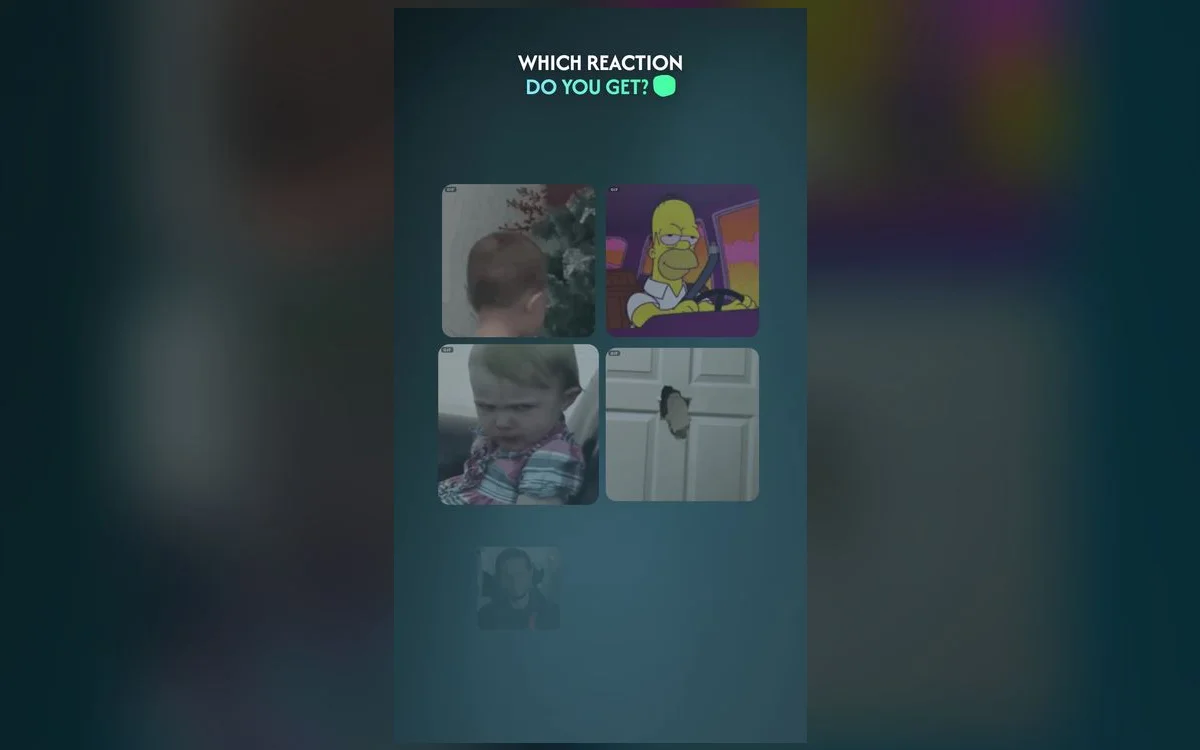
A great reaction GIF says more than a paragraph. It lands the joke, matches the mood, and keeps the chat alive. The trick is knowing which type to reach for — and having them a tap away.
Here are the reaction categories worth keeping ready.
The essential reaction types
- The "Monday me" — for tired, over-it, running-on-coffee energy.
- Crying-laughing — when something is genuinely too funny for words.
- Shocked / jaw-drop — for plot twists and "wait, WHAT?" moments.
- Slow clap & side-eye — the sarcastic reactions that win arguments.
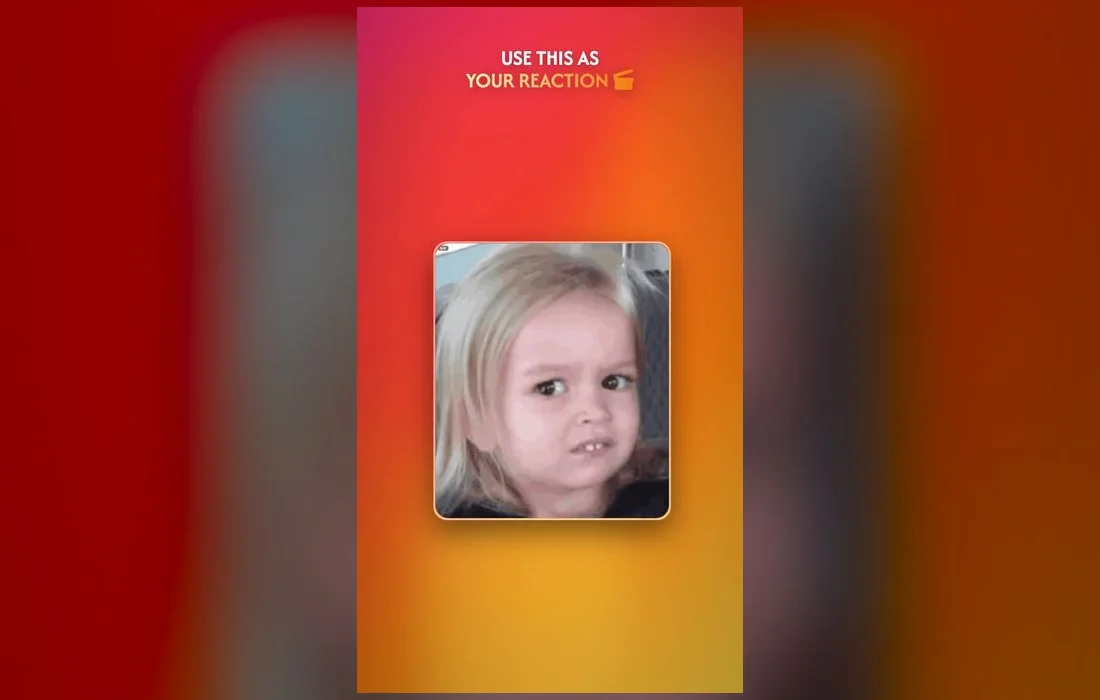
- The slow blink — polite confusion, for when the plan has changed a fourth time.
- Chef’s kiss — approval that doesn’t come out sounding sarcastic.
- The walk-away — for exiting a debate you were never going to win.
Seven covers almost everything. The goal isn’t range, it’s recall: you want to know which one you’re reaching for before you’ve even opened the keyboard.
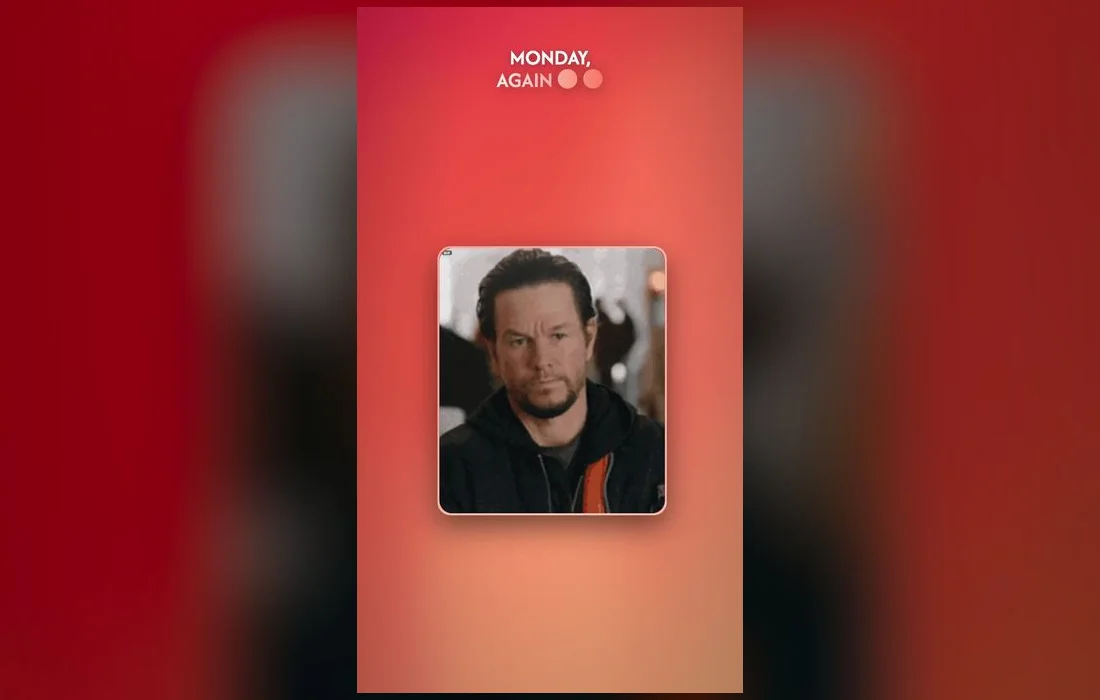
Match the GIF to the moment
The best-timed GIF fits the exact beat of the conversation:
- Someone shares big news → confetti, celebration, or a dramatic gasp.
- A plan falls through → an "of course" eye-roll or a defeated slump.
- The chat goes quiet → a "hello? anyone there?" tumbleweed.
- Someone’s being extra → a slow clap or a knowing side-eye.
- Someone posts a three-paragraph rant → popcorn, or a "reading intensifies" frame.
- The plan finally gets confirmed → a relieved collapse or a triumphant fist pump.
Send them in two taps
Scrolling the web for a GIF is slow. A GIF keyboard lets you search by mood and drop the reaction right in the chat:
- Install GIF Keyboard: Memes & Emoji, then open Settings → General → Keyboard → Keyboards → Add New Keyboard and choose it under Third-Party Keyboards.
- Tap its name in that list and turn on Allow Full Access so search can load results.
- In any chat, switch to it with the 🌐 globe key — press and hold the globe to jump straight there.
- Search a feeling — "shocked", "crying", "monday" — and tap to send.
Keep your greatest hits ready
Favorite the reactions you use most so they’re always first in line. When the group chat heats up, you won’t miss the moment searching.
The unwritten rules
Sending a lot isn’t the same as sending well. A few habits separate the person everyone screenshots from the one people mute:
- One per beat. Two GIFs back to back from the same person reads as noise, not comedy.
- Never GIF over real news. If someone’s upset, type actual words first. The reaction can come later.
- Let a joke breathe. Firing a reaction three seconds after the setup steps on it. Ten seconds later it lands.
- Read the room’s temperature. A chaotic friend group and a family thread do not run on the same material.
When the GIF doesn’t send
- It arrives as a still image. Some platforms flatten GIFs on upload. Messages, WhatsApp and Discord keep the animation.
- Search returns nothing. Full Access is off. Settings → General → Keyboard → Keyboards, tap the keyboard, switch it on.
- It hangs on "sending". Long, heavy GIFs struggle on a weak signal. Pick a shorter loop and it goes through.
- The keyboard isn’t in the globe list. Re-add it in Settings → General → Keyboard → Keyboards → Add New Keyboard.
Questions people actually ask
What’s the fastest way to send a GIF in iMessage?
Switch to your GIF keyboard with the globe key and tap the one you want — it drops straight into the message field. Favoriting your regulars cuts it to a single tap, since you skip the search step entirely.
Do reaction GIFs work in WhatsApp, Discord and Instagram?
Yes. A keyboard works in any app with a text field, so the same reactions are available in DMs, servers and comments. Animation survives in chat apps; some feed posts convert GIFs to video or a flat image on upload.
How do I stop sending the same GIF every time?
Rebuild your favorites every month or so. Keep the three you genuinely love, clear the rest, and replace them from the trending tab. It takes two minutes and instantly refreshes how you sound in a thread.
Are GIFs annoying in a work chat?
They’re fine once someone else has set the tone. Match the volume of the room: one well-chosen reaction to a team win reads as friendly, while a stream of them in a project thread reads as noise.
Where to get them
All the reactions above — and thousands more, refreshed weekly — live in GIF Keyboard: Memes & Emoji, a free iPhone keyboard you can use in any app. Add it once and you’ll always have the perfect reaction ready to fire.