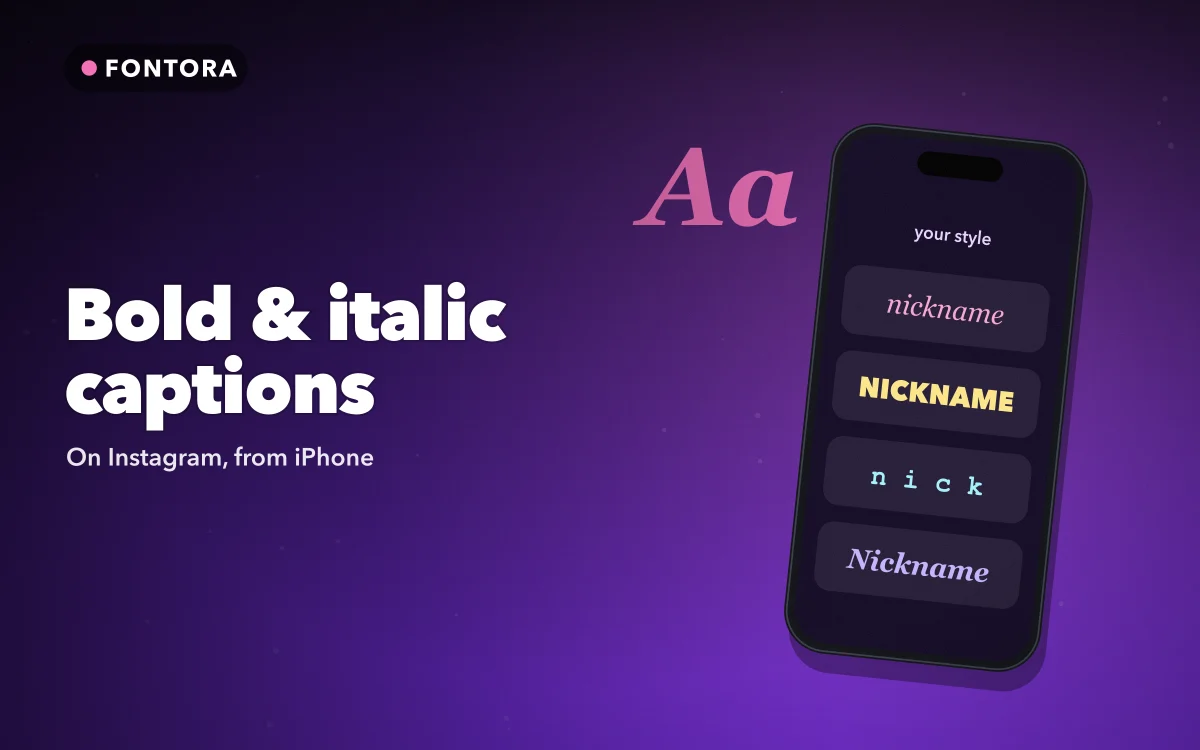
A bold first line makes a caption easier to scan, and a single italic word can add emphasis that plain text cannot. The catch is that Instagram has no formatting options in captions. There is no bold button and no italic button. So how do people add bold text in Instagram captions?
They use Unicode characters that look like bold or italic letters. This guide explains how to type them on iPhone, where they help, and where they cause problems.
Why there is no bold button
Instagram captions are plain text. Whatever you type is stored and shown as ordinary characters, with no formatting attached.
Unicode, the standard that defines text across devices, includes several sets of letters designed for mathematics: bold, italic, bold italic, script and more. They look like styled versions of normal letters, but they are separate characters. Because they are characters, Instagram shows them as typed, so your caption keeps its bold and italic on everyone's screen.
How to type bold text on iPhone
With Fontora, you have two options.
Type it directly. Fontora is a fonts keyboard. Enable it once, switch to it with the globe key while writing your caption, choose bold, and type. It works with 32 included styles without turning on Full Access.
To set it up, open Fontora and follow the setup, then go to Settings, General, Keyboard, Keyboards, Add New Keyboard and choose Fontora.
Copy from Style Studio. Type your line once in the app, preview all 80 styles, copy the one you want, and paste it into the caption. This is useful when you want to compare several looks.
If the keyboard does not appear when you switch, our guide to fixing a custom keyboard that is not working covers the usual causes.
Follow along in Get Fontora on the App Store
Free on the App Store for iPhone and iPad.
App Store
Where bold and italic help most
The first line. Instagram shows only the beginning of a caption before "more". A bold hook line gives people a reason to tap.
Section labels. In a longer caption, such as a recipe or a tutorial, bold labels like "Ingredients" or "Step one" make it easier to scan.
One emphasised word. A single italic word can change the tone of a sentence without shouting.
Calls to action. A short bold line at the end, such as "Save this for later", stands out from the paragraph above.
The common thread is restraint. A caption that is entirely bold is harder to read than a plain one.
Never style your hashtags
Hashtags only work when they are written in plain letters. A hashtag typed in bold or italic Unicode is a different set of characters, so Instagram does not link it to the real tag, and nobody browsing that tag will find your post. Style your words, but keep every hashtag plain.
Readability and accessibility
Styled Unicode letters are not read like normal text by every system.
Screen readers. VoiceOver and other screen readers may read styled letters one by one, describe them by their technical names, or skip them. Someone using a screen reader may not understand a styled line at all.
Search. Instagram search and other search tools may not match styled letters to plain words.
Display. Most modern phones show common bold and italic letters, but rarer styles can appear as empty boxes on older devices.
A good rule is to keep the important information plain: what the post is about, the key details and any instructions. Use bold and italic for emphasis around that, not in place of it.
Other places this works
The same technique works anywhere that accepts Unicode text: your Instagram bio, comments, Stories text, and other apps. For bio ideas in particular, our guide to cute fonts for bios and captions has examples.
Fontora also includes bio and caption templates for creator profiles, business pages, birthdays, travel and more. Edit the text, apply a style and copy.
A simple caption layout
Here is a layout that uses styling well:
- Bold hook line that makes people want to read on.
- Two or three plain sentences with the main point.
- Bold section labels if there are steps or a list.
- A short bold call to action.
- Plain hashtags at the end.
It looks polished, it is easy to scan, and the parts that matter still work for search and screen readers.
Before posting, read the caption once on your own profile preview. Styled letters can look heavier on screen than you expect, and a line that seemed fine while typing may feel loud next to the photo. If it does, switch the bold line to small caps or italic, which are lighter, or keep only the first two or three words styled. Saving a caption you like as a template in Fontora means you can reuse the same structure on your next post without starting again.
Quick answers
Can you bold text in Instagram captions?
Not with formatting. Instagram captions are plain text, so bold comes from Unicode bold letters that you type with a fonts keyboard or paste in.
Do bold hashtags work on Instagram?
No. Hashtags must be in plain letters to link to the tag. Styled hashtags will not be found by people browsing it.
Will everyone see my bold Instagram caption?
Most people on modern devices will. Some older devices show rare styles as boxes, so stick to common bold and italic.
Where to get it
Fontora is a private fonts keyboard with 32 styles you can type straight into Instagram, plus 80 styles in Style Studio and ready-made caption templates. Get Fontora on the App Store for iPhone.
Bold the hook, keep the hashtags plain and let the rest of the caption breathe.
