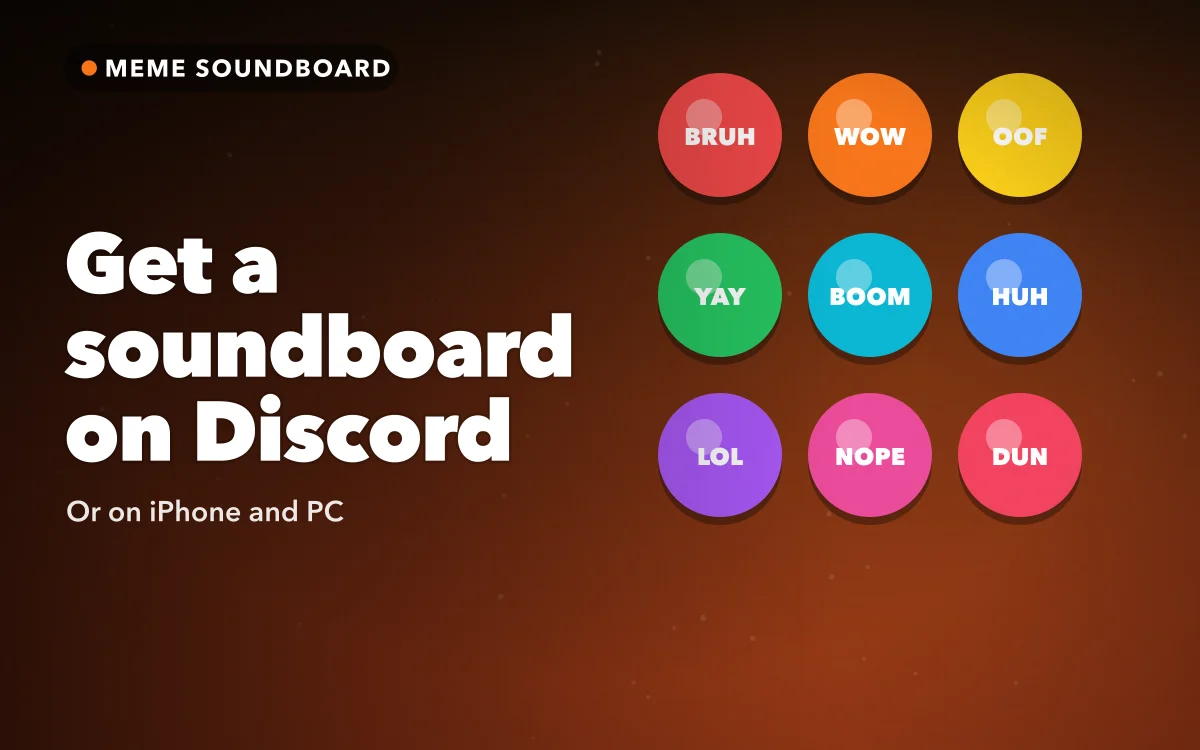
Most people working out how to get a soundboard want one thing: a Vine Boom landing in a voice channel at exactly the right moment. If that voice channel is on Discord, you already have one, with nothing to install.
The catch is that an iPhone app cannot be plugged into a call on the same phone, and knowing why decides which route below suits you.
Which kind of soundboard you actually mean
The word covers three unrelated things.
- A board of buttons that play short clips. Meme soundboards, Discord's Soundboard, phone apps. This guide is about these.
- A live-sound mixing desk. A "soundboard recording" of a concert was taken straight from the desk rather than from a microphone in the crowd.
- The resonating wooden panel of a piano or top of a guitar, which carries the vibration of the strings.
Calling a friend your "soundboard" is usually a mix-up with "sounding board": someone you test ideas on.
The one you already have: Discord's built-in Soundboard
Discord has a soundboard built into voice channels, on desktop and in its mobile apps, and in direct-message and group calls too. Open it from the voice controls at the bottom of the call screen. You get Discord's default sounds, plus any the server has added.
Three things to know:
- Sounds belong to a server. Each server can add its own clips. Playing a sound from a different server needs Nitro.
- Staff decide who plays and who uploads. Both are role permissions. If the button is missing or greyed out, the server has probably limited it, which is a choice rather than a bug.
- Each listener sets their own level. The soundboard volume under Voice & Video in Discord's settings changes only what you hear.
If your server wants a particular clip, a Vine Boom for instance, someone with permission to add expressions can upload a short one under Server Settings, then Soundboard; the desktop app or a browser is the dependable place to do it.
Discord plays these sounds itself rather than through your microphone, which is why they arrive clean and why this is the most reliable route into a call.
Follow along in Meme Soundboard: Funny FX 2025
Free on the App Store for iPhone and iPad.
App Store
How to get a soundboard on iPhone for Discord
- Join the voice channel in the Discord app.
- Pull up the panel at the bottom of the call screen.
- Tap the soundboard button in the call controls, then tap a sound.
If the button is missing, update the app, then check whether your role is allowed to use it. Also make sure you are not deafened, since a deafened user hears no soundboard sounds.
Why an iPhone app cannot play into your call
On a PC, soundboard software creates a virtual audio device: a pretend microphone that mixes your voice with the clips. Discord listens to that instead of the real mic.
iOS has no system-wide virtual audio device. One app cannot feed its audio into another app's microphone input, so no soundboard app on the same iPhone can be routed into a Discord, FaceTime or Google Meet call that way.
Playing the sound out loud from the same phone is unreliable. Call apps use echo cancellation built to remove the phone's own speaker output, so friends do not hear themselves echoed back, and a sound effect from that speaker looks exactly like an echo. iOS may also lower or pause one app's audio during a call. Sometimes a clip gets through; often it does not.
The second-phone setup for PC calls and streams
The dependable route is a second device. The call or stream runs on your PC or console, and the iPhone plays sounds beside the microphone you talk into, so to the mic a clip is just something in the room. A free meme soundboard on iPhone suits this, as well as sounds in the room or while filming.
- Distance matters more than volume. Hold the phone close to the mic, speaker facing it, at moderate volume. Loud and close will distort.
- Noise suppression can cut sound effects. Filters like Discord's Noise Suppression setting, under Voice & Video, are built to keep speech and remove the rest, and a sound effect is not speech. If clips arrive chopped or vanish, turning it down for the session can help, at the cost of letting fan and keyboard noise through.
- Wired is cleaner, if you already have the kit. If you own a mixer or audio interface with a spare line input, a cable from the iPhone's headphone output, through a USB-C or Lightning adapter, bypasses the air and the noise filter.
For video work, the sound effects YouTubers use covers which clips land and where.
Test it with one person first
Before relying on a setup, ask one friend what they actually hear. A sound that is loud in your room can arrive faint, clipped or not at all once the call's filters have had their turn.
Soundboard manners in a voice channel
Misused, a soundboard is the quickest way to get the feature switched off for everyone. The instincts are the same as with GIF etiquette: timing is the whole joke.
- Follow the server's rules. If sounds are limited to certain channels or roles, there is a reason.
- One sound, then stop. Stacking clips or firing them over someone talking is spam, and the usual reason staff remove the permission.
- Keep them out of serious channels. Support channels and someone having a bad day are not the moment.
- Mind the level. An air horn at full volume in someone's headphones is not funny for long. The safe listening guide covers how loud is too loud.
- Be careful with music on streams. Clips containing copyrighted music can trigger copyright action, and Twitch and YouTube both enforce music rights. Prefer short effects to song snippets; this is not legal advice.
Quick answers
How much does a soundboard cost?
It depends on which kind you mean. Discord's default sounds cost nothing, phone apps can be free to download, PC software ranges from free tiers to paid, and a hardware mixing desk is a different product entirely.
Do I need Nitro to use the Discord soundboard?
Not for the default sounds or the ones your current server has added. Nitro is needed to play a sound from a different server.
Can I play sounds from an iPhone app into a Discord call on the same phone?
Not reliably. iOS cannot route one app into another app's call, and echo cancellation tends to remove sound played from the same phone. Use Discord's own Soundboard, or a second device beside your mic.
Why can nobody hear my soundboard?
With Discord's Soundboard, check that your role is allowed to use it, and that listeners are not deafened and have not turned their own soundboard volume down. With a phone beside the mic, the usual culprits are distance and noise suppression.
Where to get it
Meme Soundboard: Funny FX 2025 is free to download and puts tap-to-play sounds such as Vine Boom, Bruh and Air Horn into Meme FX, Funny FX and General FX, with favourites for the ones you reach for most. It is the second device beside your mic, or the soundboard for the room.
For a voice channel, try Discord's own button first. It is already there.