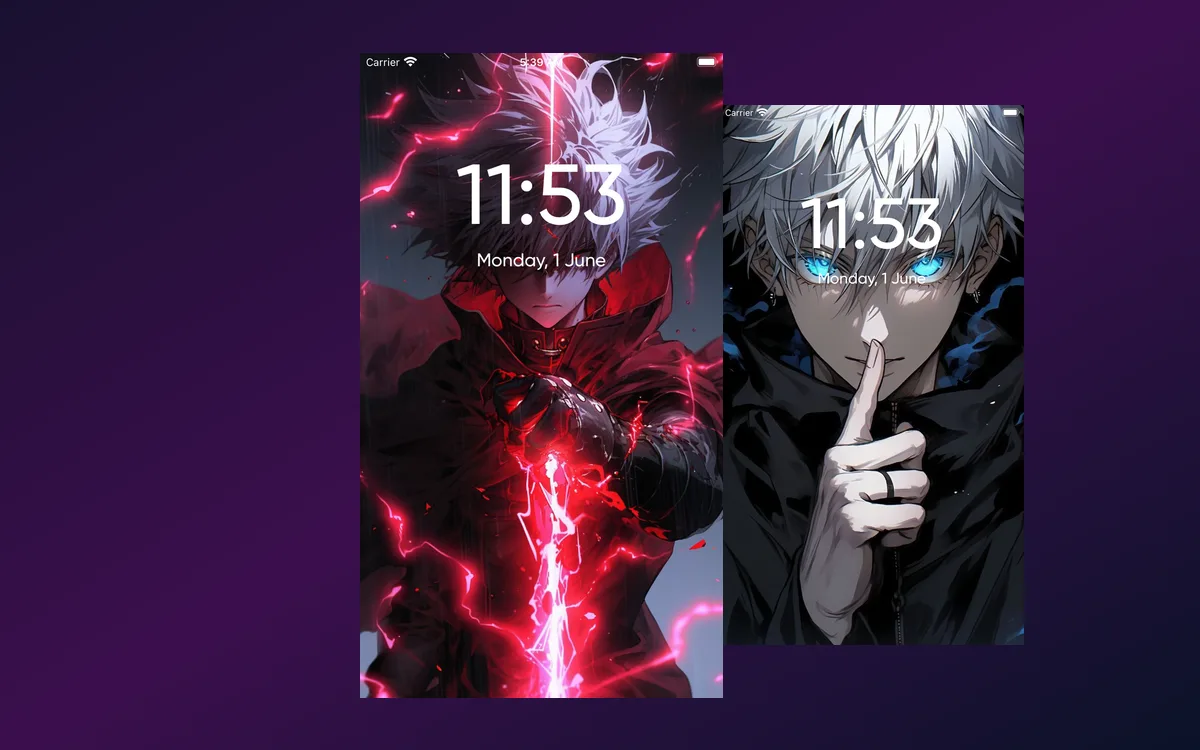
A still poster is fine. A wallpaper that moves when you pick the phone up is the thing people actually notice, and anime is the genre it suits best — the art is already designed to be looked at in motion.
Below are fifteen looks worth setting, grouped by the mood they create, plus what iOS actually does with an animated wallpaper once you have set one.
What separates a good live wallpaper from a bad one
Not every animated file works on a phone. The ones that do share four things.
- A loop with no visible seam — no jump at the moment it restarts.
- A dark or high-contrast upper third so the clock stays readable without changing its colour.
- Genuine source resolution — anime is built from clean line art, and line art is the first thing an upscale destroys.
- Restrained motion — drifting particles, a flicker, hair moving. Frantic animation is tiring to look at repeatedly.
Fifteen looks worth setting
Bold and high-energy
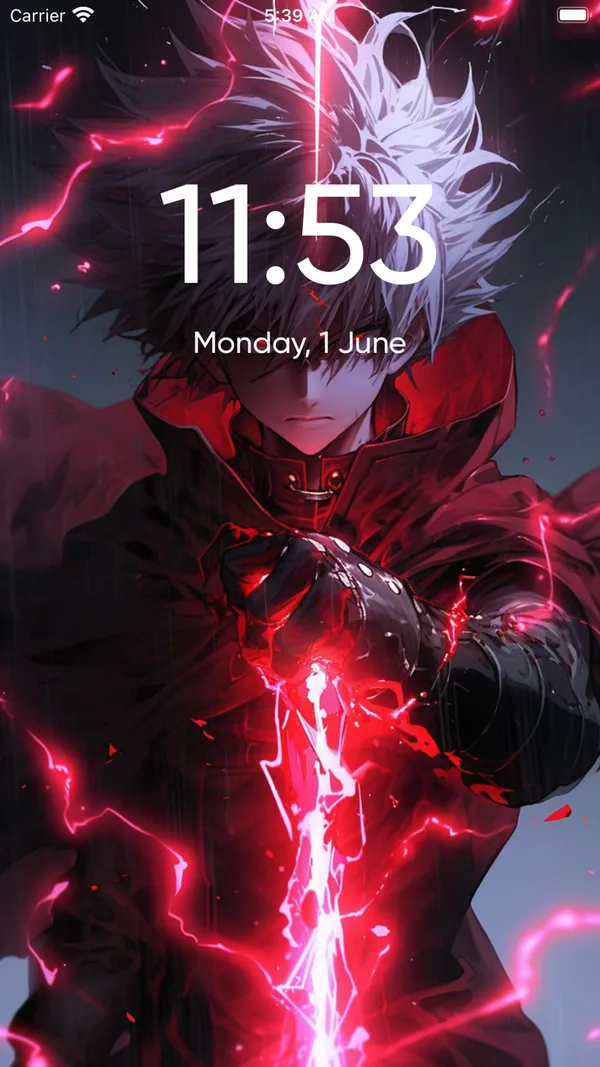
- Battle frames — a single dramatic moment from a shonen fight, held rather than replayed.
- Power auras — a character with energy building around them, which loops naturally.
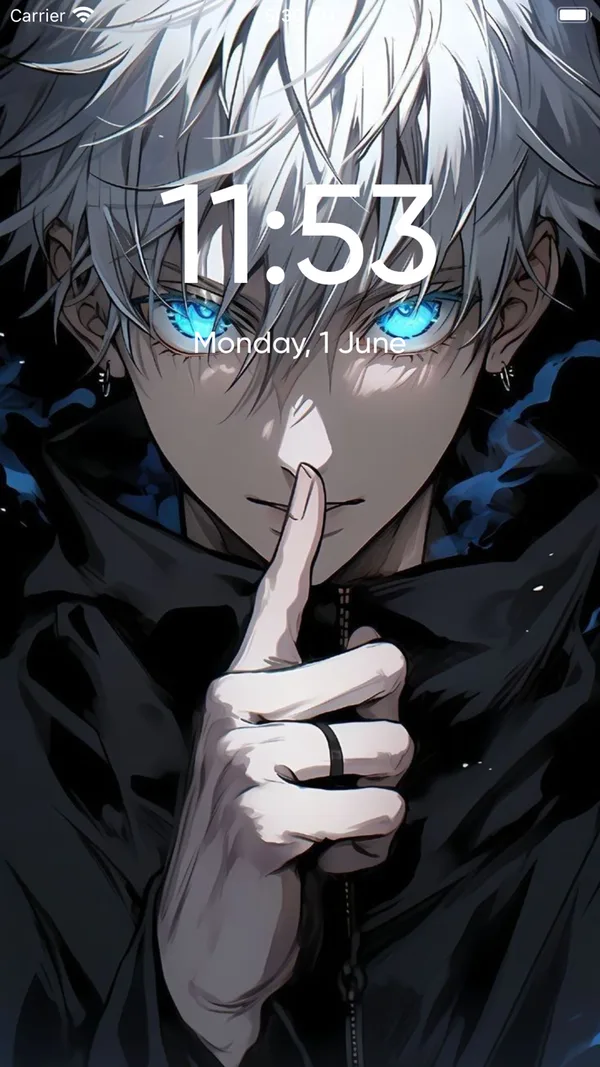
- Glowing-eye portraits — one face, one bright point, minimal movement.
- Weapon close-ups — a blade, a gauntlet, sparks. Reads instantly at a glance.
- Transformation moments — the frame just before or just after a change.
Calm and aesthetic
- Lofi room scenes — desk, window, rain, one lamp. The most-set style there is.
- Sunset silhouettes — a figure against an orange sky with clouds drifting.
- Cherry blossom drift — petals crossing the frame, nothing else happening.
- Rain on glass — water moving down a window with a blurred city behind.
- Night sky and stars — slow, dark, and the cheapest of all on an OLED screen.
Graphic and stylised
- Neon-lit street scenes — signage, reflections, a figure walking away.
- True-black AMOLED cuts — one subject on pure black, which is unlit on an OLED panel.
- Retro 90s grain — warm tones, film noise, a nostalgic palette.
- Minimal line art — a single outlined figure on a flat ground.
- Seasonal picks — whatever is airing now, refreshed through the year.
What iOS actually does with the motion
Worth setting expectations, because this is the most common disappointment. Nothing on an iPhone lock screen loops continuously in the background. Motion happens at moments — when you wake the phone, when you unlock it, when you tilt it — and then the image holds still. So a live wallpaper plays for a second or two each time you pick the phone up, which is correct behaviour rather than a fault. The home screen has never animated on iPhone, on any version, and on the Pro models the always-on display shows a dimmed still frame while the phone is idle.
Browse by mood, not by series
The habit worth changing, and it takes one browse to see why.
Searching a character name returns the same recirculated set everyone else has already set. Browsing by colour or mood returns work you have not seen, because nobody arrives at it by typing a name.
It also produces a better match. A lock screen is looked at in one-second glances many times a day, so the question that matters is not which series you like most — it is how you want the phone to feel when you pick it up. Those are genuinely different questions, and the second one has a better answer.
The practical version: pick the mood first from the three groups above, then narrow to a series inside it. You end up with something that suits the phone rather than something that suits your watchlist.
Setting one, step by step
- Open Anime Wallpaper 4K – Live and browse by style or by series.
- Tap a wallpaper to preview the animation full-screen in a phone-shaped frame.
- Save it straight to your Photos library.
- Touch and hold your lock screen while the phone is unlocked, tap the plus button, and choose Photos.
- Pick the saved image and check the Live badge is switched on.
- Tap Add, then Set as Wallpaper Pair. Lock the phone and wake it to see it play.
Getting more out of it
- Blur the home screen. In the editor, tap Customise, open the Home Screen panel and choose Blur. You keep the colour and lose the detail that fights with app labels.
- Change the clock colour before deciding an image does not work. Tap the time and pick a shade from the picture — it rescues a lot of bright wallpapers.
- Use Focus modes. Build more than one lock screen and attach each to a Focus, so the phone changes with what you are doing.
- Prefer dark for battery. On an OLED iPhone unlit pixels draw no power, so a dark loop genuinely costs less than a bright one.
Quick answers
Why does my live wallpaper not move?
Check Reduce Motion in Settings, Accessibility, Motion, then check Low Power Mode. If both are off, open the picture in Photos and confirm the badge still says Live rather than Off.
Does the home screen animate too?
No, and it never has on any version of iOS. Live wallpaper is a lock screen feature only.
Do live wallpapers drain the battery?
Only slightly, since the image is still most of the time. Screen brightness and screen-on time cost far more than the animation does.
Why did the motion disappear after I shared the file?
A Live Photo is a still plus a paired video, and chat apps, uploads and most editors separate the two. Save from the app straight into Photos and set it from there.
Where to get them
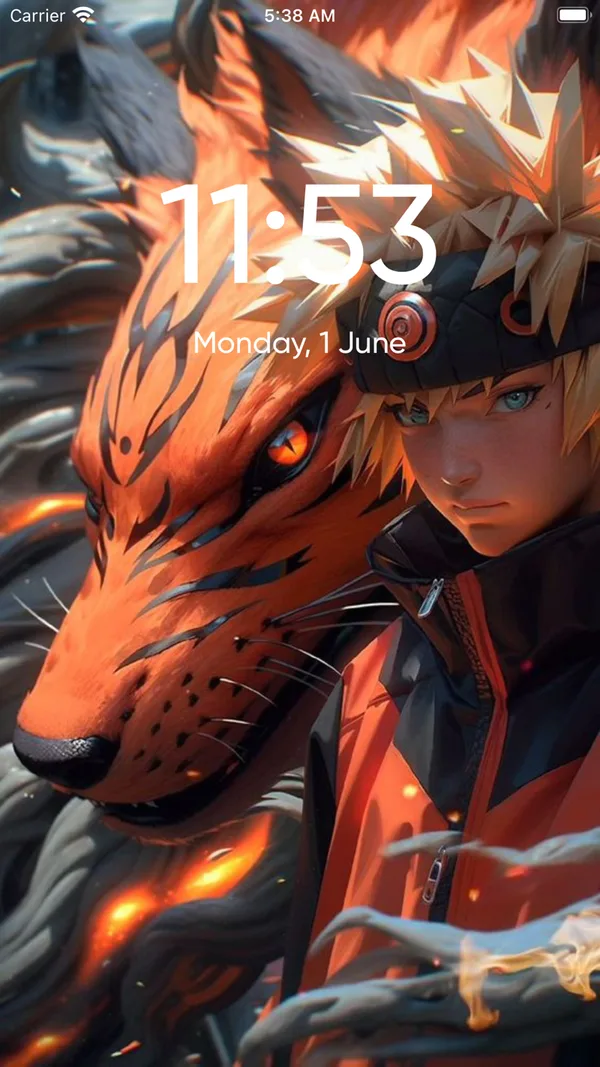
All fifteen looks are in Anime Wallpaper 4K – Live, in both still and live versions, previewed at full size in a phone-shaped frame so you can see where the clock falls before saving.
Pick a dark one first. It is easier to live with, easier to read the clock on, and cheaper on the battery.