Rock and metal are dense — lots of instruments fighting for the same space. A good EQ carves out room so the guitars crunch, the drums punch, and the vocals still sit on top. Here’s how to set it on iPhone.
The rock & metal EQ formula
Start here, then tune to taste:
- Tighten the low end — a modest lift at 80–100Hz for punchy drums, not boomy mud.
- Cut the mud — a gentle dip around 300–500Hz clears space for the guitars.
- Bring out the guitars — a lift around 1.5–3kHz gives crunch and bite.
- Add clarity up top — a small boost at 8–10kHz for cymbal sparkle and vocal air.
Keep every move small. Two or three decibels is plenty on a phone, and cuts are safer than boosts because they make room instead of adding energy the mix has to fight. If you only do one thing, do the 300–500Hz dip — it’s the single change that makes a wall of guitars turn back into individual guitars.
Why the built-in EQ falls short
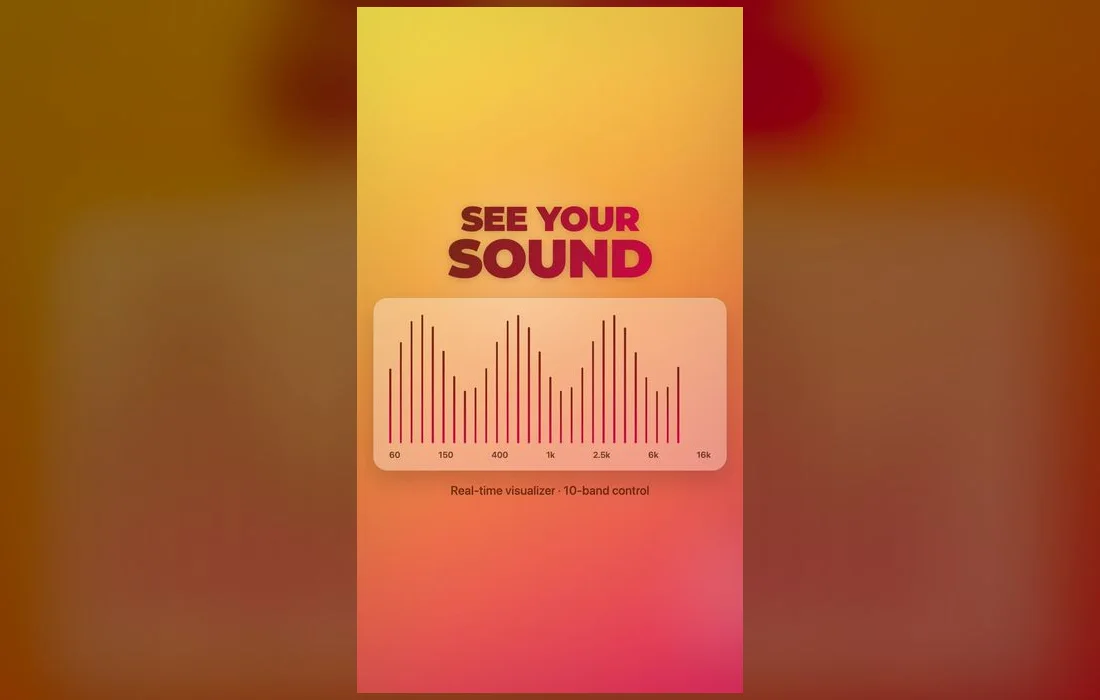
iOS’s "Rock" preset is a single fixed curve — no way to fine-tune. With dense metal mixes especially, you need control over the mids to keep the guitars from turning to mush. A full 10-band EQ gives you that, across every app, not just Music.
There’s a second catch. The iOS equalizer lives at Settings → Music → EQ, and it only applies to the Music app — nothing you set there touches YouTube, Spotify or a podcast player. While you’re in that menu, check Sound Check too: it flattens everything to the same loudness, which squashes the dynamics that make a good drum take hit.
Clarity over loudness
Metal mixes are already loud — the goal isn’t more volume, it’s separation. Cutting the low-mids does more for clarity than any boost.
Four starting curves by subgenre
- Classic rock and 70s recordings — these were mixed warm and don’t need help down low. Skip the bass lift entirely, take a little out at 250Hz, and add gently at 6–8kHz to recover the air that old masters lack.
- Modern metal and djent — the rhythm guitars are already scooped. Boost the 2kHz region so pick attack cuts through, and leave the sub-bass alone or the low tuning turns to soup.
- Black metal and lo-fi production — the source is thin and hissy on purpose. A small lift at 150Hz gives it body, and a cut above 10kHz keeps the tape hiss from becoming the loudest thing in the track.
- Live albums and bootlegs — crowd noise sits in the low mids. A firmer dip around 400Hz pulls the room back and lets the band step forward.
Save your rock preset
Once the guitars cut through and the drums punch, save it as your rock/metal preset — then tweak per album if you like.
The right way to dial one in takes about five minutes:
- Pick one track you know inside out and play the chorus, where the mix is busiest.
- Set every band flat and listen once so you know your baseline.
- Make one adjustment. Toggle the EQ off and on to compare, rather than judging by memory.
- Keep the change only if the off position sounds worse. If you can’t tell, it’s too small to keep.
- Save it, then try it on a different album before you commit. A curve tuned to one record often falls apart on another.
Four problems and the fix for each
- Cymbals sound like static. You’ve pushed the top end too far, or the track is heavily compressed. Pull 8–10kHz back down and lift 4kHz slightly instead for presence without hiss.
- Vocals are buried. Don’t boost the vocal band. Dip 500Hz–1kHz where the rhythm guitars are stacked, and the voice comes forward on its own.
- Rhythm guitar sounds like a blanket. That’s low-mid buildup. Deepen the 300–500Hz cut before touching anything else.
- It crackles when you turn it up. Boosts add gain, so an EQ with four raised bands is already louder than flat. Drop the overall level, or convert some boosts into cuts elsewhere.
Quick answers
Should I boost the bass for metal?
Only a little — tight low-mids matter more than deep sub-bass for guitar-driven music. Heavy sub-bass mostly makes phone speakers and cheap earbuds distort without adding any weight you can actually hear.
Does this work with the volume booster?
Yes — pair the EQ with a modest master boost for power without distortion. Set the EQ first, then raise the boost, because doing it the other way round means re-balancing everything.
Do I need a different EQ for headphones and speakers?
Usually yes. Small speakers can’t reproduce the low end at all, so the bass lift is wasted on them, while over-ear headphones often need less top-end help. Saving two presets is easier than adjusting constantly.
How loud is too loud?
If you have to raise the volume again after a few songs, it’s already too loud — that’s your hearing adapting, not the track getting quieter. Long sessions at high volume cause real damage, and distortion is a warning sign in both directions.
Where to get it
A full 10-band equalizer and real-time boost are built into Volume Booster: Bass EQ — free on the App Store. Dial in the perfect rock and metal sound and let every riff hit hard.