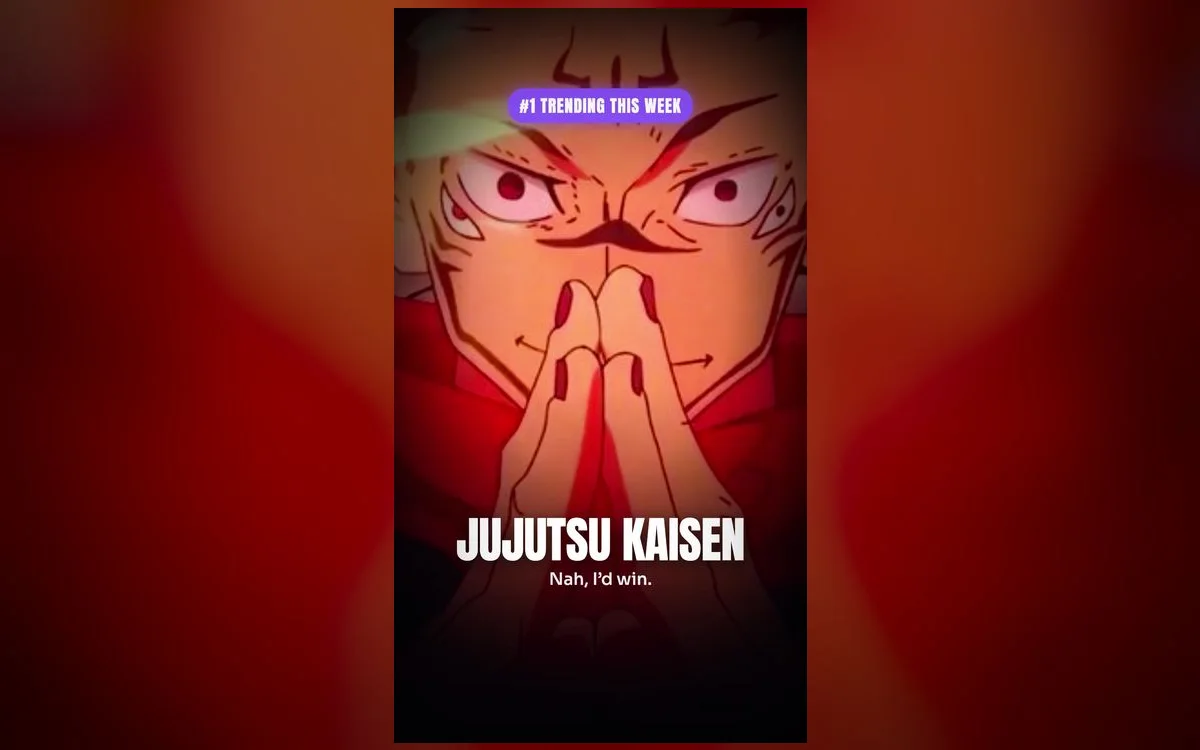
Few anime feel as *cool* as Jujutsu Kaisen. The dark tones, the electric blue of Gojo’s techniques, the menace of Sukuna — every frame looks premium, especially in motion on an OLED iPhone. If you want a lock screen that matches the hype, these are the wallpapers to set.
The JJK looks worth setting
- Gojo Satoru — the fan favorite, with those glowing blue cursed-energy effects that shine against a dark screen.
- Sukuna — dark, menacing frames for a bold, powerful lock screen.
- Yuji & the squad — dynamic group shots full of energy.
- Domain expansion scenes — surreal, high-impact moments that look incredible animated.
Why live wallpapers suit JJK
Jujutsu Kaisen’s whole aesthetic is built on motion and energy — the flicker of cursed techniques, the flow of a fight. A still frame captures a moment; a live wallpaper captures the *feeling*. In true 4K, the deep blacks and neon accents stay sharp and vivid, and the subtle animation makes your phone feel alive every time you glance at it.
Best on a dark setup
JJK’s palette is dark and moody — pair it with a dark home screen and a clean clock so the neon effects really pop.
What separates a great JJK wallpaper from a bad one
Plenty of anime wallpapers look incredible in a thumbnail and fall apart the moment they’re on your screen. Four things to check before you commit:
- Head placement. A vertical crop that puts Gojo’s blindfold right under the clock is a crop that fights you every time you check the time. The best frames leave the top third dark or empty.
- A clean loop. Live wallpapers repeat every few seconds. If the last frame snaps back to the first, you’ll notice the jump forever. Smooth loops are the difference between premium and cheap.
- Real resolution. An upscaled 720p frame stretched to fill a modern iPhone shows soft edges and blocky gradients, and cursed-energy glows are exactly where that shows up worst.
- Restraint in the motion. Sparks drifting, energy pulsing, hair moving slightly — good. The whole frame swaying — distracting within a day.
How to set a JJK wallpaper
- Open Anime Wallpaper 4K – Live and search Jujutsu Kaisen.
- Tap a wallpaper to preview the animation full-screen.
- Save it, then go to Settings → Wallpaper → Add New Wallpaper → Live Photo.
- Pick it, set it as your Lock Screen, and press-and-hold to watch it move.
Two extras worth doing while you’re in there. Tap the clock during customization and switch the font color to white or a cold blue — it reads far better over dark frames than the default. And if you like the depth effect where the character overlaps the time, keep your Lock Screen widgets off, because adding widgets turns that layering off automatically.
If it won’t animate
- Low Power Mode is on. iOS disables live wallpaper motion to save battery. Turn it off in Settings → Battery, then wake the phone again.
- It saved as a still image. Only a Live Photo can animate. Re-save from the app and choose Live Photo in the wallpaper picker rather than Photos.
- Reduce Motion is enabled. Check Settings → Accessibility → Motion. With it on, animation is suppressed system-wide.
- You’re looking at the Always-On display. That dimmed version shows a static frame by design. Wake the phone properly to see the motion.
- You set it on the Home Screen. Live wallpapers animate on the Lock Screen only. Use a matching still for the Home Screen and let the Lock Screen do the moving.
Keeping it fresh
If one wallpaper starts feeling stale by the third week, build a second Lock Screen instead of replacing the first — press and hold the Lock Screen, tap +, and set up a Sukuna one next to your Gojo one. iOS keeps both, and you can swipe between them. It’s the easiest way to change the mood of your phone without going back through the whole setup.
Quick answers
Is there a Gojo live wallpaper?
Yes — Gojo is one of the most popular picks, with several cursed-energy frames in the collection. The blue-glow frames are the ones that hold up best on an OLED screen, since the surrounding black stays genuinely black.
Are these free?
Yes — the app is free to download, and you can browse and set the JJK collection at no cost. There’s an optional premium tier, but you don’t need it to preview, save and set a wallpaper.
Do live wallpapers drain the battery?
Only slightly. Motion plays when you wake or unlock the phone, not continuously. On an OLED iPhone, a mostly-black JJK frame can actually be gentler on battery than a bright one.
Can I use one on my Home Screen too?
The animation stays on the Lock Screen, but you can set the same image as a still Home Screen background so the two match. Turn the blur off during customization if you want the artwork sharp behind your icons.
Where to get them
Every Jujutsu Kaisen wallpaper above lives in Anime Wallpaper 4K – Live — free on the App Store, with a growing JJK collection in real 4K. Browse, preview and set your favorite in under a minute, and give your lock screen some cursed energy.