Whether you grew up with it or found it later, Naruto has a frame for every fan. The bright orange energy, the Sharingan glow, the quiet cool of Kakashi — they all translate beautifully to a live wallpaper. Here’s what to set.
The Naruto looks worth setting
- Naruto (Sage & Kurama modes) — bright, powerful and full of energy.
- Sasuke & the Sharingan — those red eyes look striking in motion.
- Kakashi — calm, cool and effortlessly iconic.
- Akatsuki frames — dark, moody designs for a bolder lock screen.
- Itachi — crows, moonlight and red clouds; the most reliably moody pick in the series.
- Minato in the Hokage cloak — a clean silhouette, ideal when you want something quiet behind the clock.
- Team 7 group shots — nostalgic, and the wide compositions crop surprisingly well to a phone screen.
If you can’t choose, decide by brightness first and character second. A bright frame reads as fun and energetic; a dark one reads as designed. Both work — mixing them is what looks messy.
Why live beats static
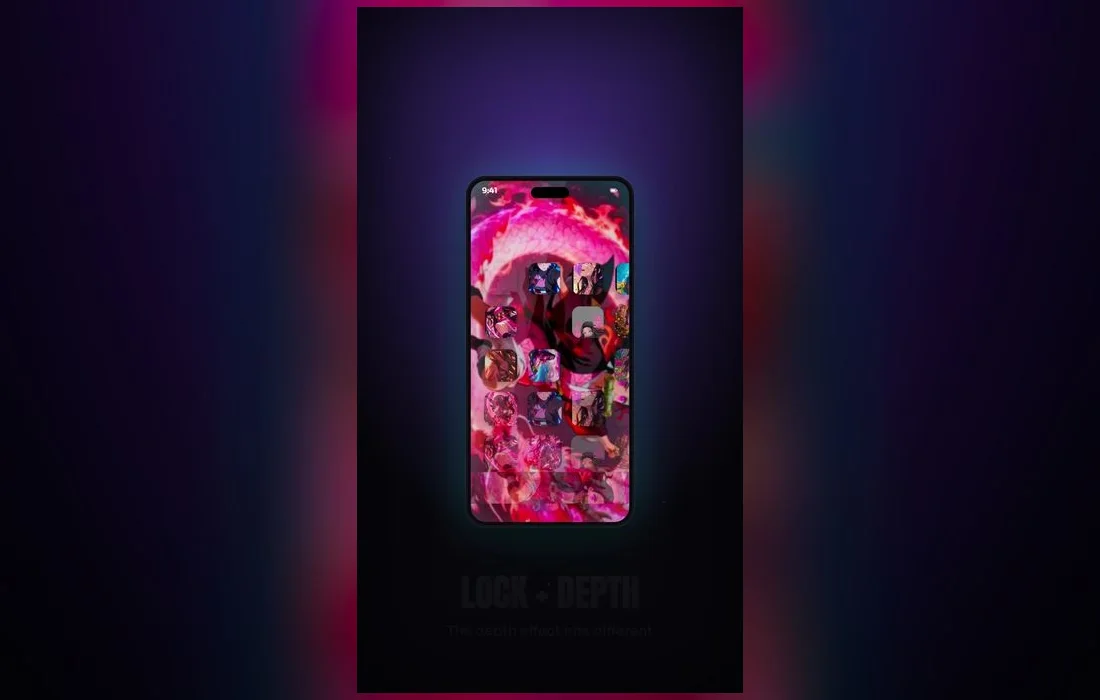
Naruto is all about energy — chakra, motion, big emotional moments. A live wallpaper brings that to your lock screen with subtle animation, and in 4K the bold art style and bright colors look fantastic. The depth effect on iPhone can even let a character sit in front of the clock for a designed, layered look.
Worth knowing before you commit: a Live Photo wallpaper plays when you wake or unlock the phone, not all day, and it doesn’t animate on the Home Screen. So pick a frame that also looks great frozen, because that still frame is what you’ll see ninety-nine times out of a hundred.
Match the mode to your vibe
Bright Sage-mode Naruto suits a lighter, energetic setup; an Akatsuki or Sasuke frame fits a darker, moodier one. Pick the wallpaper that matches your home screen.
How to set one
- Open Anime Wallpaper 4K – Live and search Naruto.
- Preview a wallpaper full-screen, then save it to Photos.
- Go to Settings → Wallpaper → Add New Wallpaper and choose Photos.
- Pick the Live Photo you saved, check that the Live Photo icon in the lower-left is switched on, and pinch to position the frame.
- Tap Add, then Set as Wallpaper Pair.
- Lock the phone and wake it to see it animate.
Build the rest of the screen around it
The wallpaper is only half the look:
- Style the clock to match. Press and hold the Lock Screen, tap Customize, then tap the time to change its font and color. A warm orange clock over Sage-mode Naruto pulls the whole thing together.
- Skip widgets on busy frames. They cover the art, and adding them turns the depth effect off. If you want the character in front of the clock, leave the widget row empty.
- Blur the Home Screen half. In the same wallpaper editor, the Home Screen tab offers a blur option, which keeps app labels readable over dense artwork.
- Give each Focus its own screen. In Settings → Focus, link a Lock Screen to a Focus so a loud Akatsuki setup swaps for something calm during class or work.
Three things that usually go wrong
- It won’t animate. Low Power Mode and Reduce Motion (Settings → Accessibility → Motion) both stop Live Photo playback. Turn either one off and the loop comes back.
- The face sits behind the clock. Pinch to zoom and drag the frame down on the preview screen before you tap Add, or choose a wallpaper with the action in the lower two-thirds.
- The colors look dull. Night Shift and True Tone warm the display and mute Naruto’s oranges and reds. Check Settings → Display & Brightness if a wallpaper looked richer in the app than it does on your lock screen.
FAQ
Which Naruto wallpaper is most popular?
Kurama-mode Naruto and Sharingan-Sasuke frames are perennial favorites. Kurama’s glow gives the animation something obvious to move, while the Sharingan works because a single red detail on a dark frame stays striking even at a glance.
Do live wallpapers work on older iPhones?
Yes — any iPhone that supports Live Photos as a wallpaper can use them. If your model can shoot a Live Photo and set one from Photos, you’re covered. On older devices the animation may look slightly softer, which the 4K source files help with.
Can I have a different Naruto wallpaper for each Focus?
You can. Create a second Lock Screen by pressing and holding the current one and tapping the plus button, set your alternate wallpaper there, then attach it to a Focus mode. Switching Focus switches the whole look.
Does 4K really matter on a phone screen?
For anime, yes — but for the crop, not the pixel count. Starting from a large file means you can zoom and reposition to get the composition you want without the line art turning soft or blocky.
Where to get them
All the Naruto wallpapers above live in Anime Wallpaper 4K – Live — free on the App Store, with a Naruto collection in real 4K. Browse, preview and set your favorite in under a minute.