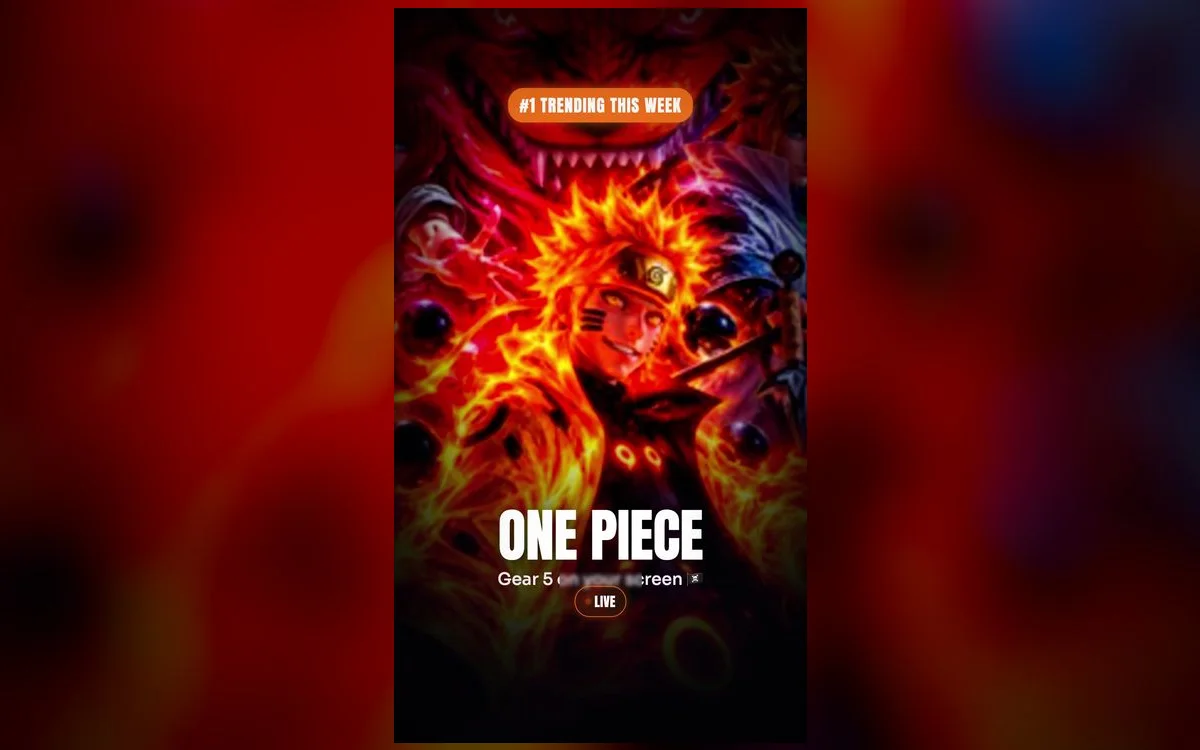
Two decades in and One Piece is bigger than ever. Whether you’re a Luffy loyalist or here for the whole crew, there’s a wallpaper for you. Here are the ones worth setting on iPhone.
The One Piece looks worth setting
- Luffy & Gear 5 — the most-wanted frames, full of energy.
- The Straw Hat crew — the whole gang for a dynamic wallpaper.
- Iconic scenes — memorable moments from the biggest arcs.
- Jolly Roger minimal — clean, simple designs for a subtle look.
If you want to be more specific than that, these are the picks that hold up day after day on a phone screen:
- Gear 5 Luffy, white and gold — the brightest thing you can put on a lock screen. Loud, cartoonish, impossible to ignore. Best if you keep your clock in white.
- Zoro, dark and low contrast — the opposite approach. Deep greens and blacks that let the clock and notifications sit cleanly on top.
- The Thousand Sunny at sea — a vertical shot of the ship works with an iPhone’s tall screen far better than most crowded fight scenes.
- Wano-style art — the ukiyo-e look, all flat color and brushwork. Ages the best of anything here because there’s no busy detail to fight your widgets.
- The Jolly Roger on flat black — the one to use on the home screen. Your app icons stay readable and you still get the flag.
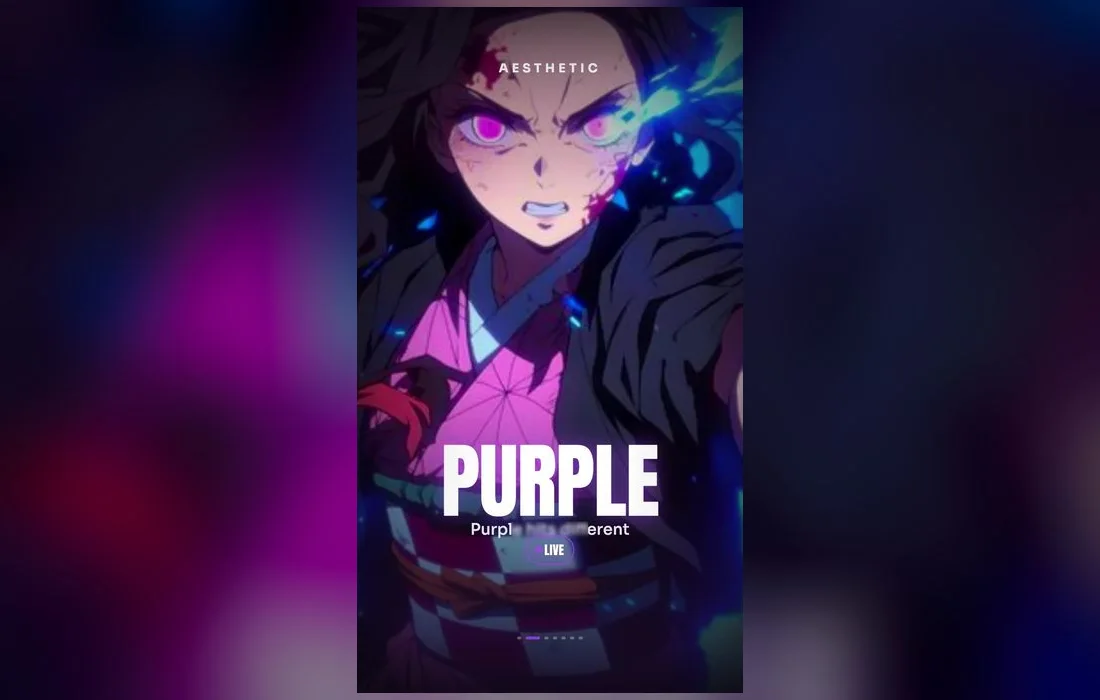
Why live wallpapers work
One Piece is all about energy and movement — a live wallpaper captures that better than any still. In 4K, the bold art style and bright colors look fantastic on an iPhone screen.
The animation only needs to be small to work. A cape moving, water shifting under the Sunny, embers drifting past. Subtle beats frantic here, because you see your lock screen fifty times a day and a full action sequence gets tiring by lunchtime.
Keep it fresh with each arc
As new episodes drop, swap to a wallpaper from the current arc so your lock screen stays as current as the story.
Follow along in Anime Wallpaper 4K – Live
Free on the App Store for iPhone and iPad.
App Store
What makes one actually look good on iPhone
- Room behind the clock. The top third of the screen belongs to the time. A wallpaper with Luffy’s face right there means you’ll never read either one properly.
- Real vertical framing. A wide fight panel cropped to portrait usually cuts half the crew out. Pick art that was composed tall in the first place.
- Contrast in the right places. Bright Gear 5 art plus a white clock is unreadable. Either darken the wallpaper or switch the clock color.
- File quality. Blown-up, over-compressed art shows blocky edges on an OLED panel, especially in the flat color areas One Piece is full of.
How to set one
- Open Anime Wallpaper 4K – Live and search One Piece.
- Preview a wallpaper, then save it.
- Settings → Wallpaper → Add New Wallpaper → Live Photo, pick it, set as Lock Screen.
- Before you tap Add, tap the time to change the clock font and color so it stays readable over the art.
- Lock the phone and wake it again to see the animation play.
If something looks off
- It won’t move. Live wallpapers animate on the Lock Screen when you wake or unlock the phone, and iOS reduces motion in Low Power Mode. Check the battery icon first.
- The crop cuts someone’s head off. Pinch to zoom out during setup. If it still doesn’t fit, the source art is too wide — pick a portrait version instead.
- The clock disappears into the art. Change the clock color in the lock screen editor, or move to a darker pick like the Zoro or Jolly Roger options.
- Depth Effect hides your widgets. Turn it off from the customize menu on the lock screen if the subject is covering the time.
Quick answers
Is there a Gear 5 Luffy wallpaper?
Yes — Gear 5 and classic Luffy frames are among the most popular in the One Piece collection. Gear 5 art tends to be very bright, so pair it with a darker clock color or you’ll lose the time in the white.
Do these work on all iPhones?
Yes — the live wallpapers work on any iPhone that supports Live Photos as a wallpaper. Still versions work everywhere, including older models and iPads.
Should I use the same wallpaper on the lock and home screen?
Usually not. Detailed crew art behind your app icons makes both harder to read. Put the busy One Piece art on the lock screen and something flat, like the Jolly Roger, behind your apps.
Will a live wallpaper drain my battery?
Not noticeably. It only animates for a second or two when you wake the phone, so it isn’t running in the background all day the way a video would be.
Where to get them
Every One Piece wallpaper above lives in Anime Wallpaper 4K – Live — free on the App Store, with a One Piece collection in real 4K. Browse, preview and set your favorite in under a minute.