The photo you took in the kitchen last night came out grey, faintly orange and somehow tired. The room looked fine. The picture does not.
Indoors, a phone is solving a hard problem: there is not much light, and what there is arrives from the worst possible direction. Editing can rescue the colour and some of the brightness, but it cannot move the shadows somewhere else.
None of this needs equipment. It needs you to move a few feet and switch one light off.
The ceiling is the enemy
Nearly every fitting in a ceiling points down, and light falling from above lands on the tops of things: forehead, nose, cheekbones. Everything underneath gets a shadow. Your brow drops shade into your eye sockets, your nose puts a line across your lip, your chin darkens your neck.
There is a second problem. A shadow edge is soft when the source is large compared with the subject, and hard when it is small. A downlight seen from six feet away is tiny, so it draws shadows with sharp edges and no gradient. Big soft source, gentle shading. Small hard source, harsh shading. That rule explains most of what follows.
A window is the best light you own
During the day a window is a very large, very soft source, and it points sideways rather than down. Stand facing it and you get even light with clear catchlights in your eyes. Turn thirty or forty degrees away and one side of your face falls into gentle shade, which gives it shape rather than flattening it.
The window you want is not letting direct sun through, because a patch of hard sunlight is the same problem as a ceiling spot. An overcast day, or a window facing away from the sun, hands you the whole sky. If sun is streaming in, hang a net curtain over it: that turns a small hard source into a large soft one, which is all a softbox does.
How far from the window to stand
Light weakens quickly with distance, and near a window that fall-off happens across the width of your face. Stand close and the side facing the glass is much brighter than the far side, so you get strong contour and a bright wrap along one cheek. Step back and both sides sit at roughly the same distance from the window, so the light evens out, flattens and dims.
Neither is wrong: move closer for shape, back off for even. If one side goes too dark, hold something white just out of frame and let it bounce light back.
Turn the big light off
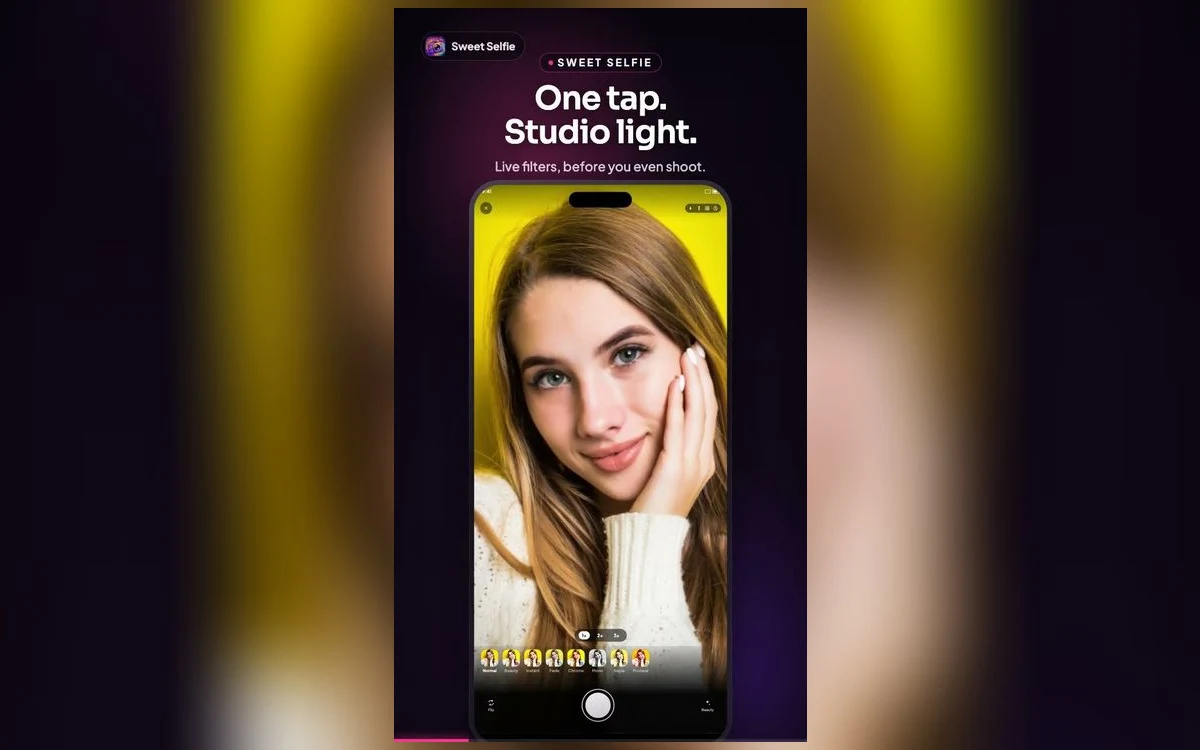
The most useful thing you can do indoors is switch off the ceiling fixture and light yourself with something at face height instead: a window, a table lamp moved closer, or a laptop screen showing a white page. One source at eye level beats four in the ceiling. Sweet Selfie's one-tap studio lighting works on the same idea, evening out a face once the direction is roughly right.
After dark, get the light down to your level
At night your job is to build a source that is roughly face height and reasonably large. A table lamp brought to within a couple of feet of you, slightly off to one side, will do it. Bare bulbs are small and hard, so keep the shade on, or point the lamp at a white wall and stand in the light that bounces back. The whole wall becomes the source.
If a room has no usable light, look for exceptions. Bathroom mirror lights are often mounted at face height, and a hallway with a door open onto a brighter room acts as a large side source.
Your screen counts as a light
A phone or laptop screen at full brightness showing a white page is a soft, close, face-height source. It is rarely strong enough to be the only light, but it is good as fill: hold it below or beside you and it lifts the shadows in your eye sockets without erasing the shape a side light gives you.
Screens run cool and slightly blue, and a face lit only by a screen looks flat, because the light comes from exactly the direction you are facing.
Mixed sources and the colours they leave
The trickiest situation is two kinds of light at once: daylight through a window on one side, a warm lamp on the other. The camera picks a single white balance for the whole frame, so one side of your face ends up blue and the other orange, and no slider fixes both. Remove one. Close the curtain, or turn the lamp off.
Walls do this too. Stand a foot from a green wall and green light bounces onto your skin, so move away from strongly coloured surfaces before you correct anything in software. When you do edit, fix white balance first, then exposure, then stop. Sweet Selfie's filters are worth reaching for at that point rather than earlier, since a colour cast run through a filter is still a colour cast.
Quick answers
Why are my indoor photos grainy?
In dim light the camera raises its sensitivity, and that amplification shows up as noise, mostly in shadows and flat walls. More light is the only real fix. Propping the phone up helps too, because it can then use a longer exposure instead of pushing sensitivity further.
Do I need a ring light?
No, although one helps after dark. A ring light is just a source that is large, close and at face height, which is what a window gives you in the day. Set it slightly to one side rather than dead centre, or you lose the shading that gives a face shape.
Should I use the flash indoors?
Usually not. On the rear camera the flash sits next to the lens and is much closer to you than to the room, which gives a flat face, a hard shadow behind and a background that falls to black. Save it for a photo that would otherwise not exist.
Does Night mode work for selfies?
On iPhones from the 12 onwards the front camera supports Night mode, and it appears on its own when a scene is dark enough. It combines several frames over a second or more, so it needs you and the phone to hold still.
Where to get it
Sweet Selfie: Camera & Editor has the tools this needs: one-tap studio lighting, a beauty mode that keeps skin looking real, eight colour filters, nine frames, a framing grid, a self timer, 1x to 3x zoom, and export at square, 4:5, 9:16 and 16:9 with no watermark. It is free on the App Store.
Tonight, turn the ceiling light off before you take the photo.