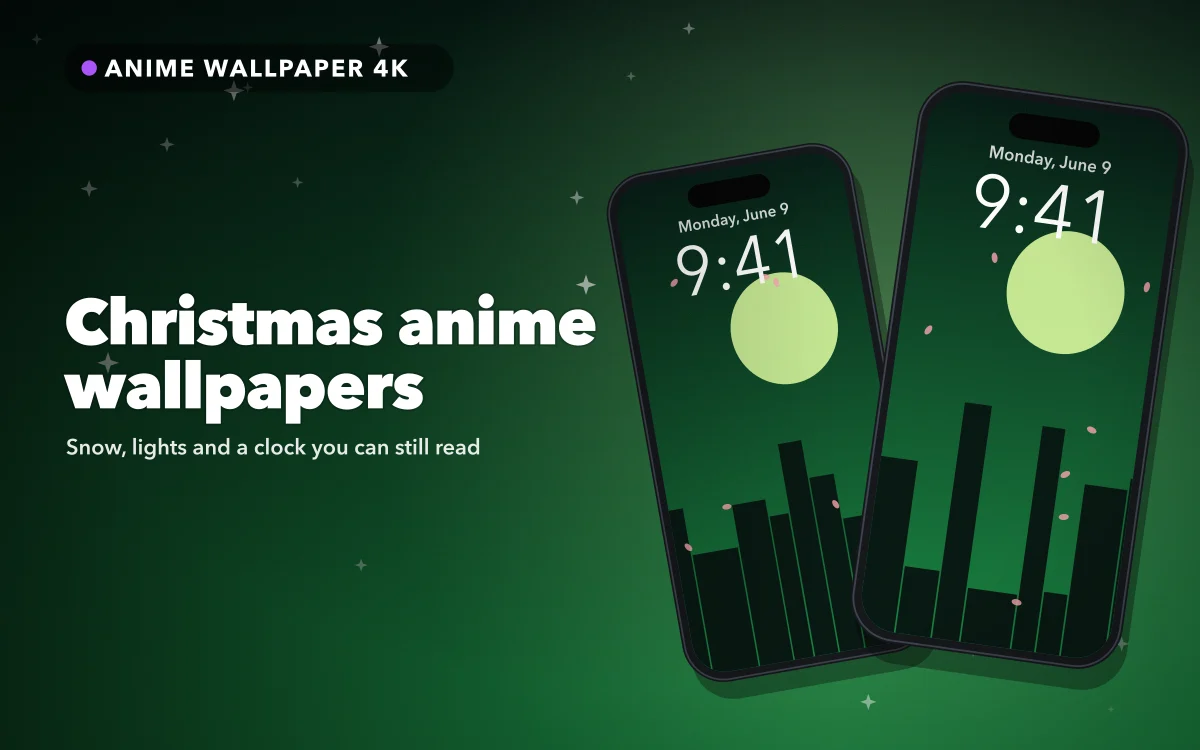
Christmas anime wallpapers tend to look better than most holiday backgrounds, and there is a reason. Anime has spent decades drawing winter: snow falling past a streetlight, breath fogging in the cold, a shop window glowing at the end of a dark street. Those scenes are mostly sky, light and empty space, which is exactly what a tall phone screen needs.
Here are eight ideas that work on an iPhone Lock Screen, how to keep the clock easy to read, and how to get through December without your phone looking like a shop display.
Why winter suits anime art
In Japan, Christmas is not a family holiday in the way it is in much of the West. It is a night for couples and friends, with illuminations in the cities, Christmas cake with strawberries and cream, and, famously, fried chicken. The big family holiday is New Year. That is why so much winter anime art is about lights, quiet streets and two people walking in the snow rather than trees and presents.
For a wallpaper, that is good news. A scene built on soft light and open sky leaves room at the top for the clock and at the bottom for your widgets and notifications, and it does not need to be changed the moment Christmas is over.
Eight Christmas anime wallpaper ideas
- Snow under a streetlight. A single figure, a lamp and snow drifting through the light. The dark sky above is perfect for a white clock.
- Fairy-light glow. Out-of-focus lights, called bokeh, scattered across a dark background with a character in the foreground. Warm gold and soft pink work better than strong red and green.
- A cosy room on a cold night. A window with snow outside, a warm lamp and a mug on the table. This is the one you can keep until February.
- City illuminations. Streets lined with lit trees, the kind that fill Japanese cities in December. Blue and white light reads as wintry without saying Christmas at all.
- A winter outfit close-up. Scarf, coat collar and snow in the hair. A tight crop fills a tall screen without needing a background.
- Red and white. A character in a red coat or Santa hat against snow. Simple, bold and easy to read at a glance.
- Night sky over a snowy town. Stars, a few lit windows and rooftops along the bottom edge. Almost all sky, ideal for the clock.
- Two phones, one scene. A pair of matching wallpapers that join across two screens, for couples and best friends.
Follow along in Anime Wallpaper 4K – Live
Free on the App Store for iPhone and iPad.
App Store
Colours that work on a Lock Screen
Christmas red and green look festive in a shop and harsh on a phone. They are both strong colours of similar brightness, and together they make text hard to read.
- Warm gold on deep blue or black gives the glow of lights without the clash.
- White and pale blue says winter and keeps a white clock readable if the sky is dark enough.
- One red accent on a neutral background, such as a scarf or a hat, is more striking than a screen full of red.
If you want red and green, keep one of them small. Our guide to anime wallpapers for AMOLED black shows how dark backgrounds make small colours glow.
Keep the clock readable
The clock is the part of the Lock Screen you look at most, and winter scenes are full of white. Snow behind a white clock makes it disappear.
- Put the brightest part of the scene, the lights or the snow, in the middle or the bottom of the screen.
- Leave the top third darker, so the time stands out.
- On iOS 16 and later, a wallpaper with a clear subject can use the depth effect, where the character's head sits in front of the clock. It only works when there is space around the subject and the widgets are not in the way.
Make a separate Christmas Lock Screen
Instead of replacing your favourite wallpaper, add a new Lock Screen for December. Touch and hold the Lock Screen, tap the plus button and build the Christmas one there. In January, touch and hold again and swipe back to your usual wallpaper, with its widgets exactly as you left them.
Live and moving wallpapers
Falling snow is the obvious choice for a live wallpaper, and it suits one well, as long as the movement is gentle. A Live Photo used as a Lock Screen wallpaper plays briefly when you wake the iPhone, then settles on its still frame.
Keep the motion small and slow: snow drifting, lights twinkling, a scarf moving in the wind. Fast movement looks busy on a small screen. Our guide to live and static anime wallpapers covers which to pick and why some live wallpapers seem not to move.
Matching Home Screen and icons
A Christmas Lock Screen looks best when the Home Screen follows it, without being covered in decorations.
- Use a blurred or darker version of the same wallpaper on the Home Screen, so icons stay easy to see.
- On iOS 18 and later, pick a dark or tinted icon setting that matches the main colour of the scene.
- Leave one row of the Home Screen clear so the art shows through.
For more on matching icons and backgrounds, see anime wallpapers that match your icons, and for the rest of the year, seasonal anime wallpaper ideas carries the same approach into spring and summer.
Quick answers
What makes a good Christmas anime wallpaper?
Soft light and open space. Snow, fairy lights or a warm window with plenty of dark sky above for the clock works better than a busy scene.
Will a Christmas wallpaper look odd in January?
Not if you choose winter over Christmas. Snow, city lights and cosy rooms still fit in January, while Santa hats and presents do not.
Do live snow wallpapers drain the battery?
Very little. A Live Photo wallpaper plays only for a moment when you wake the phone, then stays still the rest of the time.
Why is the clock hard to read on my winter wallpaper?
Snow and white light sit behind it. Choose an image with a darker top third, or move the bright part lower on the screen.
Where to get it
Anime Wallpaper 4K – Live has 4K, HD and live anime wallpapers that you can browse by style, mood, colour and character type, then save and apply to your Lock Screen or Home Screen. It is free to use, with optional premium features.
Choose winter over Christmas, keep the sky dark, and the wallpaper will last you until the snow melts.