Small digital gifts are awkward. They cost nothing, which is fine, but they also arrive with an implied task attached: here is a thing, now go and install it. If the person has to work out where to put it, the gift has quietly become a favour you asked of them.
A name wallpaper avoids most of that if you handle two things. Pick a style they will actually like rather than one you like, and hand it over in a form that takes them one tap to use or zero if they would rather not.
The rest of this is about how to do both without asking them anything and spoiling the surprise.
Read their phone, not your taste
The best information about someone's taste is on the phone already in their hand. Look at what they currently have as a wallpaper next time you see it.
A photo of a person or a pet means they use the screen for warmth, not design. A soft, quiet lettering style will fit. A stock Apple wallpaper, unchanged since they bought the phone, means they do not think about this much, which points to something clean and low key rather than a bold statement.
A dark, graphic or abstract background means they do care and have opinions, and you can be more adventurous. A neon or gaming style background means loud is welcome.
Second source: their case. A clear or plain case suggests restraint. A bright patterned one suggests they enjoy colour and will not find a vivid wallpaper embarrassing. It is a rough signal but it is better than guessing from nothing.
The styles that are safe for someone else
Some styles are hard to dislike. Clean white or cream lettering on a dark background is the safest thing you can make. It suits any age, any gender, any job, and it will not look wrong in a meeting or a classroom.
A muted gold or soft metallic on charcoal is the next safest. It reads as considered rather than flashy as long as you keep it restrained and skip the sparkle effects.
A single initial or a monogram is safe for a different reason: it does not put their full name on display for other people to read, which some people quietly dislike and rarely mention.
The risky ones are bright neon, anything with strong pink or purple, gaming or graffiti styles, and heavy ornate script. All can be perfect for the right person and are actively unwelcome for the wrong one. Only use them if you have real evidence, not a hunch.
If you genuinely cannot read their taste, make two versions in different directions and let them choose. Offering a choice is not a failure of nerve, and people enjoy picking.
Get the name right, including the version they use
This matters more than the style. Use the form of the name they actually use, not the one on their documents. Someone who has been Kate for thirty years does not want Katherine on their lock screen, even though it is technically theirs.
If they use a nickname only with certain people, think about whether the phone screen is a place that nickname belongs. A private nickname on a screen that colleagues can see can be genuinely uncomfortable.
Get accents and spelling exactly right. A name with an accent that has been stripped, or a common name spelled the common way when theirs is spelled differently, undoes the whole gesture. Check a message they have sent you or how their name appears in your contacts, and check it again before you send it.
Match their screen, not yours
Wallpapers are made to the pixel size of a particular screen. If you build one on a smaller iPhone and they have a larger one, or the other way round, iOS will scale and crop it when they set it, and the crop usually takes from the edges. Keep the name in the middle third of the image with plenty of empty space around it, and a small crop in either direction will not touch the lettering. That single habit removes almost all of the cross device trouble.
Leave room for the clock and the notifications
You are designing a screen someone else will use every day, so it has to work as a lock screen, not just look nice as a picture.
The clock sits across the upper middle. Notifications stack across the lower portion. That leaves a band in the middle and lower middle where a name can live without being covered. Put the name there.
If you place the name high, it will sit behind the clock and they will see a fragment of it. If you place it very low, the first two messages of the day will bury it. Neither is obvious in a preview because previews show an empty screen.
It is also worth keeping the design calm behind the clock area. The lock screen clock is white or a colour they choose, and it needs contrast. A busy or bright patch exactly where the digits sit makes their time hard to read, which is a small annoyance repeated many times a day.
Hand it over so it is not homework
Send the finished image in a normal message. That is the whole delivery. Do not send a link to an app and ask them to make their own, because that is not a gift, that is a suggestion.
Say what it is in one line, and make clear there is no obligation. Something like: made you a lock screen, use it if you like it. That removes the awkward pressure to install it in front of you.
If they want it, saving from Messages and setting it takes a few taps: save the image to Photos, open it, use the share button and choose the option to use it as wallpaper. Exact wording differs slightly between iOS versions, and on recent versions the wallpaper editor may offer extra options like depth effect. Do not walk them through it unless they ask. Adults can set a wallpaper.
If you are together and they are keen, offer to do it on their phone rather than narrating instructions. It takes a moment and it is the difference between a gift and an assignment.
Good occasions, and one to avoid
This works well as a small addition to a bigger gift, as a birthday message that is not just text, or as a thing you make on the spot when someone mentions they are bored of their phone.
It works for a new phone. Setting up a fresh device is exactly when people are willing to change a wallpaper, and a personalised one arriving that day tends to stick.
It works for a couple as a pair of matching screens, provided you check that both people want that, because one of them agreeing enthusiastically does not tell you about the other.
Where it does not work is as an apology or as the entire gift for a significant occasion. It costs nothing and looks like it, and in those contexts the effort to value ratio will be read accurately.
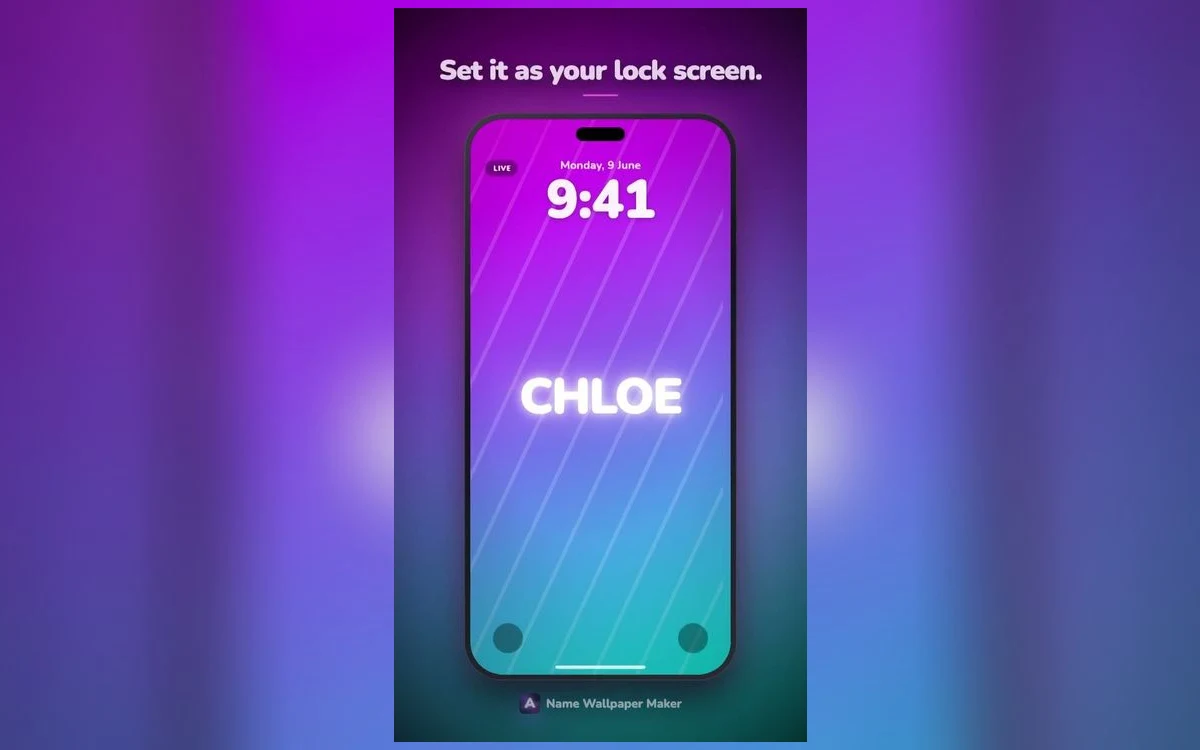
Name Wallpaper Maker: Neon is quick enough that making two or three variations for one person is not a project, which is what makes the offer a choice approach practical.
Quick answers
How do I make one without spoiling the surprise?
Use the spelling from your contacts or an old message rather than asking. If you must ask something, ask about the style in a general way, such as whether they prefer dark or light screens, which does not reveal anything.
What size should the image be?
Make it on a phone and it will already be a sensible size. The more important habit is keeping the name centred with margin around it so any scaling or cropping onto a different iPhone model does not clip the lettering.
Will sending it through a messaging app reduce the quality?
Some apps compress images. Compression is most visible on fine detail and smooth gradients, so a hairline or heavily gradient design suffers most while bold flat lettering survives well. If quality matters, send it in a way that preserves the original file, or use AirDrop when you are together.
What if they do not use it?
Then they do not use it, and the correct response is nothing at all. Wallpapers are personal, and asking whether they put it on turns a gift into a request for a receipt.
Where to get it
Name Wallpaper Maker: Neon covers the safe styles described here, from plain minimal lettering to soft gold and monogram marks, and makes a finished image quickly so making two options is no harder than making one. It is on the App Store at on the App Store.
Make it, send it with one short line, and then leave it alone.