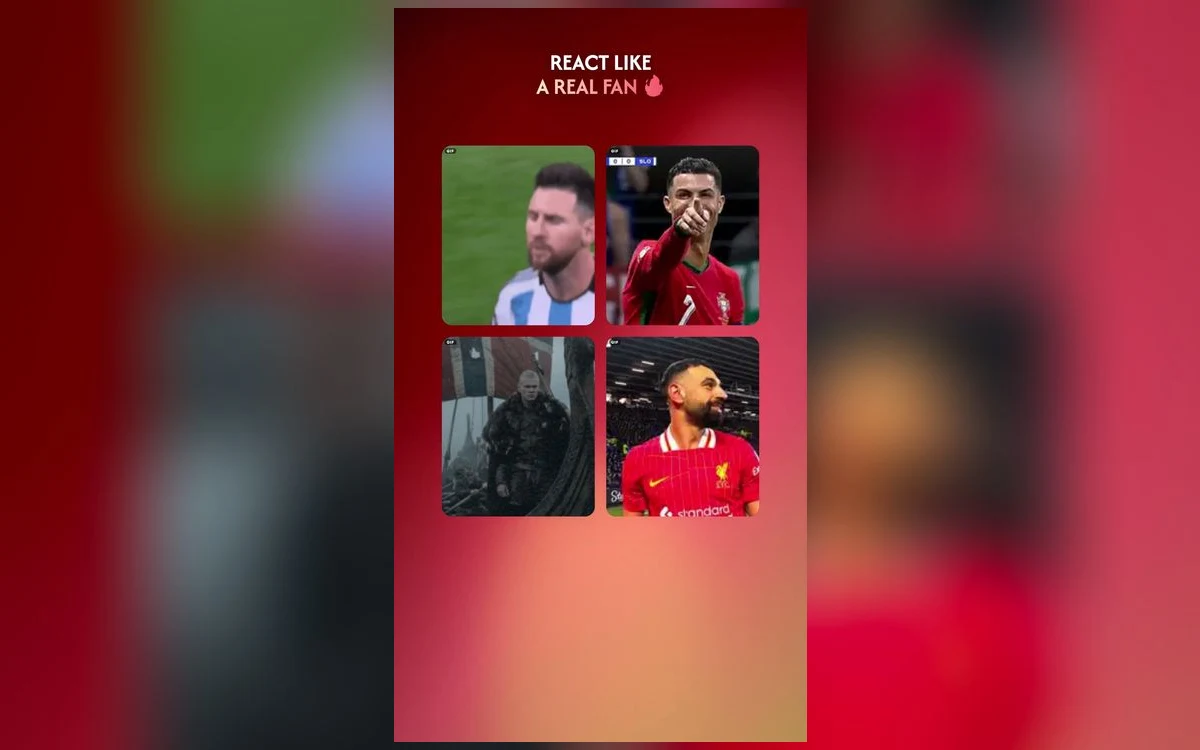
Someone in the group sends a GIF and it plays. You send one back and it lands as a photo that just sits there, refusing to move.
Or the GIF button has wandered off. It used to be behind the emoji key and now it is somewhere else, because WhatsApp rearranges that panel every so often.
Neither problem means anything is broken. There are three reliable ways to get a moving GIF into a WhatsApp chat from an iPhone, and one common reason they arrive frozen.
Route one: WhatsApp's own GIF search
Open the chat and look at the row beside the box where you type. Tap the emoji or sticker icon and a panel slides up with tabs along it: emoji, GIFs, stickers, and on newer versions avatars. Tap GIF, then search at the top or scroll the categories.
If those tabs are not there, check the plus button on the left of the text field instead. WhatsApp has moved GIFs between the emoji panel and the attachment menu over the years, and what you see depends on your app version, so look in both places before deciding the feature is missing.
One thing to watch: in some versions a single tap sends the GIF straight away, while in others it opens a preview with a caption box. If you are unsure which you have, test once in a chat with yourself rather than the family group.
Searching so you actually find something
Short searches beat long ones. Two words is usually the sweet spot; full sentences rarely work, because these libraries are tagged with labels rather than read as language.
Search the visible action rather than the feeling behind it. "Facepalm" beats "embarrassed". "Slow clap" beats "sarcastic congratulations". For a specific character, the name plus one word for the mood is fastest: "Kevin confused", "Ross panic".
Route two: a GIF keyboard, which works everywhere
If you send GIFs in more than one app, set up a keyboard once instead of hunting for a button in each. Open Settings, then General, then Keyboard, then Keyboards, then Add New Keyboard, and pick the one you installed. Tap its name again and turn on Allow Full Access; results are fetched from the internet, so a keyboard normally needs that permission to search at all.
After that, tap or hold the globe key inside any chat to switch to it. GIF Keyboard: Memes & Emoji works this way, so the same search sits inside WhatsApp, Messages, Instagram and email without a different menu for each one.
Most GIF keyboards copy the GIF and drop it into the message field, where it waits as an attachment. A few apps refuse that paste; if one does, fall back to route one or three.
Route three: a GIF you already have on your phone
Animated GIFs saved to your iPhone land in Photos, usually collected in an Animated album. To send one, tap the plus button in the chat, choose Photos and pick it. You can also start in Photos and use the share icon.
Check the preview before you send. A small GIF label on the image means it will go out animated, and no label usually means you are about to send a single frame.
Turn any short video into a GIF inside WhatsApp
Attach a video as normal, then use the trim bar at the top of the preview to cut it to roughly six seconds or less. Once it is short enough, a small GIF toggle appears near the top of that screen. Switch it on and the clip sends as a looping GIF instead of a video. If the toggle never appears, trim a little more. It is the easiest way to turn a screen recording or a two-second moment from your camera roll into something you can send again and again.
Why some GIFs arrive as a still
Most of the time the file was never animated. Saving an image from a web page can capture a single frame, and a screenshot of a GIF is just a picture. Play it in Photos first: if it does not move there, it will not move for anyone else.
The second cause is the route it took: pasting into some apps, or attaching as a plain photo, can flatten a GIF on the way out. Sending through the GIF tab or a keyboard avoids that.
Then there is the receiving end, which you cannot control. If the other person has media auto-download switched off in WhatsApp's Storage and Data settings, they see a placeholder until they tap. Low Data Mode and Low Power Mode can also delay or pause animation, and the exact behaviour varies by iOS version. In nearly every case a tap plays it.
What GIFs cost in data and quality
A GIF is heavier than it looks. Three seconds of animation can outweigh a photo, because the format compresses far less efficiently than modern video formats the way video does. On a limited plan, open Storage and Data and turn media auto-download off for mobile data while leaving it on for Wi-Fi.
The same format explains the banding you see in skies and gradients: GIFs carry a small colour palette, so smooth shading breaks into visible steps. That is not your connection, and no setting fixes it.
Quick answers
Where is the GIF button in WhatsApp on iPhone?
Check two places: the emoji or sticker icon beside the text field, where a GIF tab usually sits in the panel that opens, and the plus button to the left of the field. The position depends on your WhatsApp version, so updating the app often helps.
Why do my GIFs send as photos?
Usually because the file is not actually animated, or because it was attached as a regular photo. Open it in Photos to confirm it moves, and send it through the GIF tab or a GIF keyboard rather than the photo picker.
Can I put a GIF on my WhatsApp status?
Yes. Status accepts GIFs the same way a chat does, including short videos converted with the GIF toggle. Keep them brief, since status clips are capped at a short length.
Do GIFs use a lot of data?
More than a photo, less than a video of the same length. A few a day is nothing to worry about, but a group chat that runs on GIFs adds up, which is where turning off mobile auto-download helps.
Where to get it
For a search box that follows you into every app instead of living inside one, GIF Keyboard: Memes & Emoji installs as a keyboard on your iPhone and drops GIFs into WhatsApp the same way it does anywhere else.
Set it up once and the question stops being where the button is.