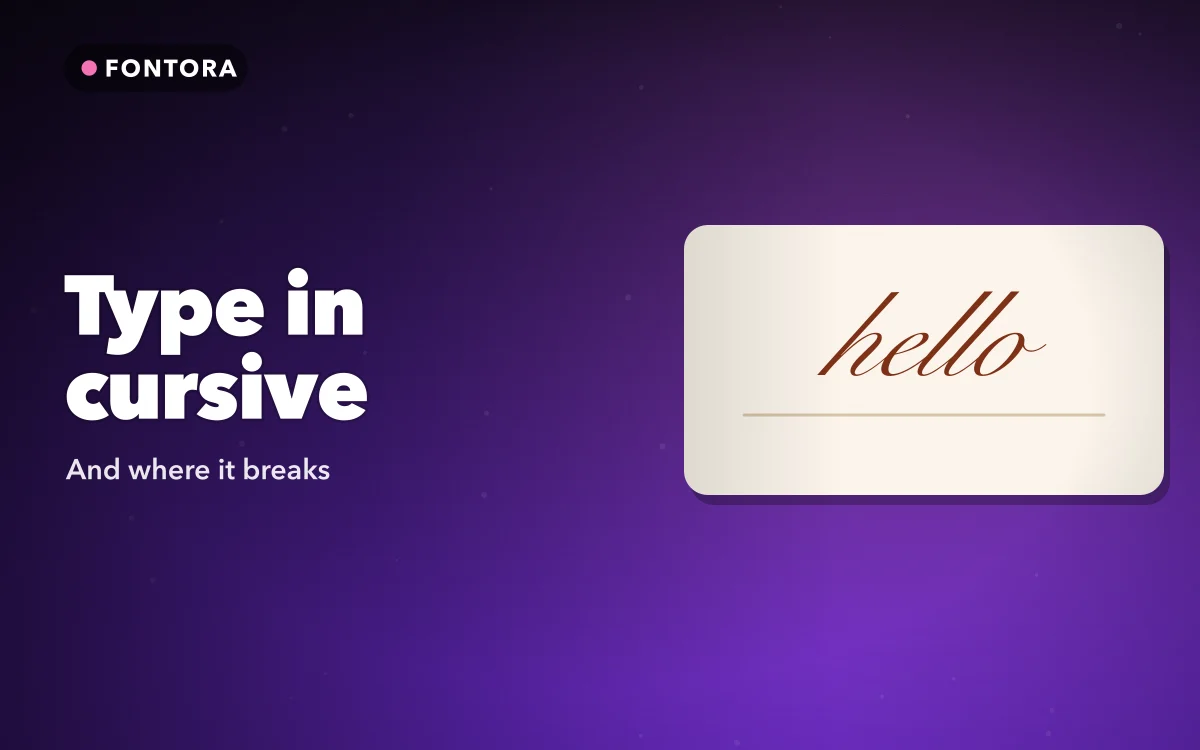
If you are looking up how to type in cursive on iPhone, start with the iPhone keyboard settings and you will not find a cursive option. There is no switch, no hidden menu, and no downloadable font that changes how your letters look in messages or bios.
The cursive in other people's bios is a set of special characters borrowed from an alphabet designed for mathematics. That explains its odd habits, from letters that look slightly off to numbers that never change.
Why the iPhone keyboard has no cursive option
An app draws text in whatever font it chooses, usually Apple's system font. The keyboard only sends characters, and iOS does not let you change the system font. Whether you can change the font on iPhone covers the four different things people mean by changing the font, and which of them other people can actually see.
Even if you could pick a script typeface for your own screen, your reader would still see their own font. The cursive trick leaves the font alone and changes the characters instead.
What cursive text actually is: two borrowed alphabets
Unicode, the standard every phone uses to encode text, includes alphabets for mathematical notation, where a script A means something different from a plain A. Two look like handwriting:
- Mathematical Script: 𝒜𝒷𝒸𝒹, the thinner and more delicate one.
- Mathematical Bold Script: 𝓐𝓫𝓬𝓭, heavier and easier to read at small sizes.
Because these are characters rather than a font, they survive copy and paste, and the recipient's device draws each one with whatever font it has that contains it. The guide to fonts in bios covers the wider family of look-alike alphabets.
The regular script alphabet has a quirk. Eleven of its letters already existed in an older part of Unicode called Letterlike Symbols, so they were left out of the maths block rather than duplicated. Generators fetch them from there: ℬ ℰ ℱ ℋ ℐ ℒ ℳ ℛ for the capitals B, E, F, H, I, L, M and R, and ℯ ℊ ℴ for the lowercase e, g and o. Because they come from a different block, these letters can look slightly different in weight or shape from their neighbours, depending on the font. If ℋℯ𝓁𝓁ℴ looks subtly uneven, that is why: three of its five letters come from the older block.
Neither alphabet includes numbers or punctuation. Unicode has no script digits, so 2026 stays 2026, and spaces, commas and full stops stay plain. Fancy numbers from a generator come from another alphabet, such as the bold or double-struck digits.
The letters never join, either: each is a separate character, with none of the connecting strokes of real handwriting.
Follow along in Fontora: Font & Nickname Maker
Free on the App Store for iPhone and iPad.
App Store
Three ways to type in cursive on an iPhone
1. A website generator. Type into a cursive text generator, copy the result and paste it. It is free and needs nothing installed, but you go back to the site for every new line.
2. Text Replacement. Built into iOS, and good for a few fixed phrases such as a sign-off or a tagline. Copy the cursive once, then go to Settings > General > Keyboard > Text Replacement, tap the plus button, paste the cursive into Phrase and type a short plain Shortcut. Typing that shortcut on the Apple keyboard then swaps in the cursive. The limit is that it only knows phrases saved in advance.
3. A fonts keyboard. A third-party keyboard converts letters as you type, so cursive goes straight into the text field. It is the only method that handles a brand-new sentence as quickly as normal typing.
Typing it straight from a fonts keyboard
Fontora is the fonts keyboard we make. Cursive is among its 32 styles that type directly from the keyboard, with unlimited typing and no account, and they work without Full Access.
- Open Fontora once and complete the setup.
- Go to Settings > General > Keyboard > Keyboards > Add New Keyboard, and choose Fontora.
- Leave Allow Full Access off if you prefer. Typing works without it; turning it on lets the keyboard open the Fontora app.
- In a supported text field, tap the globe key to switch to Fontora, choose cursive and type.
Adding a custom keyboard has the general version of these steps, and why a custom keyboard keeps disappearing covers the moments iOS swaps yours out.
iOS never allows third-party keyboards in password and other secure fields, and some apps disable them. There, use Style Studio inside the app: type once, see your text in every style, and copy the one you want. Style Studio shows all 80 styles; the full set needs Fontora Pro, though a single premium style can be unlocked for 24 hours by watching a short video.
Fontora installs no font files; it types the same Unicode characters, only faster.
Where cursive works, and where to keep plain text
Cursive is at its best in short, decorative places: one line of a bio, a caption, a message to a friend. It works against you in four situations.
- Usernames and handles. Instagram, TikTok and similar services accept only plain letters, numbers and a few punctuation marks in a username, so cursive is rejected there. It can go into the display name and the bio; changing the font in an Instagram bio walks through those fields.
- Search. To a computer, 𝓜𝓪𝔂𝓪 and Maya are different strings. In many apps, a search for the plain spelling will not find the cursive one.
- Screen readers. VoiceOver and other screen readers handle these characters badly, often reading them letter by letter or announcing each by its symbol name. A bio written entirely in script can be close to meaningless when heard.
- Missing characters. A device or app whose fonts lack a character shows an empty box instead, and you cannot control what every reader has.
Keep the important words plain
Style the decoration and leave the information alone. Put a tagline or one bio line in cursive if you like, but keep your name, your handle, a contact line and anything people will search for in plain letters.
Quick answers
Can I make my iPhone type in real joined-up handwriting?
No. Cursive characters are separate letters that never join. Real handwriting has to be drawn: in Messages you can turn the iPhone sideways and use the handwriting key, or draw with your finger in Notes. Either way you get an image rather than text.
Why do a few cursive letters look different from the others?
In regular script, eleven letters come from the older Letterlike Symbols block, so fonts often draw them slightly differently. Bold script has no gaps and looks more even.
Why don't numbers change when I type in cursive?
Unicode has no script digits or punctuation, so numbers, spaces and punctuation stay plain.
Will cursive letters work in my Instagram username?
No. Usernames take only plain letters, numbers, full stops and underscores. Put the cursive in your bio, and keep a plain spelling of your name in the display name so people can still find you.
Where to get it
Fontora: Font & Nickname Maker puts cursive and the rest of its 32 included styles on the keyboard itself, so you type it directly instead of copying it from a website each time.
Keep the username plain, and let the bio carry the style.