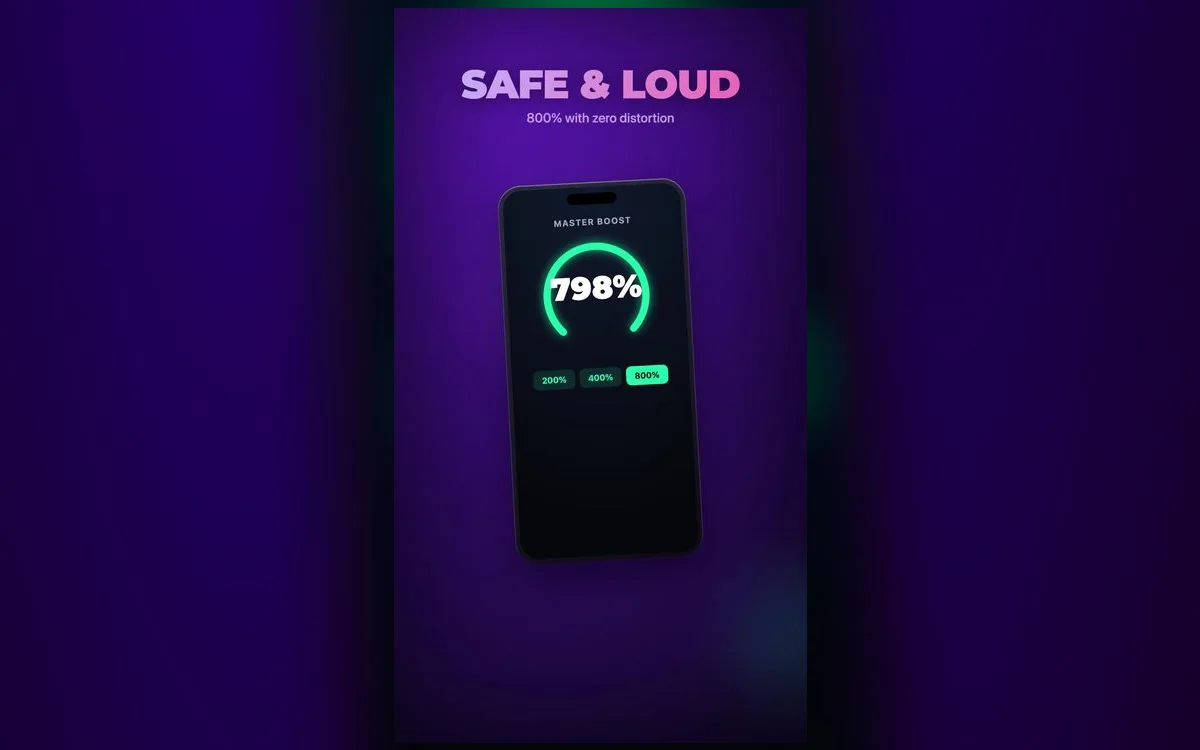
A good volume boost can rescue a quiet video or bring a song to life. But louder isn’t always better — for your ears or your hardware. Here’s what to know so you can turn it up with confidence.
Is it safe for your iPhone?
Yes — a booster processes the audio signal; it doesn’t change your iPhone’s hardware. The one thing to watch is distortion: pushing any speaker far past its limit can make sound crackle and, over time, strain small speakers. The fix is simple — boost for clarity, not maximum volume.
Worth knowing: the crackle is usually the signal clipping, not the speaker tearing itself apart. Back the level off and it goes away with no lasting harm. What isn’t great is leaving it there for hours a day on the tiny driver in a phone.
Is it safe for your ears?
That’s the important part. Loud audio over long periods is what affects hearing, not a booster itself. A few habits keep you safe:
- Follow the 60/60 rule — no more than 60% volume for 60 minutes at a time.
- Take breaks — give your ears a rest on long listening sessions.
- Back off distortion — if it crackles, it’s too loud; lower it.
iOS will help you here if you let it. In Settings → Sounds & Haptics → Headphone Safety you can have the phone limit headphone levels for you, and the Health app tracks your headphone audio levels over time under Hearing. Check it weekly for a month and you’ll get a more honest picture than memory gives you.
Boost smart, not just loud
The trick is using the EQ to make audio *feel* louder and clearer without cranking raw volume:
- Lift the mids so voices and vocals cut through.
- Add a touch of bass for fullness — a little goes a long way.
- Keep the master boost moderate and let the EQ do the work.
Clean and loud beats loud and crackly
The goal isn’t the highest number — it’s the clearest, fullest sound you can comfortably enjoy. A smart EQ setup sounds louder than a maxed-out boost, without the strain.
A 60-second setup you can actually keep
- Start with your iPhone volume around three-quarters, not maxed. You want headroom left over.
- Play something you know well and set the EQ before you touch any boost.
- Raise the master boost slowly until the quiet parts are comfortable, not until the loud parts are exciting.
- Now play the loudest thing you own on that setup. If it distorts, you set the boost too high.
- Leave it. Resist the urge to nudge it up ten minutes later — that creep is the whole problem.
Signs you’ve pushed too far
- Ringing or a dull hum after you take the headphones out. Even if it fades, that’s a warning, not a quirk.
- Everything sounds muffled for a while afterwards. Your ears are protecting themselves. Give them several hours of quiet.
- You keep reaching for more volume. Ears adapt, so the same level stops feeling loud. Reset to a lower level instead of chasing it.
- The sound has gone harsh or crackly. That’s clipping. It’s unpleasant, it hides detail, and it’s the fastest route to a strained speaker.
When a boost is the right call
Some situations genuinely need it: a phone-recorded video where someone spoke too far from the mic, an old podcast episode mastered quietly, a lecture recording, a movie with a huge gap between whispered dialogue and loud effects. In each of those the source is quiet, so a boost brings it up to normal rather than pushing past it.
Where it’s the wrong tool is a noisy environment. On a bus or a plane you’re fighting the noise, and the volume you need to win that fight is the volume that does damage. Noise-isolating tips or noise cancelling let you listen a good deal quieter for the same result, which is the actual fix.
Why people love it
Used sensibly, a booster fixes the everyday frustration of quiet audio — and that’s why it’s a favorite for music, videos and calls alike.
Quick answers
Can a volume booster damage my iPhone speakers?
Not from normal use. Sustained, heavily distorted output at maximum is the thing that puts strain on a small speaker, so treat crackle as a stop sign and you’re fine.
Is it safe to use a booster with AirPods?
Yes, with the same rules. Headphones sit closer to your eardrum than a speaker, so keep the level lower than you would on speakers and use the Headphone Safety limit in Settings.
Does boosting reduce audio quality?
A modest boost is essentially transparent. Push hard and you start clipping the peaks, which flattens dynamics and adds that gritty edge — the loss in quality shows up well before any risk to the hardware.
How loud is too loud on an iPhone?
A practical test: if you can’t hear someone speaking normally an arm’s length away, it’s too loud for a long session. The Health app will confirm it.
Where to get it
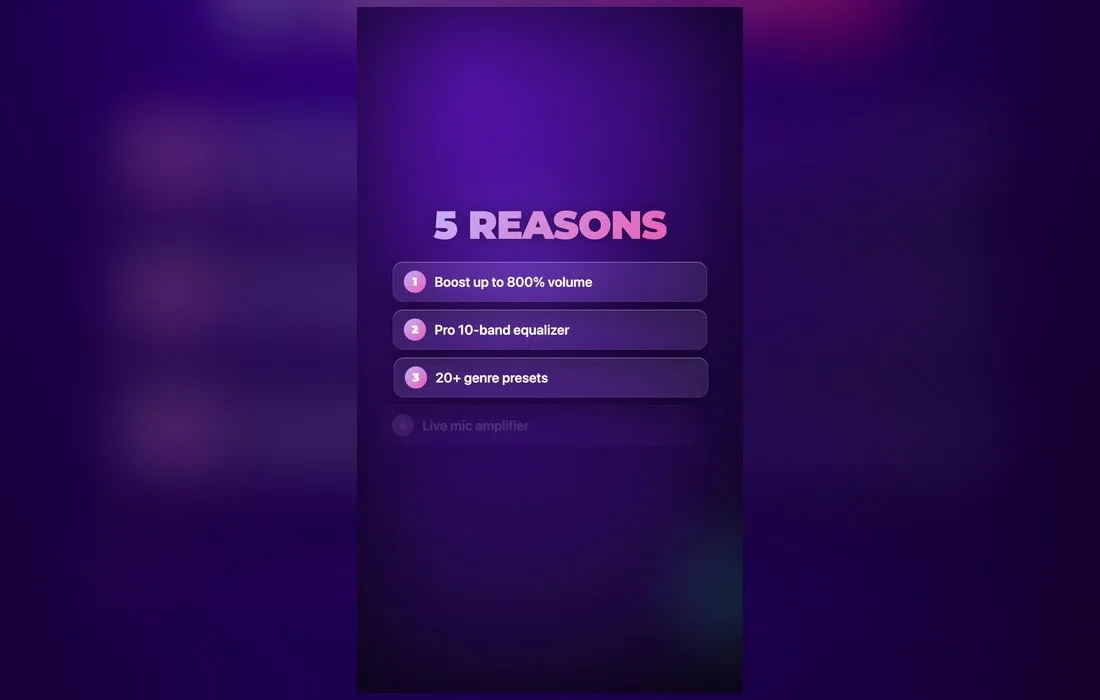
Volume Booster: Bass EQ gives you a real-time boost plus a full 10-band equalizer — free on the App Store — so you can make everything sound louder and clearer the smart way. Turn it up for clarity, protect your ears, and enjoy.