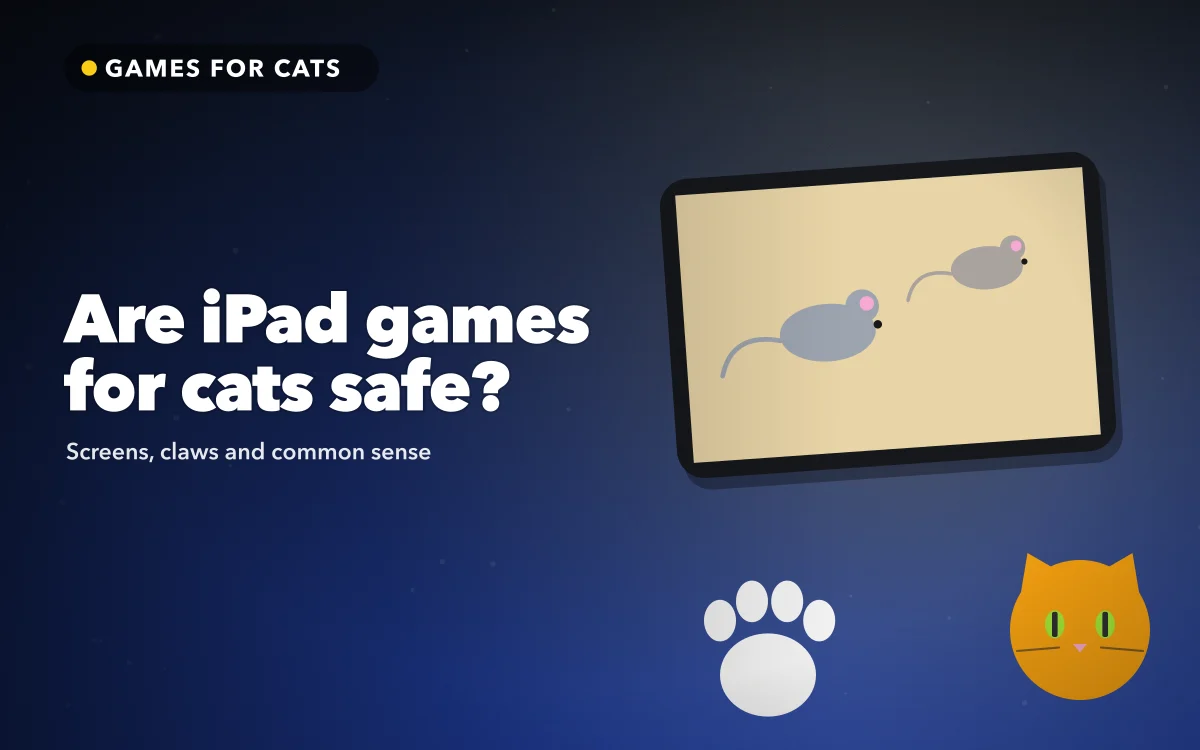
A cat batting at a cartoon mouse on a tablet looks harmless, and for most cats it is. Still, it is fair to ask whether iPad games for cats are a good idea before you hand the screen over, because a cat is not a toddler and a tablet is not a feather wand.
The short version: screen games are a reasonable part of play for many indoor cats, as long as the sessions are short, supervised and finished with something the cat can actually catch. The longer version is below.
What the worry usually is
When people ask whether a screen game is safe, they tend to mean one of three things.
The first is the screen itself: scratches, cracked glass, a tablet knocked off a sofa. The second is the cat: are the eyes, claws or nerves at any risk? The third is behaviour: does chasing something that never stays caught leave the cat wound up rather than satisfied?
All three are worth a minute of thought. None of them is a reason to avoid screen play entirely.
The screen and the claws
Cats tap, pat and occasionally swipe. Most cats keep their claws sheathed when patting at a flat surface, but some extend them, especially when excited.
A few practical steps cover almost every case:
- Lay the device flat on the floor. A tablet propped up on a stand or held on a lap can be knocked over. Flat on a rug, it has nowhere to fall.
- Use a screen protector if you are worried about marks. Modern iPad glass is tough, but a cheap protector costs less than a repair.
- Keep claws trimmed. This is good for furniture as well as glass.
- Stay in the room. Supervision is the single most useful safety step, for the device and the cat.
A plain case also helps. If the cat does manage to nudge the tablet, a case absorbs the knock.
Follow along in download Games for Cats on the App Store
Free on the App Store for iPhone and iPad.
App Store
Eyes and brightness
There is no good evidence that a few minutes of looking at a tablet harms a cat's eyes. Cats watch moving things all day; a screen is one more of them.
What does matter is that the cat can see the prey clearly. Turning the brightness up helps, as does high-contrast prey. Cats see blue and yellow more clearly than red, which is why Games for Cats uses high-contrast colours by default.
If your cat squints, turns away or loses interest quickly, end the session. That is a sign the game is not working for them today, not a sign of harm.
Frustration and the missing catch
This is the concern that deserves the most attention. Hunting is a sequence: stalk, chase, pounce, catch. When the catch never happens, some cats stay keyed up. You may see tail flicking, pacing, or a cat that goes looking for something else to pounce on, sometimes your ankles.
There are two parts to the fix.
Make the screen reward the pounce. In Games for Cats, every successful tap gets a burst, a squeak and a fresh prey from the edge of the screen. The cat's effort produces a visible result.
Finish with something real. After the timer ends, the app shows a calm "play time is over" screen and reminds you to finish with a real toy. Drag a wand toy or toss a small ball and let the cat catch it. That last physical catch is what closes the loop.
Finish with a real toy
Screen prey can be tapped but never held. End every session by letting your cat catch something physical, such as a wand toy or a soft mouse. It turns a chase that could leave them restless into a hunt that ends with a win.
Kittens, older cats and nervous cats
Not every cat responds the same way.
Young cats often play hard and fast, so keep sessions short and watch the claws. Older cats may prefer slower prey; the fish pond, where fish glide under lily pads, often suits them better than the darting laser dot.
Nervous cats sometimes find sudden sounds startling. Start with the volume low and raise it if the cat seems curious rather than alarmed.
If your cat has a health condition, or you are unsure whether vigorous play is right for them, ask your vet. A screen game is not a substitute for their advice.
How long a session should be
Short is better than long. Games for Cats offers a 5, 10 or 15 minute timer, and five or ten minutes is plenty for most cats. Two or three short sessions spread across the day tend to work better than one long one, and they fit naturally around feeding times.
Watch the cat rather than the clock. When they stop chasing and start watching, or wander off, the session is over, whatever the timer says.
Quick answers
Can a cat break an iPad by playing on it?
It is unlikely if the iPad is flat on the floor in a case. Most damage happens when a tablet is propped up and gets knocked over, so laying it flat removes most of the risk.
Is the screen bad for my cat's eyes?
There is no good evidence that short sessions harm a cat's eyes. Keep the brightness comfortable, keep sessions short and stop if your cat seems uncomfortable.
Will my cat get frustrated?
Some cats do if the hunt never ends in a catch. Reward each pounce on screen and finish every session with a real toy the cat can hold.
Can my cat exit the game by accident?
Not easily. The play screen has no buttons, and leaving takes three corner taps in order and a quick sum. You can also turn on Guided Access for extra protection.
Where to get it
Games for Cats gives you three kinds of prey, a session timer and a locked play screen, with ads kept to the screens you see, never while your cat plays. You can download Games for Cats on the App Store for iPad and iPhone.
Lay the screen flat, stay close and let the last catch be a real one.