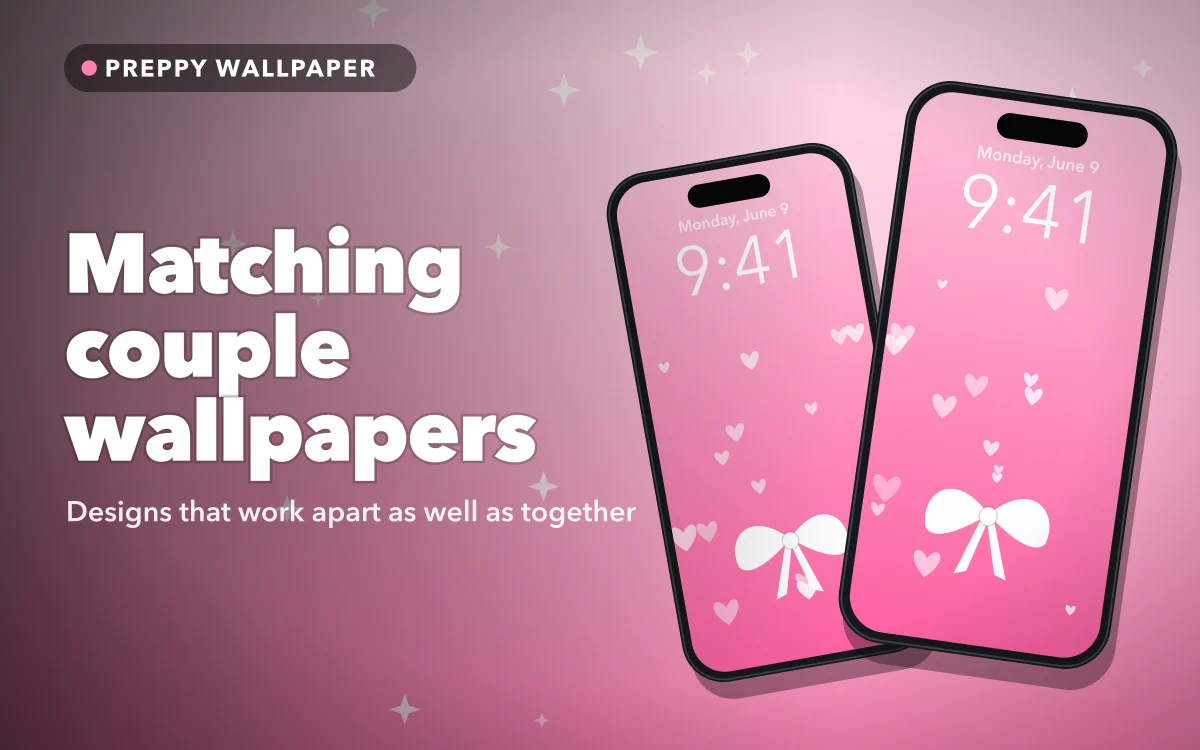
Matching couple wallpapers have one design problem that most people only notice afterwards. Two phones sit side by side for perhaps a few minutes a day, and for the rest of the time each one is alone in a pocket or on a desk. A picture that only makes sense as a pair can look like half of something for most of its life.
So the first thing to decide is how the two screens will relate to each other. There are three main approaches, and each one suits a slightly different kind of couple.
Three ways to match
Two halves of one picture. A heart split down the middle, or a single image running across both phones. This has the biggest payoff when you hold them together, but it is also the most awkward alone. Choose a design where each half still looks deliberate, such as half a heart placed well inside the frame instead of cut off by the screen edge.
A pair of related objects. Each phone shows something complete, and the connection comes from the idea. This is the easiest approach to live with, because each screen works on its own, and only the two of you know that it is part of a set.
The same palette or pattern. Both phones use the same colours or the same repeating motif, perhaps in reversed colours. It is the quietest option, and it is ideal if neither of you wants anything that announces itself.
If you are not sure, start with a related pair. It has the fewest ways to go wrong.
Pairs worth trying
These ideas all work as complete pictures on each phone:
- Sun and moon. A classic for a reason, and easy to do in warm and cool colours.
- Lock and key. Simple shapes, so they leave plenty of room for the clock.
- Cherries. Two cherries on one stem, or one cherry on each screen, suit a cute pink look.
- Strawberries and cream. One bright screen and one soft one, tied together by the theme.
- Bows and ribbons. One large bow on each phone in two different colours.
- Chess pieces. A king and a queen in black and white, for a more grown-up style.
- Two animals. A cat and a dog, or a pair of penguins, for a look that never takes itself seriously.
For something more personal, name wallpapers for couples can put initials on the pair instead. And if the two of you share a favourite series, matching anime wallpapers follows the same logic with characters.
Follow along in Preppy Wallpaper: Pink Cute
Free on the App Store for iPhone and iPad.
App Store
Lining up a split design
If you do choose a picture that runs across both phones, expect a little work. Different iPhone models crop a picture differently, so the join may not meet where you expect, even if you both use the same file.
- Set the left half on one phone and the right half on the other.
- Touch and hold the Lock Screen, then tap Customize.
- Pinch and drag the picture until the shape meets the edge of the screen in the right place.
- Hold the phones side by side, then adjust again until they look joined.
The rounded corners and the frame between the two screens mean that a perfect join is impossible. Forgiving designs handle this far better. A big, simple heart will still read clearly with a gap in the middle, whereas a thin line or fine lettering across the join will look broken.
Clock and notifications
Whichever design you pick, it has to work with everything that sits on top of it. Keep the main shape below the time, or use a simple top area so the clock stays easy to read. On a pale pink picture, a white clock can vanish, so tap the time while you are customising and choose a darker colour.
It is also worth checking that the clock colour suits both phones. Matching time colours can make a set feel more finished than the pictures alone. Our aesthetic Lock Screen ideas have more examples, and the best pink wallpapers make good plain backgrounds for a design of your own.
Send the file the sharp way
If you find a pair you like, you will need to get one half to the other person. Messaging apps often compress images, which can leave a wallpaper looking soft on a large screen. AirDrop usually keeps the original quality when you are together. Otherwise, save each image from the original source on each phone, instead of forwarding a copy through a chat.
Keeping it private
A Lock Screen is the most public part of your phone. It shows up on the table in meetings, on a train and in front of family. Before you set a photo of the two of you, think about whether you are happy for it to be seen in all of those places.
Symbols are a good way around this. A small moon or key means something to you and nothing to anyone else. Your iPhone can also store several Lock Screens, so you can keep your matching one ready and switch to it whenever you like. Just touch and hold the Lock Screen, then swipe between them.
Matching the Home Screen
Your icons will cover most of the Home Screen, so a detailed picture tends to get lost there. A simple solution is to keep the matching design on the Lock Screen and use a plain colour from the same palette behind your apps.
You can also use the blur option when you customise the Home Screen, which keeps the colours and removes the detail. Our guide to matching Lock and Home Screen sets goes through this step by step, and matching BFF wallpapers has more ideas that work just as well for friends.
Quick answers
Do we need the same iPhone for a split wallpaper?
No, but different models crop a picture differently, so you may need to adjust each one by hand. A simple design hides small differences far better than a detailed one.
What is a subtle couple wallpaper idea?
Try a related pair of simple objects, such as a sun and a moon, or a lock and a key. Each screen works alone, and only the two of you will know that they match.
Can I switch back to my old wallpaper easily?
Yes. Your iPhone can store several Lock Screens. Touch and hold the current one, then swipe to the one you want.
Where to get it
Preppy Wallpaper: Pink Cute describes itself as having more than 1,000 HD wallpapers, with categories that include Couples and BFF Matching. You can search by aesthetic, mood or colour, save favourites and set a wallpaper on your Lock Screen, Home Screen or both. Its listing says the wallpapers are free, with no hidden charges.
Pick the design that still looks right when the other phone is in another room.