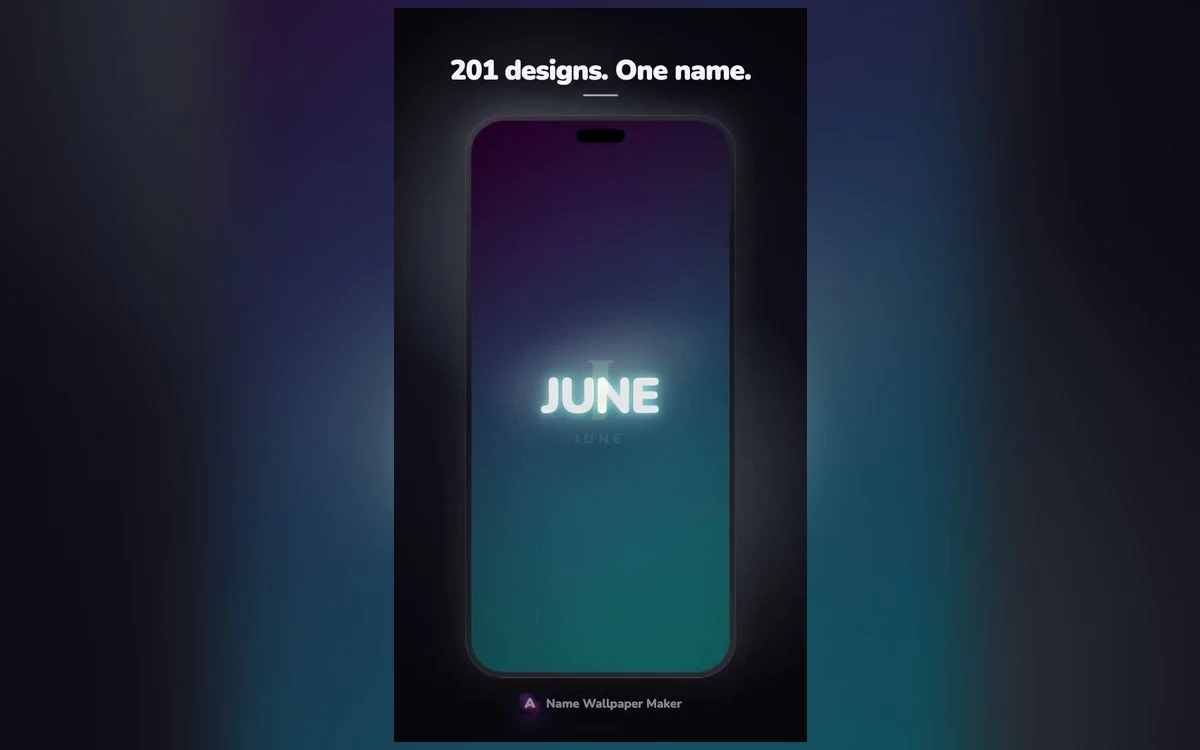
There is a moment at a counter or on a train where somebody glances at your phone and reads your full name off the lock screen. Most of the time it does not matter. Sometimes it does, and that small awkwardness is enough to make people give up on personalised wallpapers entirely.
Initials are the sensible middle. You still get a screen that is unmistakably yours, and a stranger gets two letters that mean nothing to them. It also happens to look better in most cases, because two letters can be composed the way a logo is composed, and a nine letter name mostly just has to fit.
The catch is that a monogram is easier to get wrong than a name. A name has its own shape. Two letters sitting side by side have no shape until you give them one, and that is what separates a mark that looks designed from one that looks like you typed two capitals and stopped.
When initials beat the whole name
Use initials when the name is long. Anything past about eight letters has to shrink to fit the width of the screen, and once it shrinks it stops being a graphic and becomes a caption. Two letters can be enormous and still leave space around them.
Use them when the phone is visible in professional settings. A monogram on a desk in a meeting room reads as a design choice. A first name in glowing script reads as a personal item you brought to work, which is fine but is a different signal.
Use them when the name is common. Half the point of putting a name on a screen is that it feels specific to you, and a very common first name in a plain style can feel oddly generic. An initial pair belongs to fewer people and carries more.
Stick with the full name when it is short and distinctive, when the phone belongs to a child who should be able to identify it instantly, or when the name is the whole point, such as a gift where the recipient seeing their own name is the moment.
Two letters, three ways to arrange them
Side by side is the simplest. Both letters at the same size on one line, with clear space between them. It is calm and it never goes wrong. The one thing it needs is generous letter spacing, because two capitals set tight look like an abbreviation rather than a mark.
Stacked, one above the other, gives a taller narrower block that suits the vertical shape of a phone screen. It works best when the letters are close in width. An I above an M looks unbalanced because the top line is a sliver and the bottom is a slab.
Interlocked, where the letters overlap slightly, is the most designed looking and the most likely to fail. It works when the letterforms have compatible curves, and it collapses into a blob when they do not. Round letters overlap well with each other. Letters with strong diagonals fight everything.
If you are unsure, side by side with wide spacing is the version that looks intentional in every case.
Which letters, and in what order
The traditional three letter monogram puts the surname initial in the middle at a larger size, with the first and middle name initials flanking it smaller. That is the format on towels and signet rings and it still looks correct on a screen.
A plainer approach is first and last, in reading order, both the same size. Nobody will be confused by it and it avoids the slightly formal air of the traditional arrangement.
A single letter is underrated. One large initial filling the middle of a dark screen is confident and impossible to get wrong. It also stays legible at a glance, which matters when the whole point is recognising your own phone across a table.
Match the initials to the name, not to fashion
Round, open letters such as O, C, G and S look good in scripts and heavy serifs because those styles have curves to play with. Letters built from straight lines and diagonals, such as A, K, V, W and Z, hold up better in clean geometric or condensed lettering where the angles are part of the design. Trying to force a W into an ornate script usually produces a tangle, and swapping to a simpler face fixes it immediately.
Crests, circles and the frame around the letters
A frame turns letters into a mark. A thin circle around two initials does most of the work of a full crest, costs nothing in complexity, and centres the eye on the letters instead of letting them float in the middle of the screen.
Keep the frame lighter than the letters. If the circle is thicker than the strokes inside it, the ring becomes the subject and the initials become filler. A hairline ring around bold letters is the safe ratio.
Fuller crest treatments, with laurel shapes, a small divider line under the letters, or a thin double border, look genuinely good when the rest of the screen is quiet. They need dark space around them and nothing else competing. One ornamental element is elegant, three is a coat of arms.
The monogram crest style in Name Wallpaper Maker: Neon sets those proportions already, so you type the initials and get a properly weighted ring and spacing rather than working out the ratios yourself.
Placing a mark on a lock screen that already has a clock
A monogram sits naturally in the centre of the screen, and the centre is roughly where the clock area ends. That is the main practical problem to solve.
The usual fix is to drop the mark below centre, into the space between the clock and the bottom row of controls. It leaves the top clean and gives the mark its own zone. The other option is to go small and put a modest monogram low on the screen, near where a signature would sit on a page, which looks restrained and never collides with anything.
Check it with notifications present. An empty lock screen is not the state your phone spends most of its time in. If two messages arrive and cover your mark, it is placed too low.
On the home screen the calculation is different, because app icons occupy the whole grid. A monogram behind icons tends to peek through gaps and look accidental. A monogram on the lock screen with a plain dark background on the home screen works well, and iOS lets you set those separately when you edit the wallpaper.
Colour choices that keep it from looking like a template
Monograms are usually better in one colour than two. The mark is small and simple, and a second colour has to justify itself. White on near black, or a soft cream on deep navy, is hard to beat.
If you want warmth, a muted gold on charcoal reads as expensive without the full metallic treatment. If you want something modern, a single cool tone such as pale blue or mint on very dark grey feels current without being loud.
What to avoid is a bright gradient inside small letters. Gradients need surface area, and at monogram size the transition happens over such a short distance that it just looks like an uneven colour.
Quick answers
Should I use two letters or three?
Two is easier to compose and reads faster at a glance. Three is the traditional form and looks more formal, but only works if the middle letter is the surname and is set larger, otherwise it reads as a random string.
Do I need a period after each initial?
No, and it usually looks worse. Periods make the mark read as an abbreviation in a sentence rather than a graphic. Leave them out and use spacing to separate the letters instead.
Can a monogram work with a photo background?
Yes, if the photo is dark and quiet behind the letters. A blurred dark texture or an out of focus night scene works well. Anything with faces or strong detail pulls attention away from a mark that is meant to be the focal point.
Will a monogram look too small on a bigger iPhone?
iOS scales and crops the wallpaper to the screen, so leave margin around the mark. What changes is how much empty space surrounds it, which on larger screens can make a small mark feel lost. Size the mark against the width of the screen rather than to a fixed number, and check it on the actual phone.
Where to get it
Name Wallpaper Maker: Neon includes a monogram crest style along with simpler letter treatments, so you can try initials alone, initials in a ring and a small signature style mark within a minute of each other. It is on the App Store at on the App Store.
Start with one letter, see whether you miss the second, and add it only if you do.