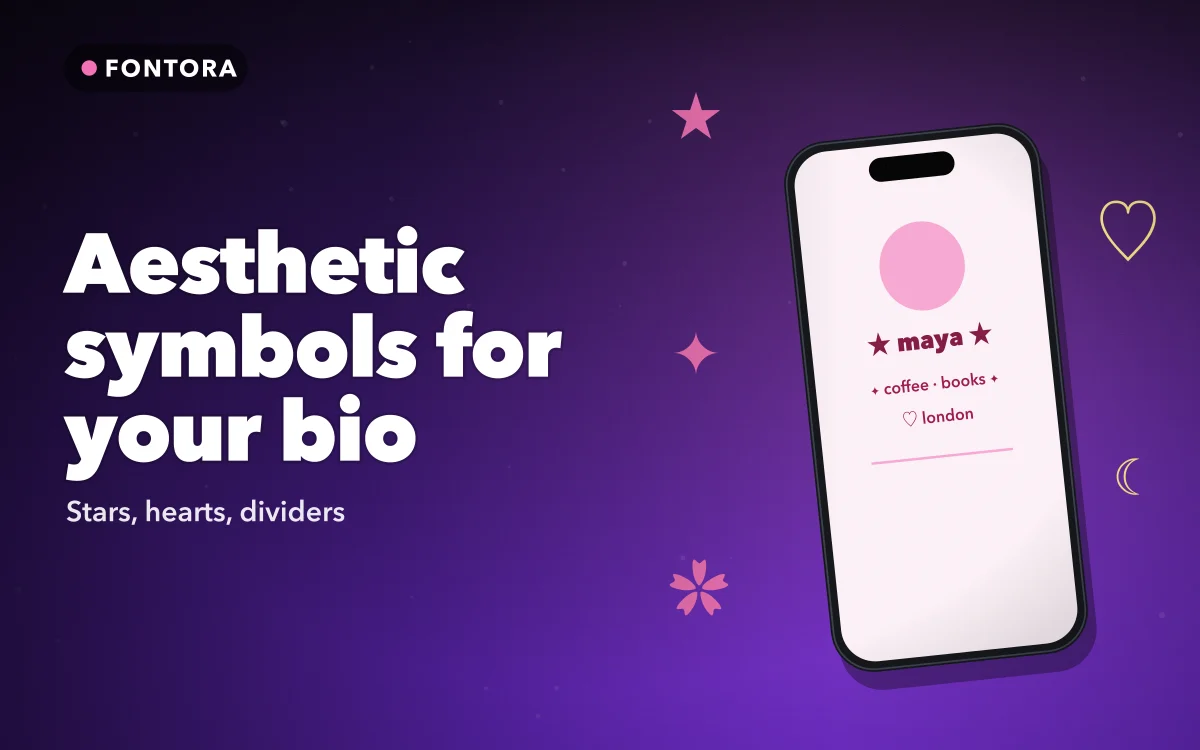
Look at a well-designed profile and you will often see a small star before the name, a row of dots between lines, or a flower at the end of the last sentence. Aesthetic symbols for your bio do a lot of quiet work. They separate information, add a mood and make a short profile look finished.
This guide covers which symbols tend to look good, where to put them, and how to type them on iPhone without hunting through websites to copy and paste.
What aesthetic symbols are
Symbols like stars, hearts, arrows and flowers are standard Unicode characters. They are part of the same system as letters and numbers, so they work almost anywhere text does: Instagram, TikTok, Discord, WhatsApp, X and more.
Unlike emoji, many of these symbols are simple shapes that take on the colour of the surrounding text. That makes them look calmer and more consistent with a minimal profile.
Symbol families that work well
Stars and sparkles. Small stars and asterisk-style sparkles suit almost any profile and work as accents or dividers.
Hearts. Outline and solid hearts add warmth. A single small heart at the end of a line is often enough.
Flowers and leaves. Floral symbols suit soft, aesthetic and cottagecore profiles.
Arrows and pointers. Useful for directing attention to a link or a line, such as pointing down towards a link in bio.
Dividers and lines. Dots, dashes, short lines and small repeated shapes separate sections cleanly.
Music, moon and weather. Good for mood: a crescent moon for a night-owl profile, a music note for a musician.
Zodiac and gaming symbols. Zodiac signs for astrology fans, and gaming symbols like swords or shields for gamer tags.
Fontora's symbol packs include stars, hearts, arrows, flowers, music, dividers, currency, maths, zodiac and gaming symbols. You can search them, favourite the ones you use and copy in one tap.
Follow along in Download Fontora on the App Store
Free on the App Store for iPhone and iPad.
App Store
Where to place symbols
The same symbols can look polished or messy depending on placement.
Either side of a word. A pair of matching symbols around your name or niche frames it neatly.
At the start of each line. A small symbol as a bullet makes a list of short lines easy to scan.
As a divider. A short row of symbols between your intro and your details separates them visually.
At the end. One symbol at the end of the last line finishes the bio without clutter.
Three is usually enough
Most bios look best with no more than three kinds of symbol, used consistently. Pick one accent, one bullet and one divider, and stick to them. Mixing ten different symbols makes a short bio feel busy and harder to read.
Combining symbols with fonts
Symbols pair well with a single styled line. For example, a name in small caps between two stars, followed by plain lines with small dot bullets.
Fontora lets you do both from one keyboard. Type with 32 included font styles directly from the keyboard without Full Access, then switch to the symbols or kaomoji tab without leaving the app you are writing in. In Style Studio you can preview all 80 styles and copy the result.
For more ideas on styled lettering, see our guide to cute fonts for bios and captions.
Bio templates to start from
Here are four structures. Replace the words with your own and choose your symbols.
Minimal. A styled name between two small stars, one plain line about what you do, and a small arrow pointing to your link.
Creator. A niche word in small caps, two short bulleted lines with what you post and how often, and a divider before a call to action.
Gamer. A gamer tag between two gaming symbols, your main game and platform in plain text, and a short line about when you stream.
Soft aesthetic. A flower before your name, a short plain line about yourself, and a heart at the end.
Fontora's bio and caption templates include creator, gaming, business, birthday, travel, couples and short status layouts that you can edit, style and copy.
Keeping it consistent across apps
If you use the same symbols on Instagram, TikTok and Discord, your profiles feel connected, and people recognise you more easily when they find you somewhere new. Favourite your chosen symbols in Fontora so they sit at the top of the list on every app. When you update one bio, update the others at the same time so the look stays matched.
Things to watch out for
Screen readers. People using VoiceOver may hear each symbol read by name. A long row of symbols can become a long string of words. Keep dividers short.
Rare symbols. Most common symbols display on all modern devices, but very rare ones can appear as empty boxes on older systems.
Character limits. Bios are short. Symbols use up characters, so check that you still have space for the information that matters.
Quick answers
How do I type aesthetic symbols on iPhone?
Use a symbol keyboard such as Fontora, which has searchable symbol packs and lets you favourite the ones you use, or copy them from its app.
Do bio symbols work on every app?
They work on most apps that accept text, including Instagram, TikTok and Discord. Very rare symbols may not display on older devices.
How many symbols should I put in my bio?
Usually two or three kinds, used consistently. More than that tends to look cluttered.
Are symbols the same as emoji?
No. Many text symbols are simple shapes that follow the text colour, while emoji are coloured pictures.
Where to get it
Fontora gives you a private fonts keyboard with symbol packs, kaomoji, 32 included styles, 80 styles in Style Studio and ready-made bio templates. Download Fontora on the App Store for iPhone.
Choose three symbols, place them with care, and let your bio look finished.