Most lists of cute selfie ideas are a page of poses with nothing about why one photo looks sweet and the next looks staged. The difference is rarely the pose. It is the light, where your face sits in the frame, and how much gets piled on afterwards.
The ideas below are grouped by what you already have at home: a window, a mug or a pet, a mirror, your hands. Each comes with the one detail that makes it work.
What actually makes a selfie read as cute
Soft light. Cute photos are low in contrast: gentle shadows, no hard edge across the nose, skin that still has texture. A window on an overcast day beats almost any lamp. The indoor lighting guide explains why.
A little distance. The front camera is a wide lens, and held close it enlarges whatever is nearest, usually your nose. At arm's length, slightly above eye level, your proportions look much closer to how you really look; taking better selfies covers angles in more depth.
Room around you. A face crammed edge to edge reads as intense. Leave space above your head and to one side and the photo feels relaxed. It also leaves somewhere for a sticker later.
Cute selfie ideas that only need a window
Face the window, then turn slightly. Turn your body and face a little away from the glass. One side of your face stays bright, the other falls into soft shadow, and you get shape without harshness.
The sheer-curtain glow. If sun is coming straight in, draw a thin curtain across. It spreads the light into one large, even source. Direct sun means squinting and hard lines; dealing with harsh midday light helps when you cannot avoid it.
The warm patch before sunset. Late in the day, low sun throws a warm rectangle across a wall. Step into it and let it fall across one cheek.
Avoid having your back to a bright window: the bright glass behind you competes with your face, which tends to come out dark and flat.
Follow along in Sweet Selfie Camera - Editor
Free on the App Store for iPhone and iPad.
App Store
Ideas with a prop, a pet or your hands
A mug in both hands. Hold it at chin height. It looks cosy and gives your hands something to do, which is why most hand poses feel awkward without one.
Sleeves over your hands. An oversized jumper, sleeves to the knuckles, hands near your face. It softens the whole silhouette.
Heart hands or a peace sign, close to the lens. Hold the gesture nearer the camera than your face, to one side rather than over your mouth.
One object that matches you. Flowers or a soft toy in a colour that echoes your clothes. One matching tone looks curated; three look busy.
With a pet. Get down to their eye level, use window light, and hold a treat just above the lens so they look your way. For a hands-free shot, use the iPhone Camera app's own self-timer; the timer and grid guide walks through it.
Mirror selfies and faceless selfies
A mirror shows your outfit and the room as well as your face, and lets you shoot on the iPhone's main camera. Clean the mirror and your camera lens first, because smears show up as haze in the photo, and hold the phone at chest height unless hiding your face is the point.
Plenty of people would rather not put their face on a public profile, and a faceless selfie shows your style without your features:
- The phone held in front of your face in a mirror, outfit doing the talking.
- A mug, a flower or your hand covering the lower half of your face.
- Hair falling across your face, shot side-on by a window.
- Your shadow on a sunlit wall, or the back of your head facing a view.
These lean on colour and composition, so choose a background worth looking at on its own.
Stickers, text and frames, used sparingly
This is where cute turns into cluttered. Choose one finishing layer on purpose.
One sticker. Put it in empty space — the gap above your head, the wall beside you — never over your eyes or mouth. An emoji that repeats a colour already in the photo looks like part of it.
One line of text. Short, in the space you left, away from the edges.
Or one frame. A polaroid border, hearts or a film strip each carries a mood by itself. The frames guide covers which styles age well, and the kawaii guide takes the sweet look across the whole phone.
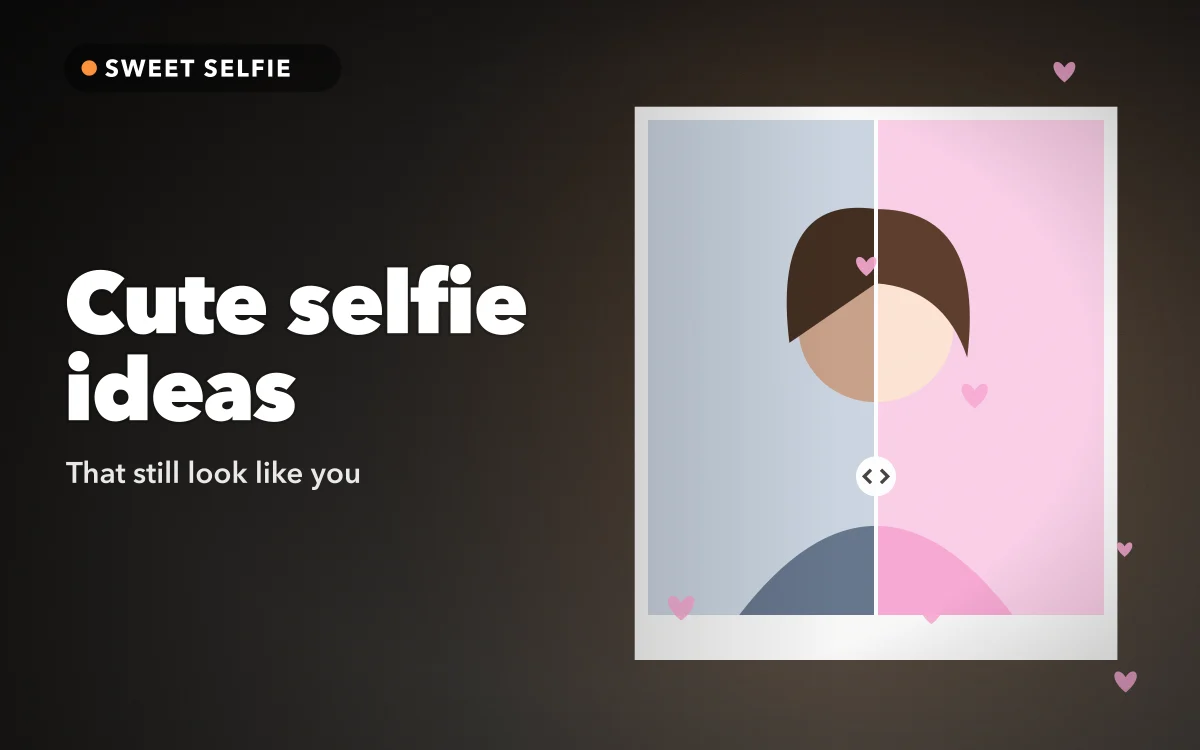
The same restraint applies to beauty effects; at full strength they look edited. In Sweet Selfie, each beauty style has an adjustable strength, so keep it low, and the Before & After split view puts the edit next to the original so you can see how far you have gone.
The one-layer rule
Before adding anything, ask what the photo is missing. If nothing, post it as it is. If it looks flat or dark, nudge the brightness or contrast, or try a look. If it needs a sense of occasion, add one sticker or one frame, not both, so your face stays the subject.
Shooting for a story instead of the feed
Instagram stories are 9:16, tall and narrow, while feed posts are shorter, from square to a modest portrait shape. A feed-shaped selfie dropped into a story gets cropped or padded out; the Instagram sizes guide has the details.
When you shoot tall, step back a little and let your shoulders and some of the room in. The story interface sits on top of the photo: your name and the progress bar above, the reply bar below. Keep your face, and any sticker or text you care about, in the middle and clear of both bands.
Sweet Selfie's Story mode captures and saves a 9:16 photo, so you compose at the right shape from the start, then add it to your story yourself. Its looks also work in the photo editor, so an edited photo can be finished to match your camera shots.
Quick answers
What is the easiest cute selfie to take at home?
Face a window on an overcast day, turn your face slightly away from it, hold the phone at arm's length a little above eye level, and wrap both hands around a mug.
How do I take a cute selfie without showing my face?
Cover the lower half with a mug or your hand, let your hair fall across it, or hold the phone in front of your face in a mirror. Colour and background then do the work.
How many stickers is too many on one photo?
For most selfies, one. Two if they are small and sit in empty space. If a sticker overlaps your face, remove it.
Which filter makes a selfie look cute rather than edited?
A gentle one at low strength. If the texture of your skin has gone, it is too strong. Natural beauty filter selfies covers keeping it subtle.
Where to get it
Sweet Selfie Camera - Editor keeps the finishing layer in one place: a live beauty camera with Natural, Soft, Glow and Smooth styles, 13 looks including Seoul, Peach, Rosé, Milk, Film and B&W, emoji stickers, text, polaroid and heart frames, and saving without a watermark.
Find the window first. Everything else is decoration.