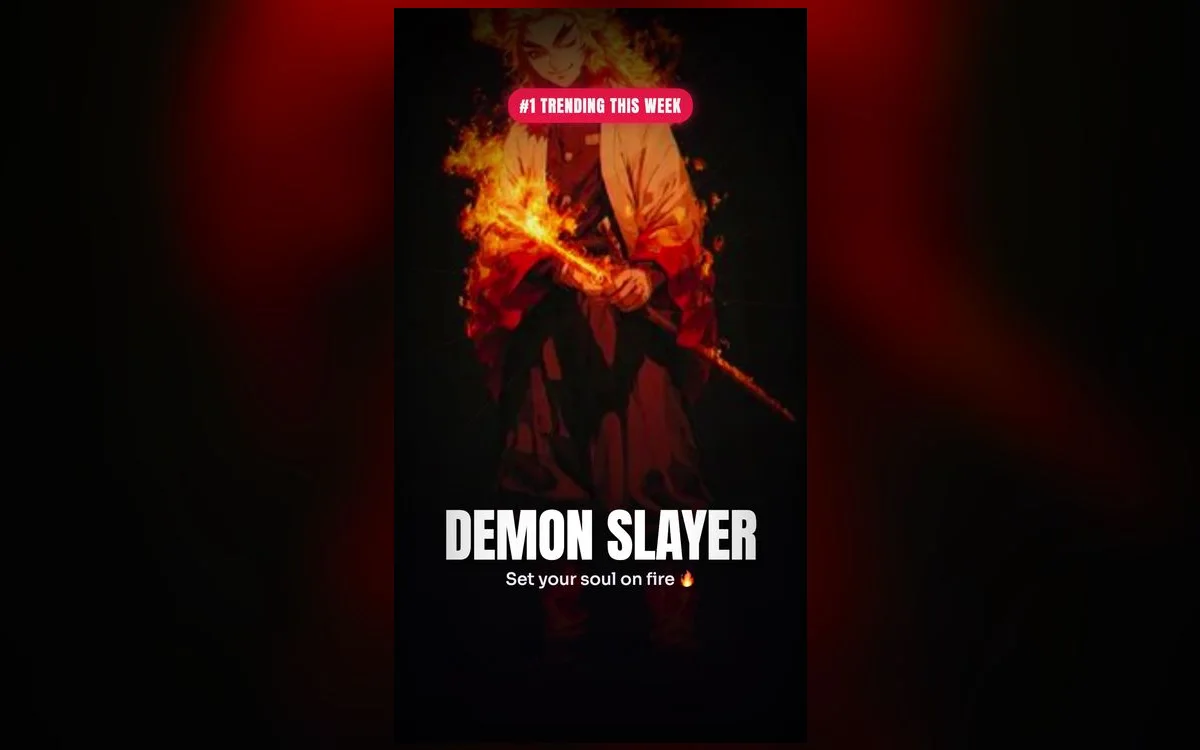
Demon Slayer’s art is a big part of why everyone loves it — those rich colors, the water and flame effects, the character close-ups. All of that translates beautifully to a live wallpaper. Here’s what to set.
The Demon Slayer looks worth setting
- Tanjiro & water breathing — those blue effects are gorgeous in motion.
- Nezuko frames — soft pinks and warm tones for a brighter lock screen.
- Flame Hashira scenes — bold reds and oranges that command attention.
- Group shots — the whole squad for a dynamic wallpaper.
Pick by breathing style, not just by character
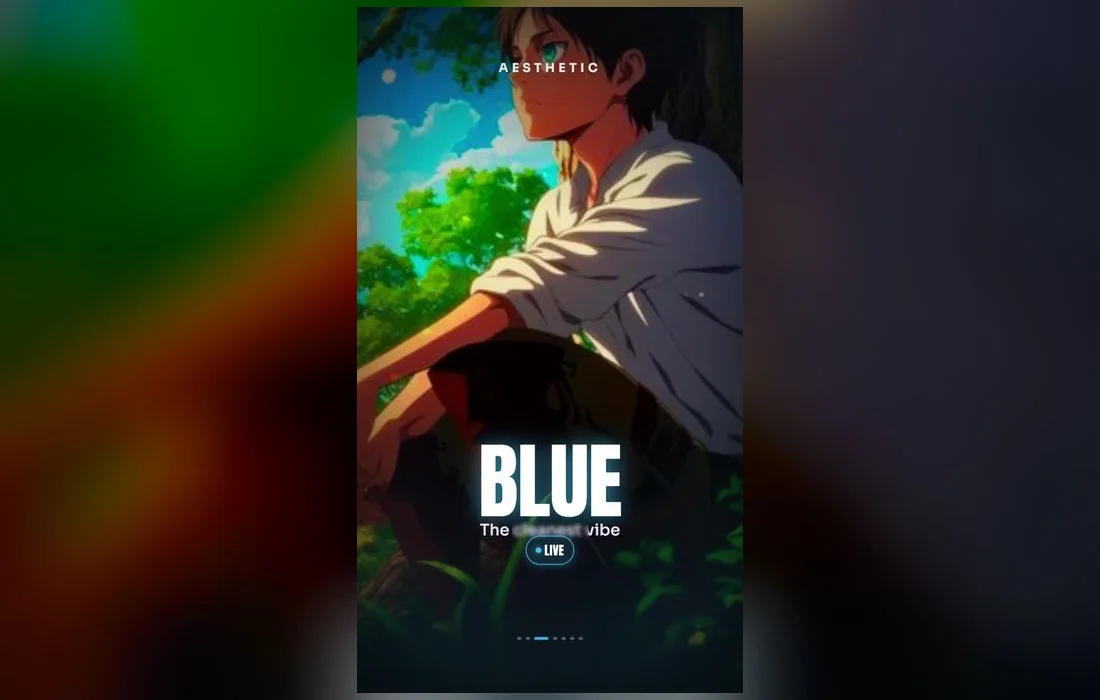
The breathing styles are basically color palettes, and that’s the easiest way to choose one that suits your phone rather than one that just looks good in the gallery.
- Water — deep blues and teals. The safest choice: it sits behind white text without a fight and gets along with any icon color.
- Flame — reds and oranges, huge contrast, impossible to ignore. Watch the top of the frame, because red app badges vanish into it.
- Thunder — yellow against near-black. The most striking of the lot, and it needs a bare Lock Screen to work; skip the widgets here.
- Insect — purple and pale green, the softest of the fighting palettes and the friendliest to a light home screen.
- Sound — gold on dark, flashy without being loud. Good middle ground if flame feels like too much.
- Mist and wind — muted grey-greens. Choose these when you want the wallpaper to stay in the background and let your widgets lead.
Follow along in Anime Wallpaper 4K – Live
Free on the App Store for iPhone and iPad.
App Store
Why live wallpapers suit it
Demon Slayer’s signature effects — flowing water, dancing flames — were made to move. A live wallpaper captures that motion, and in 4K the colors stay vivid and the line art stays crisp.
Match the color to your icons
Nezuko’s soft palette suits a light, tidy home screen; a Flame Hashira frame pops on a darker one. Pick a wallpaper that plays nice with your app colors.
Where the clock lands
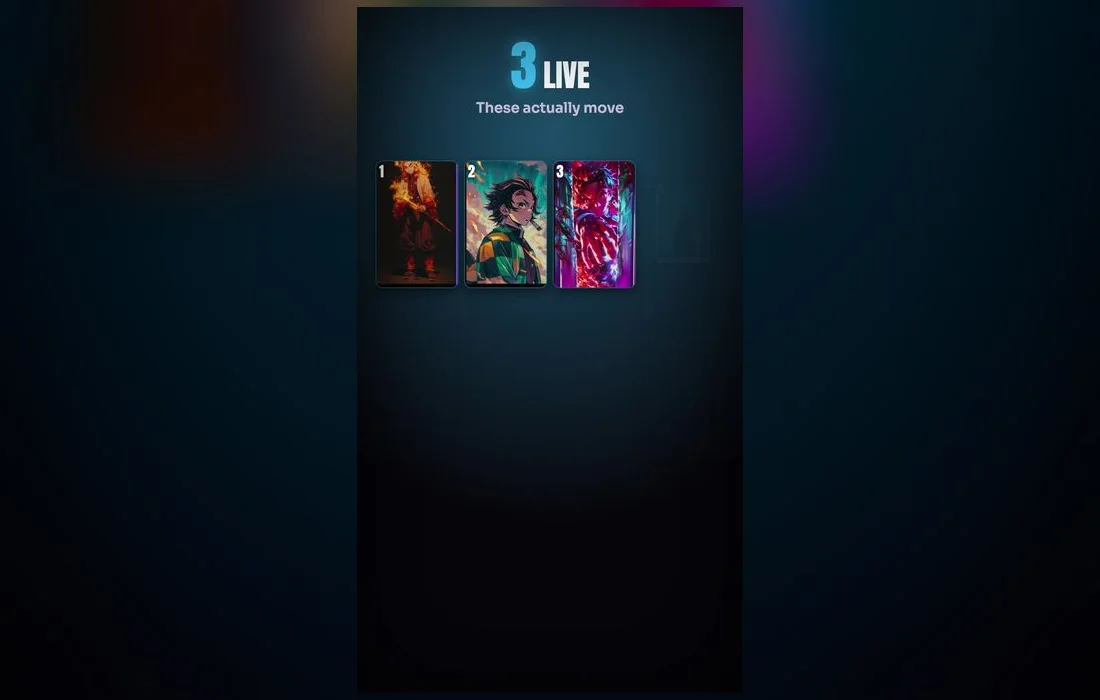
Character wallpapers fail on the Lock Screen for one boring reason: the face ends up under the time. Check the top third of the preview before you commit. The frames that hold up are the ones with sky, smoke, water spray or plain dark space up there, and the character from the shoulders down. If you love a frame that sits too high, use the pinch gesture on the wallpaper preview to shift it down before you save.
How to set one
- Open Anime Wallpaper 4K – Live and search Demon Slayer.
- Preview a wallpaper, then save it.
- Settings → Wallpaper → Add New Wallpaper → Live Photo, pick it, set as Lock Screen.
- Tap Customize to pick a clock font that matches the frame. A bold clock over a flame scene reads better than a thin one.
- Lock the phone, then wake it. The motion plays for a second or two on wake, on unlock and on tilt, then holds on a still frame.

Three things that go wrong
- It won’t move. Low Power Mode pauses live wallpapers. Turn it off in Settings → Battery. If it still sits still, check Settings → Accessibility → Motion for Reduce Motion.
- The colors look flat. Night Shift and True Tone warm the whole display, which mutes blues badly. Try the wallpaper again with Night Shift off in Settings → Display & Brightness before deciding you don’t like it.
- The character is cropped. You saved a landscape frame. Pick a vertical one made for a phone rather than pinching a wide image down to fit.
Build a pair, not a single wallpaper
The setups that look properly finished use two related frames: a busy, high-contrast one on the Lock Screen and a calmer, darker one on the Home Screen so your icons stay readable. A water-breathing scene up front and a plain misty background behind your apps is an easy combination. If you want the whole thing to change with your day, attach one Lock Screen to your Focus for school or work and keep the loud one for everything else.
Quick answers
Are these official Demon Slayer wallpapers?
They’re fan-made 4K wallpapers inspired by the series, optimized for iPhone lock screens. Treat them as fan art for personal use on your own phone.
Which Demon Slayer wallpaper is best for iPhone?
A Tanjiro water-breathing frame looks stunning in motion; Nezuko suits a softer, brighter setup. If you keep a lot of widgets, go for a darker frame so the text stays readable.
Do live wallpapers drain the battery?
Not meaningfully. The loop plays when you wake or unlock the phone, not all day, and darker frames are especially light on an OLED iPhone.
Can I set one as my Home Screen too?
Yes, though it won’t animate there. Pick a lower-contrast frame for the Home Screen and blur it slightly if your app names start getting lost.
Where to get them
All the Demon Slayer wallpapers above live in Anime Wallpaper 4K – Live — free on the App Store, with a Demon Slayer collection in real 4K. Browse, preview and set your favorite in under a minute.