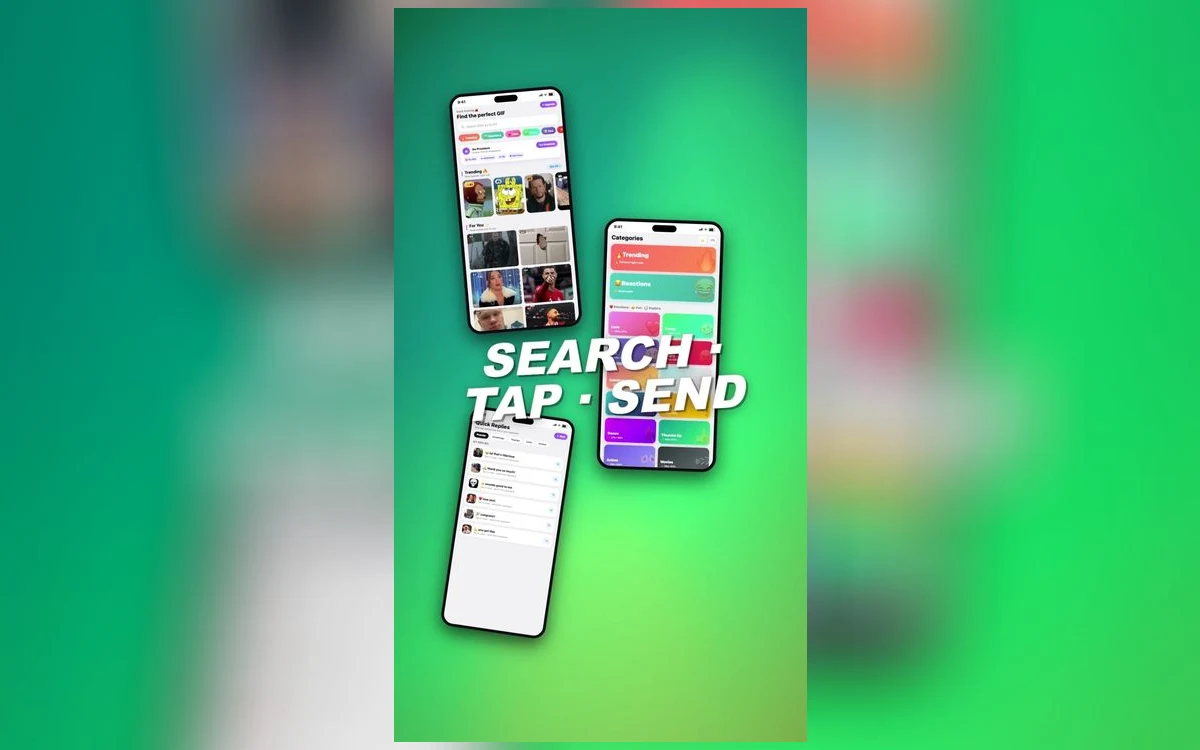
A third-party keyboard on iPhone appears in every app with a text field. That is how iOS works, and it means the keyboard is essentially never the problem.
What varies is what the receiving app does with the file once it arrives. Some keep the animation, some convert it to something that still plays, and some flatten it to a single frame. Here is the actual map.
Where GIFs work properly
iMessage. Full support. GIFs animate in the thread and in the transcript afterwards, and they survive being forwarded.
WhatsApp. Works, with a caveat worth knowing: WhatsApp converts an incoming GIF into a short looping video internally. It plays as a GIF and behaves as a GIF, but it is technically not one any more, which is why saving it back out sometimes gives you a video file. Sending GIFs on WhatsApp covers that path specifically.
Telegram, Discord, Slack. All handle GIFs natively and loop them in the thread. Discord and Slack also render them at a sensible size rather than full width.
Instagram and Facebook Messenger direct messages. Animation is kept. Instagram has its own built-in GIF picker as well, but a pasted GIF from the keyboard works.
X. Supported, with a size limit that most reaction GIFs sit comfortably under.
Where they flatten or fail
Plain SMS and MMS. This is the big one. If the conversation is green rather than blue and the other person is not using RCS, the GIF goes as an MMS attachment, which compresses it heavily and often delivers a still frame or a low-quality video. Nothing about your keyboard causes that.
Email. Mail will attach the file and most desktop mail clients animate it, but many corporate clients block animation by default. A GIF in an email is a coin toss.
LinkedIn messages. No animation. It arrives as a still.
Notes, Reminders, and most non-messaging apps. These accept the paste and show a static image, because they were never built to play animation inline.
Follow along in GIF Keyboard: Memes & Emoji
Free on the App Store for iPhone and iPad.
App Store
Why a GIF sometimes arrives static in an app that supports them
Three causes, in order of how often they are actually the problem.
The wrong copy. If you saved the GIF to Photos first and then attached it from the photo picker, iOS may hand over a still image. Sending straight from the keyboard avoids this entirely.
Re-sharing something already flattened. A GIF that arrived as a still cannot be un-flattened by forwarding it. The animation is gone from the file.
Full Access not granted. Some apps require the keyboard to use the system clipboard to insert media. Without Full Access the keyboard can still type but cannot always paste a GIF. You can grant it in Settings, General, Keyboard, Keyboards.
What Full Access actually does
Turning on Full Access lets a keyboard use the clipboard and network, which is what makes GIF search and one-tap insertion work. It is a real permission and worth understanding rather than granting reflexively — check what any keyboard says it does with it before enabling. You can revoke it at any time in the same settings screen, and the keyboard will still type; it will just lose the media features.
Getting the keyboard available in the first place
If the keyboard is not appearing at all, it has not been added yet. Settings, General, Keyboard, Keyboards, Add New Keyboard, then pick it from the third-party list.
To switch to it while typing, tap the globe key at the bottom left, or press and hold it to pick from a list when you have several installed. The full keyboard setup walks through it.
A practical rule
If the conversation is blue, or it is in a real messaging app, a GIF will animate. If it is green, or it is email, or it is a notes field, assume it will not.
When it matters — a reply that only works if it moves — send it in a chat app rather than over SMS. There is no setting that makes MMS carry a GIF properly.
Quick answers
Do I need Full Access for GIFs to work?
For search and one-tap insertion, generally yes, because those use the clipboard and network. The keyboard will still type without it.
Why does my GIF work in iMessage but not to my friend on Android?
Because that conversation falls back to SMS/MMS, which compresses heavily. Use a cross-platform messaging app instead and it will animate for both of you.
Can I send a GIF as my profile picture or status?
Almost never. Most apps accept only a still image for profile photos and will take the first frame.
The GIF is animating for me but not for them.
Usually the receiving app or platform, not the file. Ask what they are opening it in — email clients and SMS are the two common culprits.
Where to get it
GIF Keyboard: Memes & Emoji inserts directly from the keyboard rather than routing through Photos, which is the step that most often turns an animation into a still.
Blue or a chat app: it moves. Green or email: assume it will not.