The lights are low, everyone is quiet, and the needle on your EMF meter suddenly swings into the red. It is the moment every ghost hunt is waiting for. It is also, nearly always, explained by something within arm's reach.
EMF app spikes on an iPhone come from the magnetometer, the same sensor the compass uses, reacting to a change in the magnetic field. Here are the usual causes and a quick way to check each one.
How the sensor reacts
The magnetometer measures the magnetic field around the phone. Anything that creates or bends a magnetic field nearby will change the reading. The closer the source, the bigger the change, and the effect drops off quickly with distance.
That is why a magnet a few centimetres from the phone can send the needle flying, while the same magnet across the room barely registers.
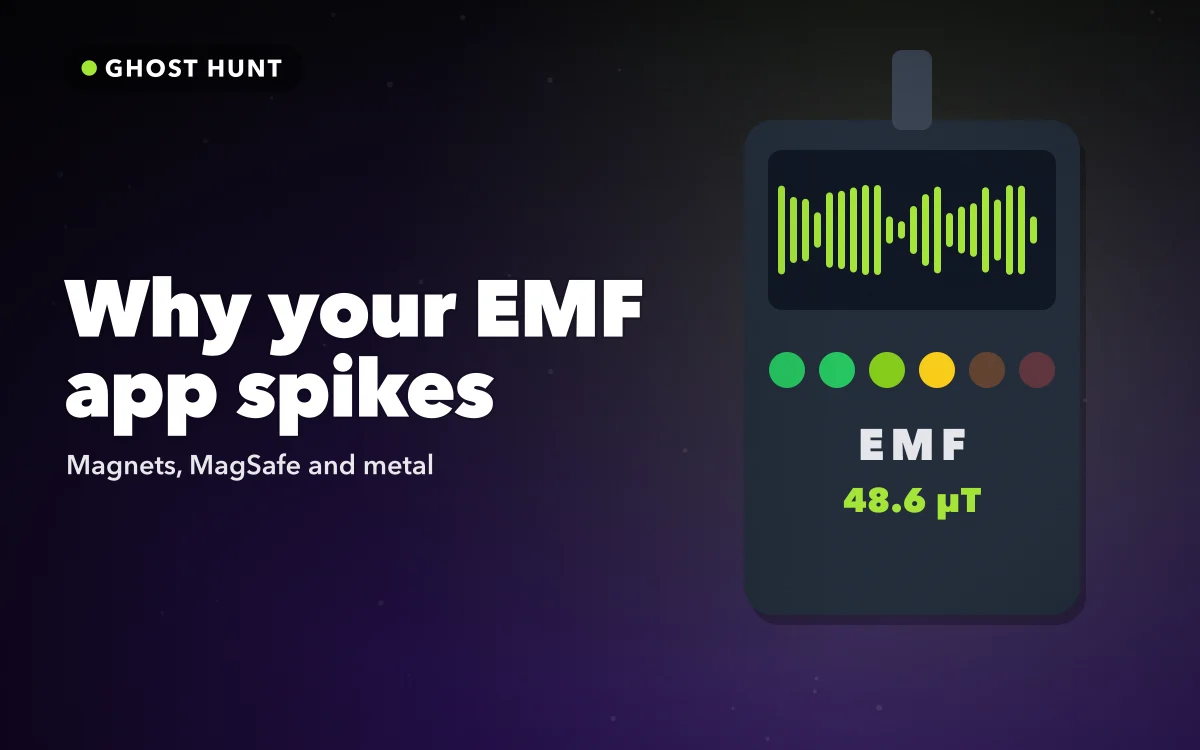
In Ghost Hunt, the EMF meter shows the change from a calibrated baseline in microtesla, with a needle gauge and an LED bar. Beeps and haptics speed up as the reading rises, so you notice a spike without staring at the screen.
The five usual causes
Work through these in order. The first two explain most spikes on their own.
Cause one: MagSafe cases and accessories
This is the most common cause on modern iPhones. A MagSafe case has a ring of magnets built in, right next to the sensor. MagSafe wallets, stands, chargers and car mounts add more.
If you calibrate with a MagSafe case on, then attach a wallet, the reading jumps. Take the wallet off and it drops.
How to check: remove the case and any MagSafe accessories, then re-calibrate. You will get steadier, more meaningful readings.
Cause two: magnets around the house
Homes are full of hidden magnets. Fridge magnets, magnetic cupboard catches, speakers, headphones, tablet covers, toys and some door closers all contain them.
How to check: when the reading jumps, move the phone slowly in different directions. If the number rises as you approach one spot, look there. A speaker behind a cushion or a magnetic latch on a cabinet door is a frequent find.
Cause three: electronics and wiring
Televisions, laptops, game consoles, chargers and power bricks can all shift the field close to them, especially when they are in use. Wiring in walls usually has a smaller effect at a distance but can show up if you press the phone against a wall near a socket.
How to check: note whether the spike happens near a device or socket. Move a metre away and see if it drops.
Make it part of the investigation
When the meter spikes, pause the hunt and let everyone guess the cause before you look. Then search together. Tracking down a hidden speaker or a magnetic latch is as satisfying as the spike itself, and it keeps the game honest.
Cause four: metal
Steel and iron bend the magnetic field around them even when they are not magnetised. Radiators, metal bed frames, steel beams, filing cabinets, car bodies and even a bunch of keys can all change the reading.
How to check: look for metal nearby, especially below or beside you. Older houses with metal pipes or radiators often show variations from room to room.
Cause five: turning the phone
The magnetometer measures direction as well as strength. If you rotate the phone quickly, the reading can change even in an empty room, because the sensor is now facing a different way relative to the Earth's field.
How to check: hold the phone in the same orientation as you walk, and move slowly. If the spike disappears when you keep still, movement was the cause.
Follow along in Get Ghost Hunt on the App Store
Free on the App Store for iPhone and iPad.
App Store
Getting a steadier reading
A few habits cut down false alarms before they happen. Take the case off before the hunt starts, not halfway through. Keep keys, earbuds cases and wallets in a bag on the other side of the room. Hold the phone flat in front of you, screen up, and walk at the same steady pace. Calibrate in the middle of each room rather than next to a wall or a piece of furniture.
With those habits, the meter stays calm most of the time, so the spikes you do see are easier to trace.
A simple routine for every spike
- Stop moving and hold the phone still.
- Check for a MagSafe case or accessory and remove it.
- Move the phone slowly to see where the reading is strongest.
- Look for magnets, electronics or metal at that spot.
- Move away, re-calibrate and continue.
Ghost Hunt shows honest hints about these causes on screen, and it logs real magnetic spikes during an investigation, kept separate from the Spirit Box's generated words. You can look back at the spikes later and remember what caused each one.
When the cause stays hidden
Sometimes you cannot find the source straight away. That usually means it is inside a wall, under the floor or behind furniture: a steel beam, a pipe, wiring to a socket on the other side. Try the same spot from the next room. If the reading is high there too, the cause is probably in the wall between them. A spike you cannot explain is a good story for the report card, not proof of anything.
Quick answers
Why does my EMF app go crazy near my phone case?
If it is a MagSafe case, the built-in magnets sit right next to the sensor. Remove the case and re-calibrate.
Can wifi or Bluetooth cause EMF app spikes?
An iPhone magnetometer does not measure radio signals like wifi or Bluetooth. Spikes come from magnetic fields, magnets and metal.
Does a spike mean something paranormal is happening?
No. The meter measures magnetic fields. Spikes have everyday causes, and finding them is part of the fun.
Where to get it
Ghost Hunt gives you a real magnetometer EMF meter with calibration, beeps and honest hints, plus a generated Spirit Box and investigation reports for fun with friends. Get Ghost Hunt on the App Store for iPhone.
Every spike has a story. Most of them end with a fridge magnet.