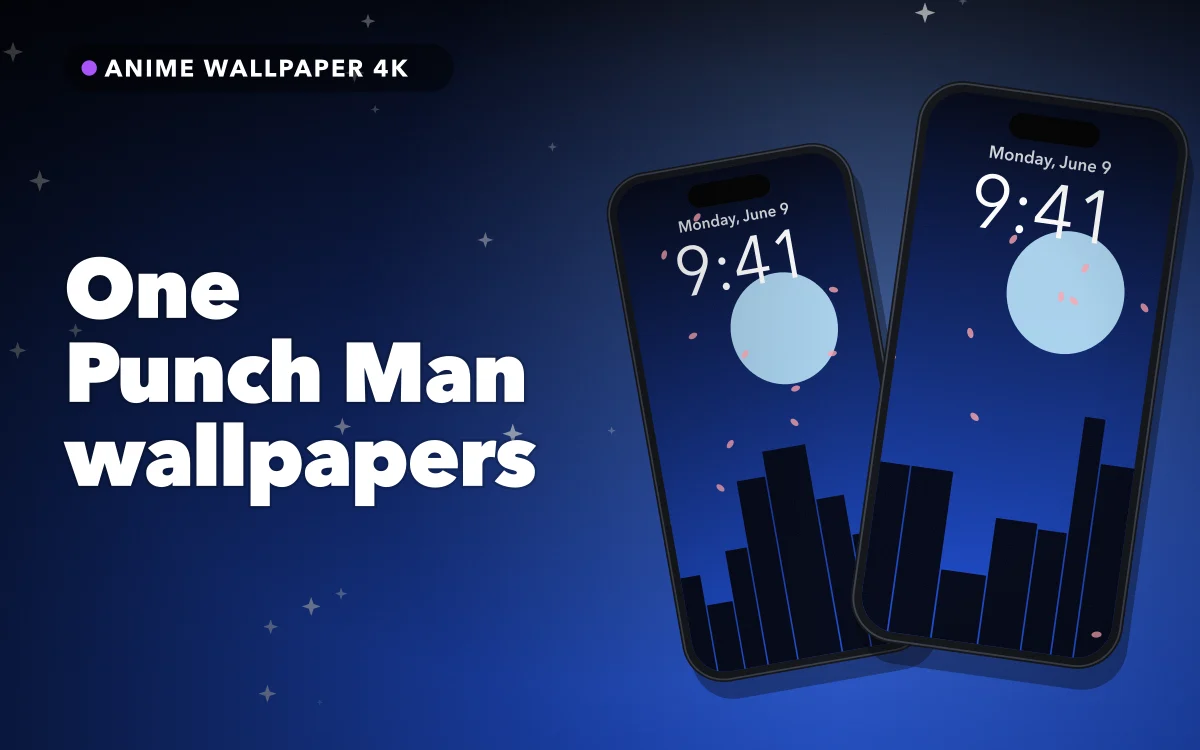
Most action anime spends its budget on making its hero look impressive. One-Punch Man, as it is officially written, does something funnier. Its hero is usually drawn with a nearly blank face and a few simple lines, while the people around him get all the muscles, scars and detail. Then, for a few rare moments, Saitama gets drawn with startling seriousness.
That contrast gives you two very different kinds of wallpaper from one character, and both work well on an iPhone. The series began as a web manga by the artist known as ONE, with the later manga drawn by Yusuke Murata, so there is a wide range of art styles to choose from too.
The two Saitamas
The plain Saitama is a round head, two dots and a flat line for a mouth. It is one of the best anime subjects for a phone, because it stays readable at any size. A small figure on a plain yellow or black background can leave the entire upper half of the screen for your clock. It also works as a quiet joke, since people who know the show will recognise it immediately, while everyone else just sees a clean design.
The serious Saitama is the opposite: heavy shading, sharp features and a dark mood, usually drawn in the middle of a fight. This style makes a stronger lock screen, though the detail needs more care. Look for art with a darker background and with the face below the clock, instead of a close-up that fills the whole screen.
If you tend to change your wallpaper often, save one of each. The plain version is easier to live with day to day, and the serious one looks better on a phone you only glance at.
The rest of the cast, by colour
Here is how the other popular characters behave on a screen:
- Saitama's suit: yellow, red and white. Yellow is a hard background for a white clock. Keep the suit in the lower half of the picture, or choose a dark clock colour.
- Genos: blond and black. His dark mechanical body gives you plenty of contrast, and the orange flames around him look vivid on a dark screen.
- Tatsumaki: green and black. Her green hair and psychic glow stand out well against a black background. She is often drawn floating, which leaves natural space around her.
- Garou: silver and black. His pale, spiky hair needs a dark backdrop, and it can disappear behind a white clock if it sits too high.
- Mumen Rider and King. Fan favourites for a reason. Both suit humorous wallpapers, such as a bicycle helmet and goggles or King's famous three scars.
As with most anime art, the darker the area behind the clock, the easier your life will be. Our dark wallpaper guide goes further into choosing a black background.
Follow along in Anime Wallpaper 4K – Live
Free on the App Store for iPhone and iPad.
App Store
Clock and crop
Saitama offers one real advantage over most anime heroes: he has no hair. Spiky hair usually rises straight into the band where the date and time sit, but a bald head leaves a tidy curve below it. That makes it easy to place the clock directly above him.
To set this up, touch and hold your Lock Screen, tap Customize, then pinch and drag the image into place. Try these checks before you settle on it:
- Look at the clock against the art. You can tap the time while customising to change its colour. A dark clock can work well over a yellow suit.
- Look at the bottom of the screen. The flashlight and camera buttons sit there, along with your notifications, so anything important in that area will be covered.
- Check the file size. If you need to zoom in a lot, the image will soften. The blurry wallpaper guide explains why.
For a bigger effect, try the depth effect, which can let the top of a figure overlap the clock. It works best with one clear subject and a simple background, so the plain Saitama is often a good candidate.
Minimal and joke designs
The show's sense of humour suits quiet wallpapers, which also leave the most room for widgets. A few ideas work particularly well:
- The red glove. A single red fist on a black or yellow background.
- The cape. A white cape on its own, moving in the wind, on a dark screen.
- The "OK" shirt. Saitama's plain T-shirt is an instantly recognisable joke for anyone who knows the show.
- The silhouette. A bald head and cape in one flat colour. It makes a good match for a tidy Home Screen.
If you like this approach, our underrated anime wallpapers guide has more ideas for designs that do not look like everyone else's.
One punch, about one second
A punch is a good subject for a live wallpaper, since a single impact only needs a moment. That matches how live wallpapers behave on an iPhone: they move on wake, unlock and tilt for a second or two, then hold still. Nothing loops, and the Home Screen does not animate. Choose a clip in which the main action happens right at the start.
Matching the Home Screen
Yellow is a loud colour to sit behind rows of icons, so a full-colour Saitama can quickly look messy. There are a few easy ways to keep it tidy:
- Use a darker version. A black background with a small yellow figure keeps the character and calms the screen.
- Use the blur option. When you customise the Home Screen, iOS can blur the wallpaper and keep only the colours.
- Use a matching pair. Put the serious Saitama on your Lock Screen and the plain one on your Home Screen. Our matching wallpaper guide has more pairing ideas.
Quick answers
Which One Punch Man wallpaper works best on an iPhone?
A plain Saitama on a simple background is the easiest to live with, because it leaves plenty of room for the clock. The serious version makes a stronger statement, but it needs a darker image.
Why is my clock hard to read over Saitama's suit?
White text has little contrast against bright yellow. Move the suit lower in the picture, or tap the time while customising and choose a darker colour.
Do live One Punch Man wallpapers animate on the Home Screen?
No. A live wallpaper moves only on the Lock Screen, briefly on wake, unlock and tilt.
Where to get it
Anime Wallpaper 4K – Live has 4K, HD and live anime wallpapers that you can browse by style, mood, colour and character type, then save and apply to your Lock Screen or Home Screen. It is free to use, with optional premium features.
Keep the joke simple, and leave the clock some room.