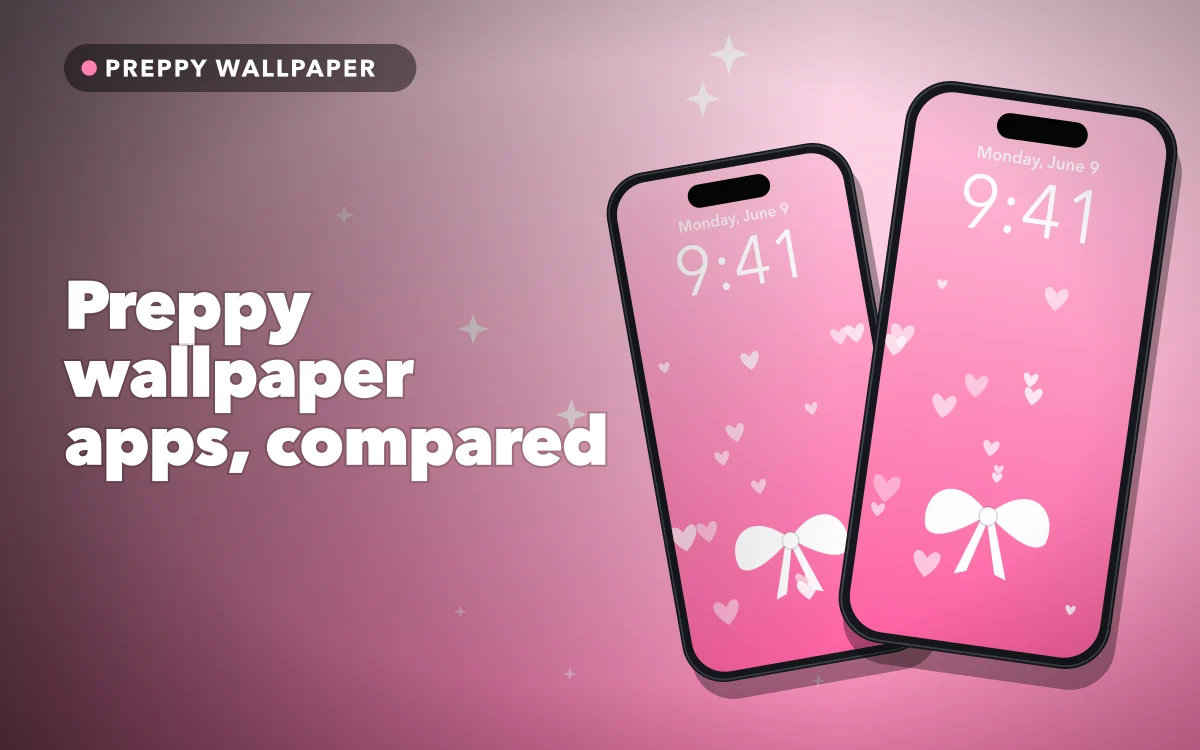
Preppy has become one of the most popular looks for an iPhone: pink, smiley faces, bows, stars and glitter, usually with a bit of coquette mixed in. Plenty of preppy wallpaper apps cover it, but they fall into two groups, and picking the wrong kind leads to paying for things you do not need.
A declaration of interest: we make Preppy Wallpaper: Pink Cute, which is on this list. Ratings and update dates below come from the US App Store on 3 November 2026, and collection details are as each listing describes them. All of these apps are free to download.
Wallpapers alone, or a whole theme
Wallpaper apps give you pictures. You save one to Photos and set it through the Lock Screen or Settings. They are simple, and they tend to be cheaper to use.
Theme kits add custom app icons and widgets, so the Home Screen matches the wallpaper. The result can look lovely, but setting up icons takes time, and these apps lean more on subscriptions. On iPhone, a custom icon is usually a shortcut or a replacement set you apply yourself, so expect some fiddling.
If you just want a nicer background, start with a wallpaper app. You can always add widgets later, and our guide to aesthetic Lock Screen ideas shows what is possible without any extra app.
Preppy Wallpaper Cute Girly 4K: the most rated for the style
4.7 from 16,956 ratings. Last updated November 2026.
This is the most rated app here among those focused on wallpapers, and it was updated within the last few days. Its listing describes hundreds of categories, including Hello Kitty and Stitch wallpapers, flowers, kawaii anime themes and pink girly backgrounds. If you want the widest choice from a popular, actively maintained app, this is a very reasonable place to begin.
Follow along in Preppy Wallpaper: Pink Cute
Free on the App Store for iPhone and iPad.
App Store
Preppy Wallpaper: Pink Cute: ours
4.6 from 3,996 ratings. Last updated August 2026.
This is our app, so read this with that in mind. It has fewer ratings than the app above, and it has a tighter focus: pink, pastel and coquette looks. The listing describes more than 1,000 HD wallpapers, new designs added each week, searching by mood or colour, and saved favourites, and it says the wallpapers are free with no hidden charges.
It suits someone who already knows they want this particular look rather than a huge general collection. Our guides to coquette and soft girl wallpapers and matching Lock and Home Screen sets give you ideas for using them, whichever app you pick.
ThemePack and Aesthetic Kit: the big theme kits
ThemePack (4.7 from 486,891 ratings, last updated October 2026) has by far the most ratings in this comparison, and it offers app icons, wallpapers and widgets for both the Home Screen and the Lock Screen. It is broader than preppy, so you will need to search for the look you want. Its listing mentions weekly, monthly and annual subscriptions, so read the price screen first.
Aesthetic Kit (4.6 from 126,458 ratings, last updated July 2026) is another full customisation app, with app icons, themes, Lock Screen widgets and live wallpapers, along with an AI wallpaper generator if you would like to describe something of your own. It also mentions a subscription and a free trial. It is a good fit if the theme is the point, and you are happy to spend an afternoon on it.
Aesthetic Wallpapers 4K & 3D: a smaller general option
4.6 from 1,086 ratings. Last updated July 2026.
A simpler app focused on modern wallpapers made to fit your screen, with frequent updates according to its listing. It is broader than preppy, and it also mentions a subscription. It is worth a look if your taste moves around rather than staying with one aesthetic.
Getting a preppy wallpaper to look right
The busiest parts of a preppy design are often in the wrong place. Before you settle, check where the clock and widgets land on the Lock Screen, since a smiley face under the time can look messy. Then open the Home Screen and see whether your icons are readable. A plainer pattern, or the blurred Home Screen option in iOS, usually solves it. Using a matching but simpler picture for the Home Screen is the easiest fix of all.
Which one to pick
- The widest choice among preppy wallpaper apps: Preppy Wallpaper Cute Girly 4K.
- A focused pink, pastel and coquette collection: Preppy Wallpaper: Pink Cute.
- A fully themed phone, with icons and widgets: ThemePack or Aesthetic Kit.
- A broader mix of looks: Aesthetic Wallpapers 4K & 3D.
Do not forget the free route, either. If you have a favourite photo, iOS can turn it into a Lock Screen with a colour filter, and a simple pink gradient is built in. See the best pink wallpapers for more ideas.
Quick answers
What is the best app for preppy wallpapers?
Among apps focused on the style, Preppy Wallpaper Cute Girly 4K has the most ratings at 4.7 from nearly 17,000. For a tighter pink and coquette collection, try Preppy Wallpaper: Pink Cute.
Are preppy wallpaper apps free?
They are free to download. Some are funded by ads, and others use subscriptions, so check the in-app purchases on the App Store page before you start a trial.
Can I get preppy app icons as well?
Yes, through a theme kit such as ThemePack or Aesthetic Kit. Wallpaper-only apps do not change icons, and custom icons take some setting up on iPhone.
Where to get it
If a focused pink and coquette collection sounds right, Preppy Wallpaper: Pink Cute is free to download on iPhone.
Choose the look first and the app second, and you will avoid paying for what you do not need.