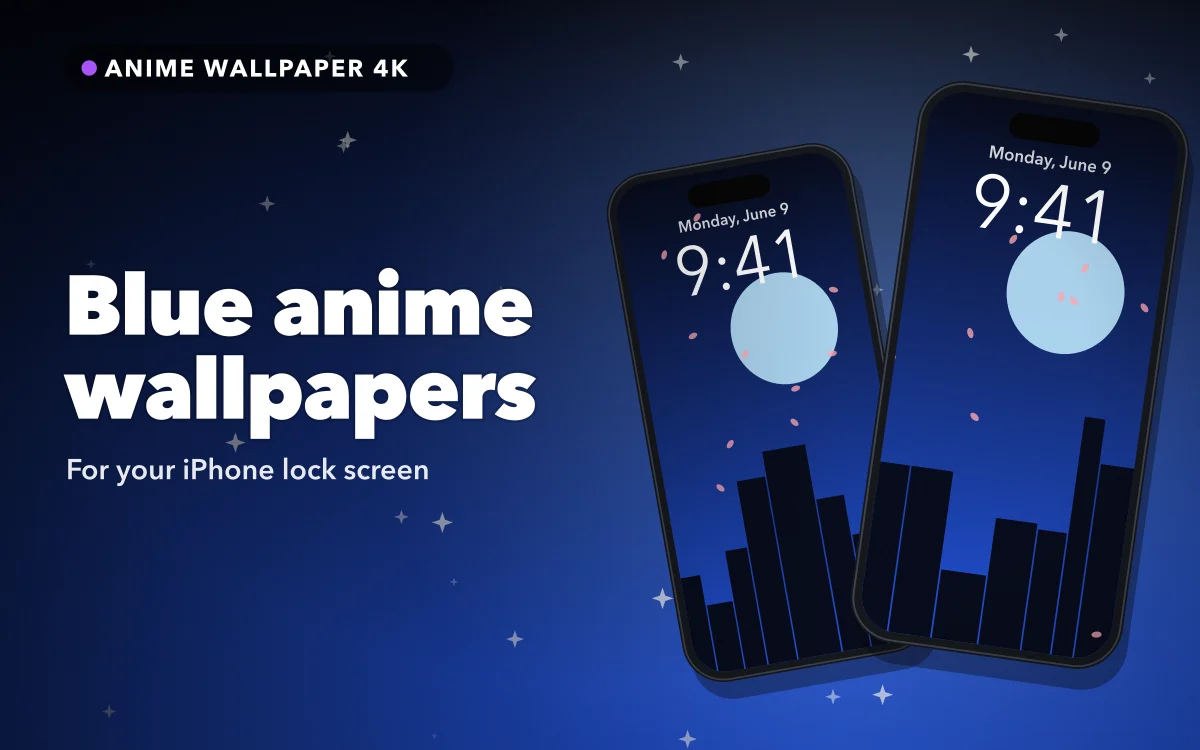
Blue is the colour people land on when they want a phone that looks calm rather than loud, and it is the easiest anime palette to live with. Deep navy scenes, night skies, water effects, cool-toned city art — all of it sits under a white clock without argument.
There are two things that go wrong with it, and neither is about the artwork.
Why blue behaves so well on a lock screen
A white clock needs contrast, and most blue anime art is dark at the top of the frame — night sky, deep water, shadowed interior. The time lands on the darkest part of the image almost by default.
Blue is also the colour your eye is least sensitive to at low brightness, which sounds like a drawback and is actually useful: a blue wallpaper at night reads as quiet rather than glaring, where a red or yellow one at the same brightness reads as loud.
The one composition to avoid is the bright cyan sky. Pale blue at the top of the frame is as bad for a white clock as pale anything else. Either pick a darker piece or change the clock colour.
The True Tone problem
This is the reason a blue wallpaper looks different on your phone than in the app preview, and almost nobody checks it.
True Tone measures the colour of the light around you and warms the display to match. In a room with warm bulbs, that means adding yellow — and yellow added to blue is the fastest way to make a carefully chosen navy look grey-green. Night Shift does the same thing, harder, on a schedule.
You do not have to turn either off. You do have to look at the wallpaper once in daylight or with both disabled before deciding the file is bad. A lot of "this looked better in the app" complaints about blue art are this and nothing else.
Follow along in Anime Wallpaper 4K – Live
Free on the App Store for iPhone and iPad.
App Store
Gradients, banding and why some blues look striped
Blue night skies are usually smooth gradients, and smooth gradients are where phone screens show their limits. If you see faint horizontal bands across a dark blue sky, that is banding: the gradient needs more steps than the panel and the file between them can produce.
Two things help. Prefer art with texture in the dark areas — stars, grain, clouds — because texture hides the steps. And prefer the highest resolution version available, because heavy compression is what turns a smooth gradient into visible stripes in the first place. Why your wallpaper looks blurry covers the resolution side.
Keep the Live badge intact
The motion in a Live Photo lives in a second file paired with the still image, and most ways of moving a picture around break that pairing. Sending it through a chat app, uploading and re-downloading it, or editing it in an app that does not understand Live Photos all leave you with a flat picture. Save from the wallpaper app straight to Photos, then look for the Live badge before you set it.
What moves well in blue
Blue art has the best natural motion of any palette, because the things that are blue tend to be things that move slowly: water, sky, rain, drifting light. Animated versions of night scenes look convincing where an animated portrait often looks uncanny.
iOS plays that motion at moments rather than continuously — on wake, on unlock, on tilt — and then holds a still frame. On the Pro models from iPhone 14 onward, the always-on display shows a dimmed static version while the phone is idle. The home screen has never animated on iPhone, on any version.
A slow rain loop or a drifting star field is well suited to that, because a two-second glimpse of it still reads as motion. A dramatic action loop is not; you only ever catch the middle of it.
Depth effect on blue night scenes
Depth effect wants one clear subject in front of one clear background. A character standing against a night sky is close to perfect for it.
Wide landscape art — a city at night, a shore, a sky with no figure — gives it nothing to lift, and it will either refuse or pick something odd. That is not a failure of the image, just the wrong composition for the feature.
Widgets on the lock screen disable depth entirely, and a subject that climbs too far into the clock makes iOS drop it. The depth effect guide has both cases.
Matching the home screen
Blue is the easiest palette to carry across, because it is dark enough for labels to stay readable without blur in most cases.
If the piece is busy, blur it anyway: tap Customise in the editor, open the Home Screen panel and choose Blur. You keep the colour and lose the detail that competes with icons.
For a set that looks deliberate, pair a blue lock screen with a near-black home screen rather than the same image twice. And if you want two phones to match rather than one phone to be consistent, matching wallpapers for two phones covers that.
Quick answers
Why does my blue wallpaper look grey-green indoors?
True Tone, Night Shift, or both. They warm the display to match the room, and warming a blue image pushes it toward green. Check it in daylight before blaming the file.
What is the faint striping in the sky?
Banding in a gradient. Use a higher-resolution version, or pick art with stars or grain in the dark areas, which hides the steps.
Is blue good for an always-on display?
Reasonably. Dark blue is dim and unobtrusive, though a true-black wallpaper is better still for power on an OLED panel. The AMOLED guide has the comparison.
Where do I find more of this style?
Aesthetic and lofi wallpapers is the closest neighbouring set, and neon is the louder version of the same idea.
Where to get it
Anime Wallpaper 4K – Live has a blue set covering night skies, water and cool-toned city art in both still and live form, previewed in a phone-shaped frame.
Check it once with True Tone off. Most blue wallpapers are better than they first appear.