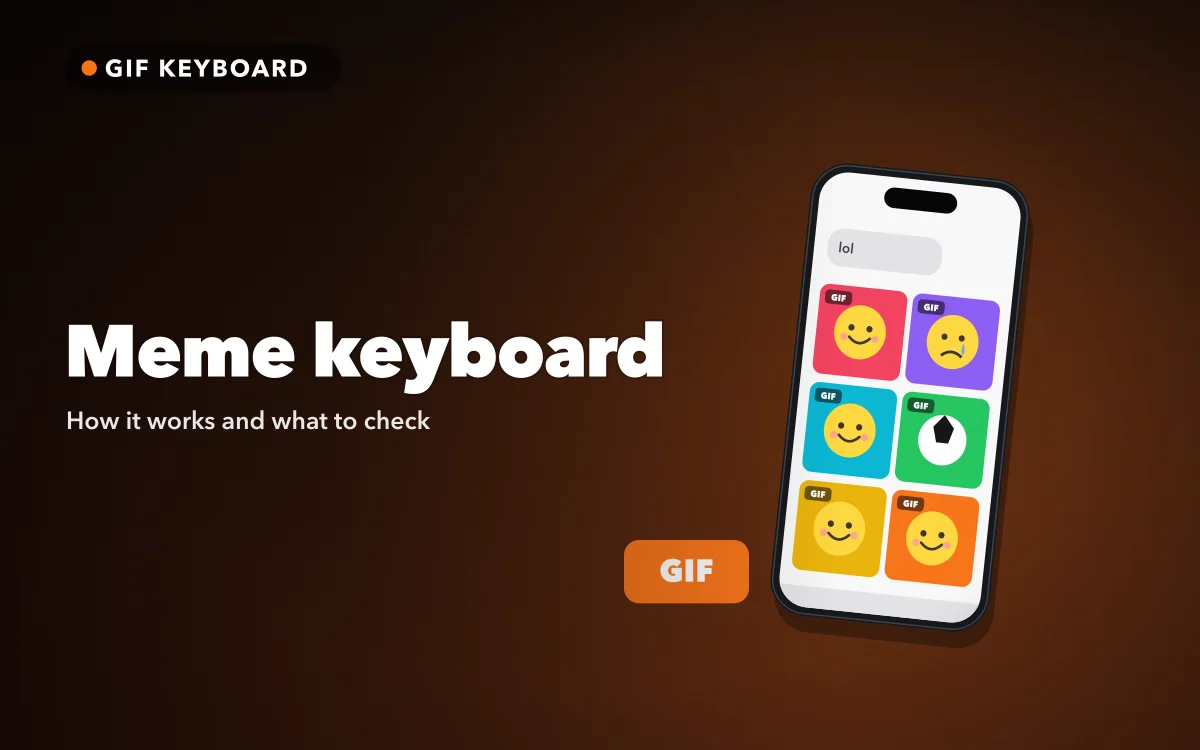
The perfect reaction is rarely worth a trip to another app. By the time you have opened a browser, found the image, saved it and returned to the chat, the conversation has moved on. A meme keyboard solves this by keeping the search inside the keyboard, right where you are already typing.
It is a simple idea, though there are a few things that are worth knowing before you add one to your iPhone, especially around permissions. Here is what a meme keyboard does, how to set one up and how to get the most out of it.
What a meme keyboard does
A third-party keyboard is a small add-on that can replace the standard iPhone keyboard whenever you choose. A meme keyboard uses that space for images: you get a search box and a grid of GIFs, memes and stickers, usually alongside a normal keyboard for typing.
The typical routine goes like this:
- You are in a chat and want to react.
- You tap the globe key to switch to the meme keyboard.
- You search or pick something from your recent items.
- You copy it, then paste it into the conversation.
Because the same keyboard is available wherever you type, you can use the same search and the same favourites across all your chat apps.
How to set one up
Once you have installed a meme keyboard, you add it in the iPhone settings. This is the same for all third-party keyboards:
- Open Settings, then tap General.
- Tap Keyboard, then Keyboards.
- Tap Add New Keyboard, and choose it from the list.
- Tap its name, and decide whether to allow Full Access. The section below explains what this means.
To use it, tap the globe key while typing. To return to your usual keyboard, tap the globe key again. If you touch and hold the globe key, you will see a list of your keyboards, which is quicker if you have several. Our guide on how to use a GIF keyboard has more detail on this.
Follow along in GIF Keyboard: Memes & Emoji
Free on the App Store for iPhone and iPad.
App Store
What Full Access means
This is the part many people skip, and it deserves a straight answer. iOS keeps third-party keyboards fairly restricted by default. Without Full Access, a keyboard generally cannot connect to the internet, which rules out online search.
When you turn on Full Access, iOS shows a warning that the keyboard's developer could transmit what you type. It is a real warning, and it applies to every keyboard that asks for this permission, not only meme keyboards. So it is sensible to:
- Read the privacy policy. Check what the developer says it collects, and download only from a developer you are comfortable with.
- Check what still works without it. Some keyboards let you type normally without Full Access, and only ask for it when you want the online features.
- Remember the limits. iOS switches to the standard keyboard in password fields, so third-party keyboards are not used there.
If you would rather avoid it altogether, the built-in #images search in Messages is a good alternative. See how to send GIFs in iMessage for the steps.
Search by feeling, not by film
Memes are usually tagged by what they express. So try searching for "awkward", "side eye" or "this is fine" before you search for the name of a film or a person. You will often find a better fit in less time, and you will come across reactions you did not know you wanted. Our guide to finding the right GIF fast has more search terms to try.
Getting quicker with favourites and replies
Most people use the same small set of reactions again and again, so building a shortlist will make a big difference.
- Save your favourites. Whenever you use a reaction you like, save it so you do not need to search again. How to save your favourite GIFs covers other ways to keep them.
- Check your recents. The last few items you used are often exactly what you want. Some keyboards keep them available even when your connection is poor.
- Use text replies too. Some meme keyboards let you store short messages, such as "on my way" or "call you later", so you can send them with one tap.
A shortlist also helps you keep the jokes fresh. If you want more ideas, try the funniest meme GIFs to send.
Which apps accept pasted memes
Copying and pasting works widely, but the results vary. The app you are pasting into decides what it does with the image.
- iMessage. Generally handles animated GIFs well, as long as the other person is also on iMessage.
- WhatsApp, Telegram and Discord. All have their own ways of handling GIFs, and an image may be converted or compressed.
- Instagram and Snapchat. Pasting works in many of their direct message screens, though not in every field.
- Email. It depends on your mail app, and animations may not play for the person who receives them.
If you paste a GIF and it arrives as a still image, the app probably converted it. Our list of which apps support GIFs goes through each of them.
It also helps to know the difference between the formats. A sticker often works better than a GIF in fast-moving chats, and a still meme can land harder than either of them. GIFs, stickers and memes compared explains when to use each one.
If it does not appear
A meme keyboard can seem to vanish, or stop working, for a few common reasons:
- There is no globe key. Check that the keyboard is added in Settings, General, Keyboard, Keyboards.
- Search does not load. Check your connection, and check that Full Access is on, if the keyboard needs it for search.
- Paste does nothing. Touch and hold the text field, and then tap Paste. If that fails, the app may not accept images in that field.
- The standard keyboard keeps appearing. This is normal in password fields, and some apps can also choose not to allow third-party keyboards.
Quick answers
Is a meme keyboard safe to use?
It depends on the developer and on what you allow. Full Access is a real permission, so read the privacy policy, and turn it on only if you are comfortable with it.
Can I use a meme keyboard without Full Access?
You can usually type, but online search and copying images often need it. Check what each keyboard says it needs.
Why does my meme arrive as a still picture?
The app you pasted into probably converted it. Try sending it in another app, or send it as a sticker or a still image instead.
Where to get it
GIF Keyboard: Memes & Emoji has trending GIFs, memes, stickers and reactions, along with favourites, Quick Replies and a full text keyboard. Your recent items stay available offline once they have loaded. You can type without Full Access, and allowing it adds search, copying GIFs and saved replies. It works in iMessage, WhatsApp, Instagram, Snapchat, Telegram, Discord, TikTok DMs and email.
Save the five reactions you use most, and the rest will take care of itself.